Free first fix
Wondering how to optimize your Mac performance? You’re in the right place. Check out our multifunctional app and get the most from your device.
 Download

Optimize your Mac’s RAM to complete your essential tasks
Enjoy your Mac starting and operating as smoothly as possible
Easily track your apps so they are updated and can give their best performance
Step 1:
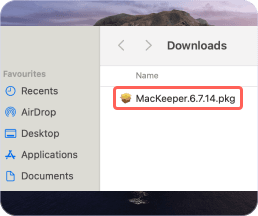
Click Download Now
Step 2:

Click “Run” or “Save”
Step 3:

Clean your Mac
MacKeeper is a multilayered app for Mac cleaning, security, privacy, and
optimization. It
combines easy-to-use yet powerful instruments that help you take
your Mac experience to the
next
level.
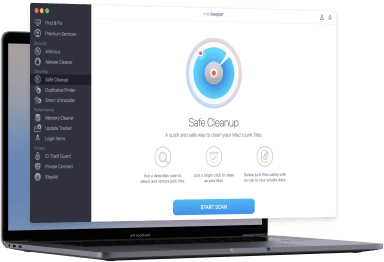
Cleaning
Get rid of junk, duplicates, and screenshots in a couple of clicks and get your precious storage back.
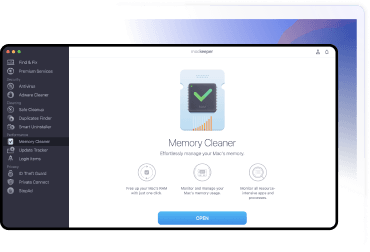
Optimization
Take control of your RAM, keep apps up-to-date, and manage your login items; then enjoy optimized Mac performance.
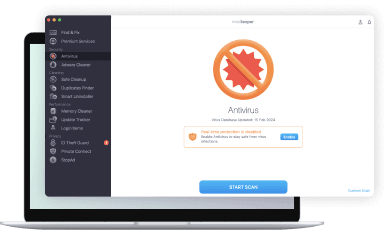
Security
Detect and remove viruses, adware, and malware (99.7% virus detection rate). Enable real-time protection to stay secure 24/7.
Privacy
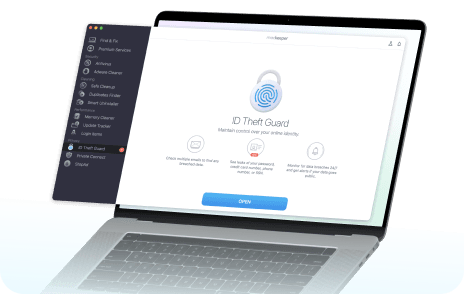
Get notified of data leaks, check if your passwords were compromised, and stay safe from annoying ads.
 Download Now
60+ million downloads
Apple Notarized
Notarization by Apple is a security measure to check if software is free from malicious components.
** Notarization is not the App Review. The Apple notary service is an automated system that scans your software for malicious content.
Your macOS version is lower than OS 10.11. We’d like to offer you MacKeeper 4 to solve the cleaning, privacy, and security issues of your macOS.