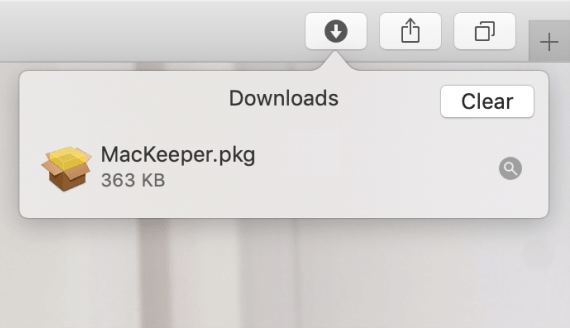
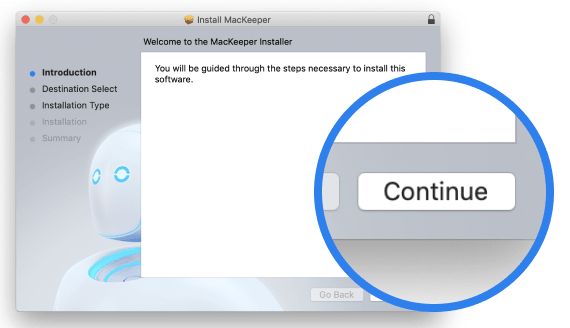
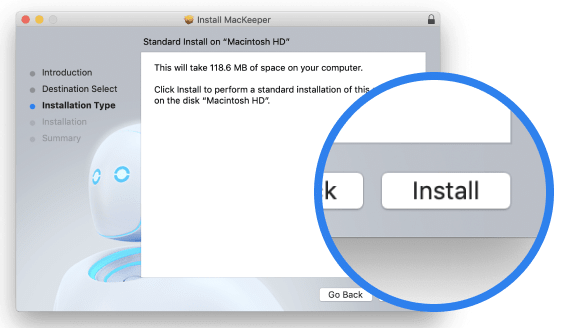
The ultimate uninstaller for Mac
MacKeeper can remove Mac apps and leftover files in just a couple of clicks, no matter where they’re hiding.
Download
The last app cleaner you’ll ever need
Delete apps the right way using MacKeeper Smart Uninstaller. Let it find and remove unwanted leftover files for you.
- See unused apps first
- discover hidden apps
- delete app leftovers
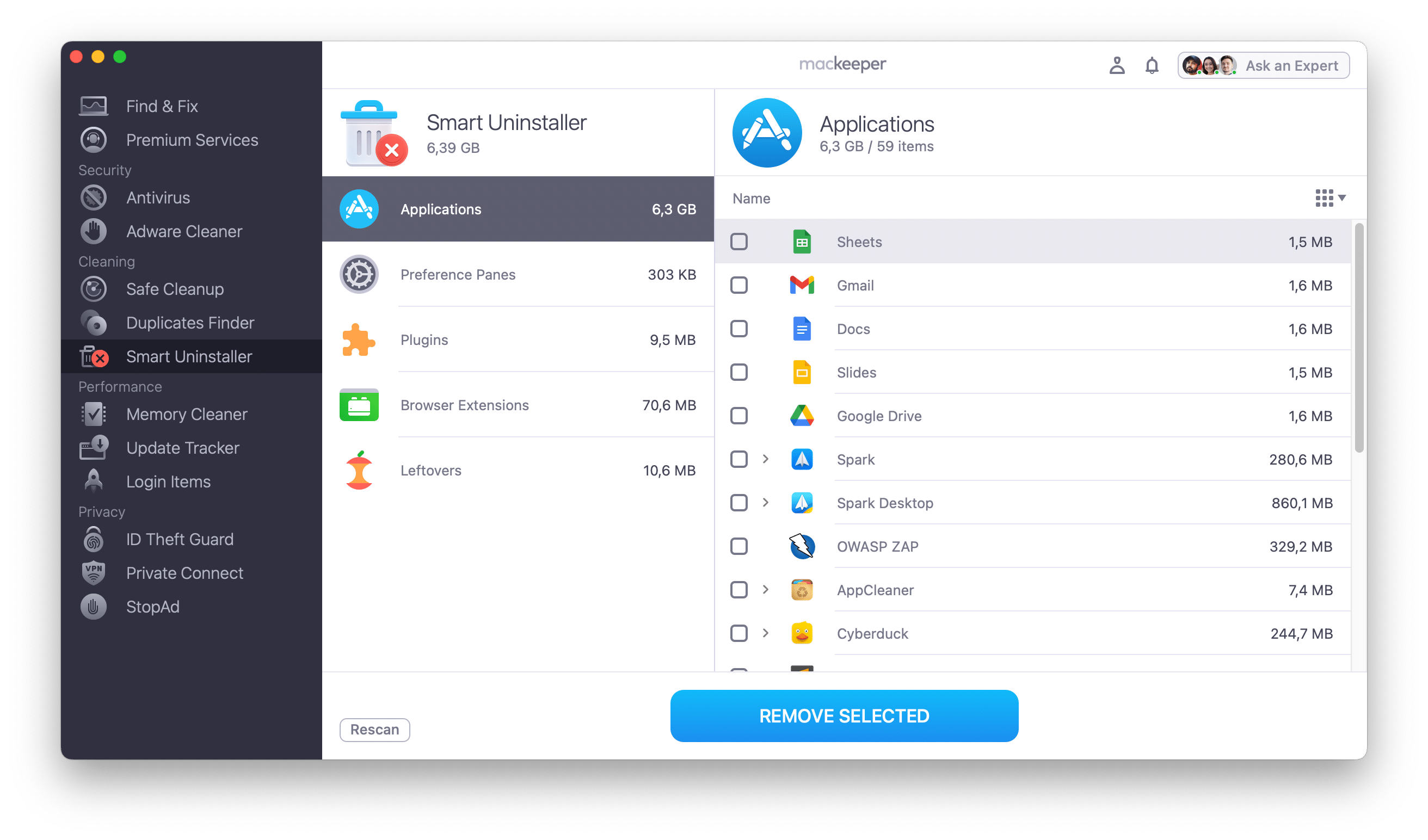
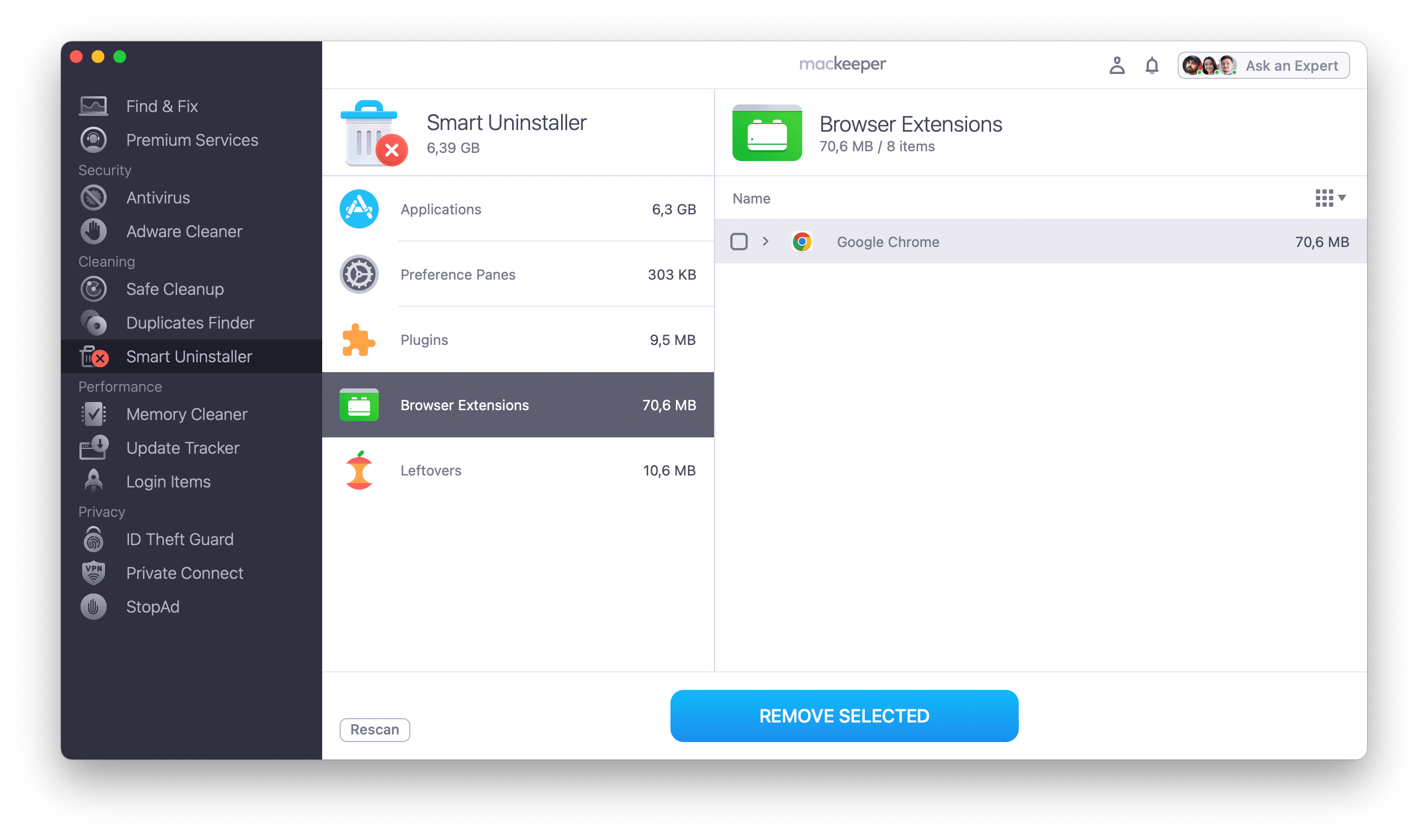
Stop unneeded web browser add-ons clogging up your Mac and holding it back.
- sort by size
- group extensions by browsers
- remove them all in one click
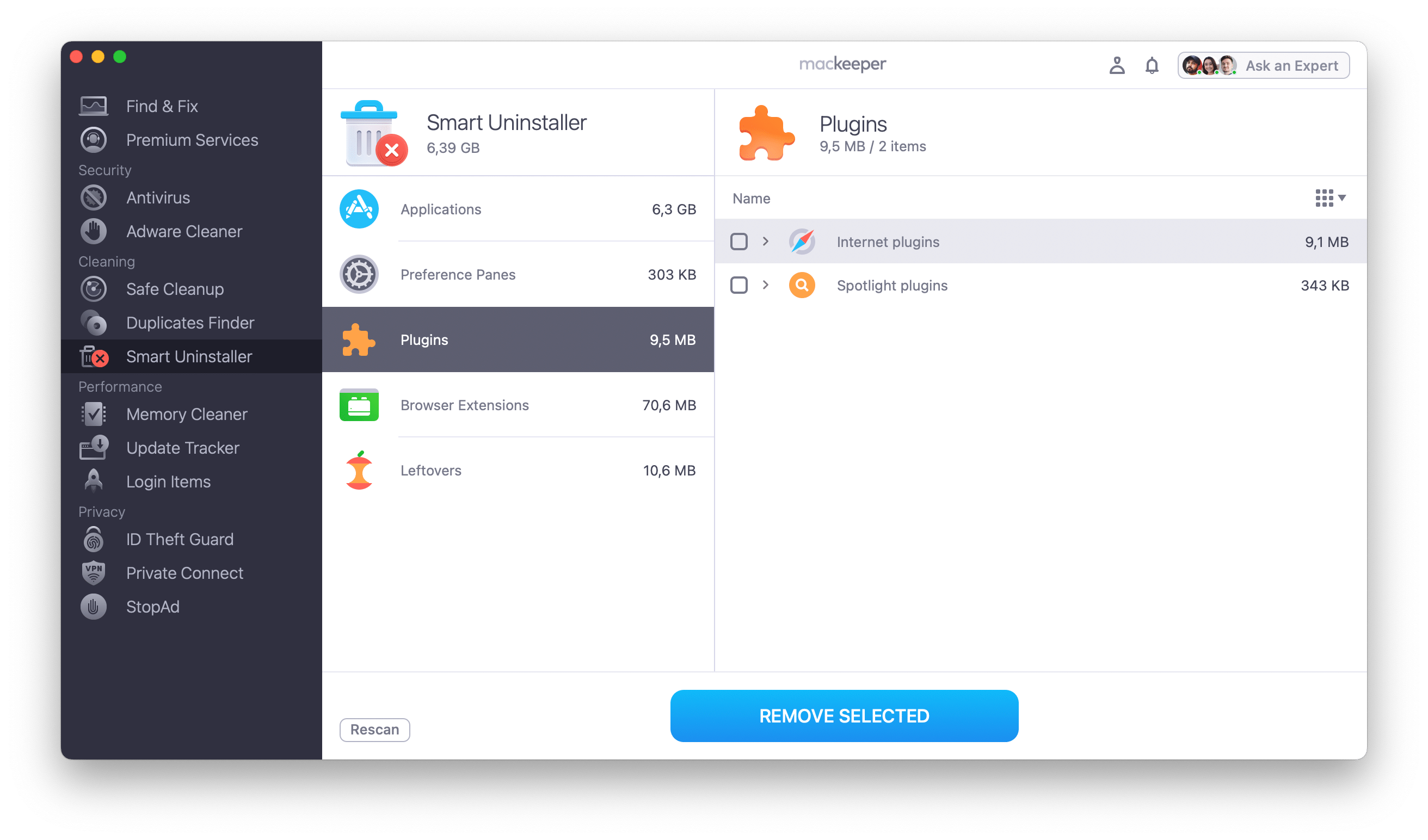
Let MacKeeper take care of plugins and preference panes hogging valuable disk space and slowing your Mac down.
- find internet and Spotlight plugins
- remove preference panes
- free extra space with one click

More than just a Mac uninstaller
MacKeeper is a complete Mac optimization and security package.

Keep malware at bay
- Get real-time protection
- Stop adware from bugging you
- Delete or quarantine viruses

Turbo-charge your Mac
- Free up memory
- Reduce start times
- Update apps in one click

Safeguard your privacy
- Stay hidden with a secure VPN
- Check for data breaches
- Browse without ads
Which MacKeeper version is right for you?
Enjoy a free test drive of our Mac tune-up software
Free
Full
Remove junk files and unused apps
Once
Quit memory-draining apps
Scan for malware infections
Protect from viruses in real time
One week
Block adware and pop-ups
Once
Chat with tech support 24/7
Browse anonymously through VPN
Monitor for personal record leaks
- System Requirements: macOS 10.15 or later, 100 MB of spaceFull requirements
- Latest Software Version: 7.8, 9 月, 2026
- Pricing: Starting at $10.95/month
- Developer: Clario Tech FZCO
**Notarization is not the App Review. The Apple notary service is an automated system that scans your software for malicious content.