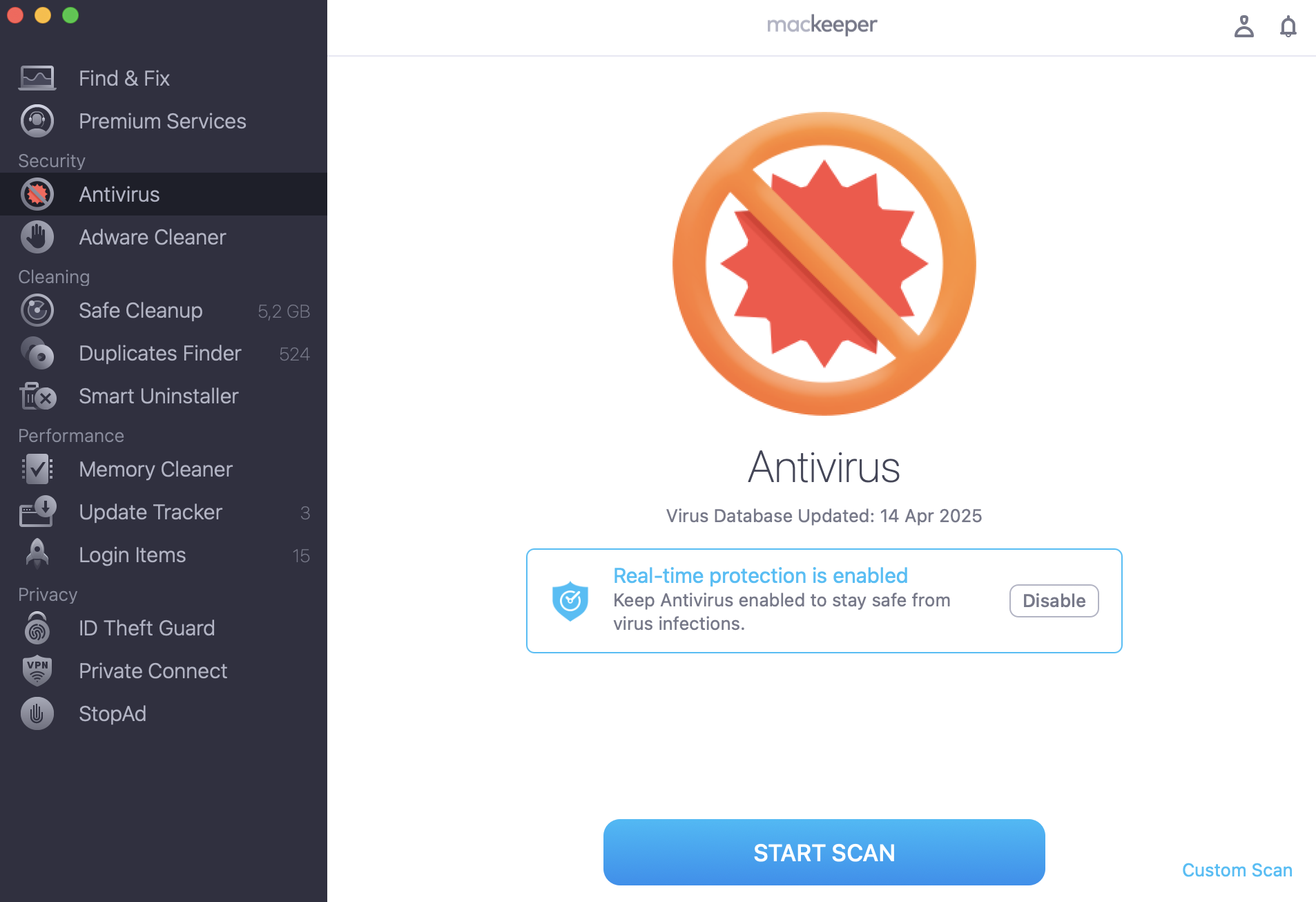
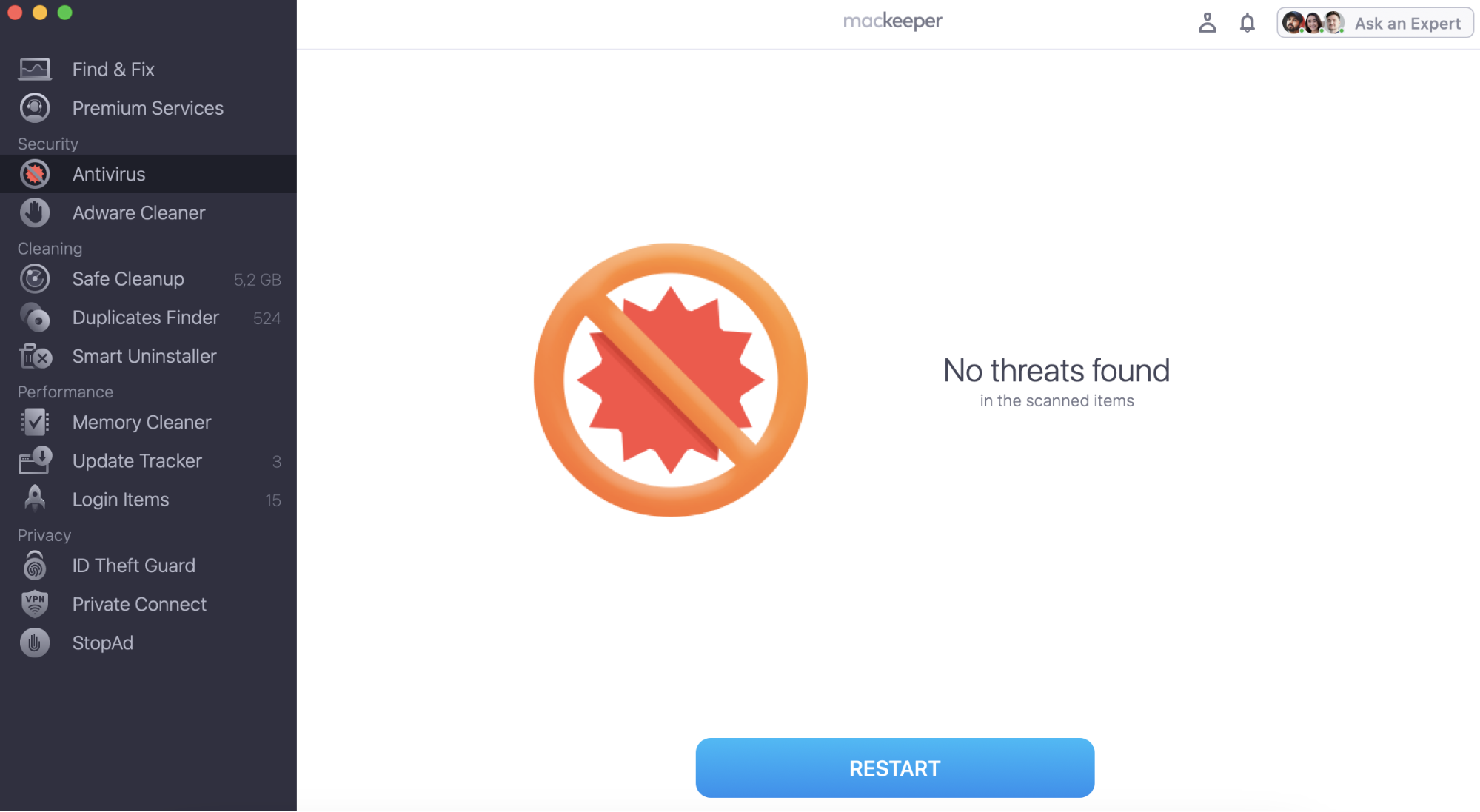
MacKeeper has earned AppEsteem certification to prove its quality and security for their users. Try MacKeeper’s Antivirus now to keep your Mac safe with little effort on your side.
As our app evolves, we want to make sure that its quality is proven by reputable independent sources. This is why we initiated and successfully completed the App- Esteem certification of MacKeeper — the gold standard for app quality and reliability. This is something that none of the other leading brands in the digital protection and privacy space have achieved.
AppEsteem’s Certification process requires companies to undergo a rigorous and demanding review that entails detailed substantive analyses for consumer-protection criteria and multiple levels of a technical review.
A note from our experts:
You can read more detailed information about MacKeeper certification in our blog. But now you know the main一yoi can rely on our Antivirus tool. To keep your Mac safe and virus-free, try out MacKeeper’s Antivirus.
Why did we decide to get certification for MacKeeper?
Historically, MacKeeper used to be criticized by the overly-promotional marketing steps taken by some of our former partners. We’ve now successfully eliminated such partnerships and put the consumer at the center of our growth strategy.
With the AppEsteem certification, we’ve officially joined an exclusive circle of companies committed to honest software practices and guidelines set out by the industry.
What is AppEsteem?
AppEsteem are an industry-monitoring organization helping 2 billion people get trusted cybersecurity solutions from reputable companies. “We started our company to help companies claim that they are compliant, and help consumers trust what those apps claim,” says Dennis Batchelder, the founder of AppEsteem. “That’s what we focus on with this certification, both for products like MacKeeper and services like MacKeeper Customer Services.”
Today, an AppEsteem certification is the gold standard for app quality and reliability. For you it means that a team of independent, highly-qualified experts reviewed all the processes behind our app development and support to ensure you can trust us.
“This certification is very important for us, as it shows we stand for customer centricity and satisfaction,” says Serge Sosniak, our company’s CSO. “To us, the consumer-centric approach is crucial, as with every version of MacKeeper and with all its new tools, we care about the best customer experience possible. We believe that AppEsteem is the organization that can help consumers reliably differentiate the good apps from the bad ones.”
What does the certification of MacKeeper mean for you?
MacKeeper has undergone a strict examination during the certification process. This means that MacKeeper was acknowledged as a safe and trustworthy app with clear, transparent, and legal methods of advertising, distribution, and monetization. Now you can be sure that:
MacKeeper is a legitimate app that can be used without any concern
MacKeeper meets the transparent international quality standards
All the app’s procedures and explanations are transparent and clear
Your personal information is safe with us
MacKeeper is focused on improving customer satisfaction
What’s going to happen next?
We’re not going to stop here. We’re committed to continually improving the MacKeeper experience for the greater benefit of our customers.
We respect your privacy and
use cookies
for the best site experience.
Privacy Preferences Center
We use cookies along with other tools to give you the best possible experience while using the
MacKeeper website. Cookies are small text files that help the website load faster. The cookies we
use don’t contain any type of personal data meaning they never store information such as your
location, email address, or IP address.
Help us improve how you interact with our website by accepting the use of cookies. You can change
your privacy settings whenever you like.
Manage consent
All cookies
These cookies are strictly necessary for enabling basic website functionality (including page
navigation, form submission, language detection, post commenting), downloading and purchasing
software. The website might malfunction without these cookies.