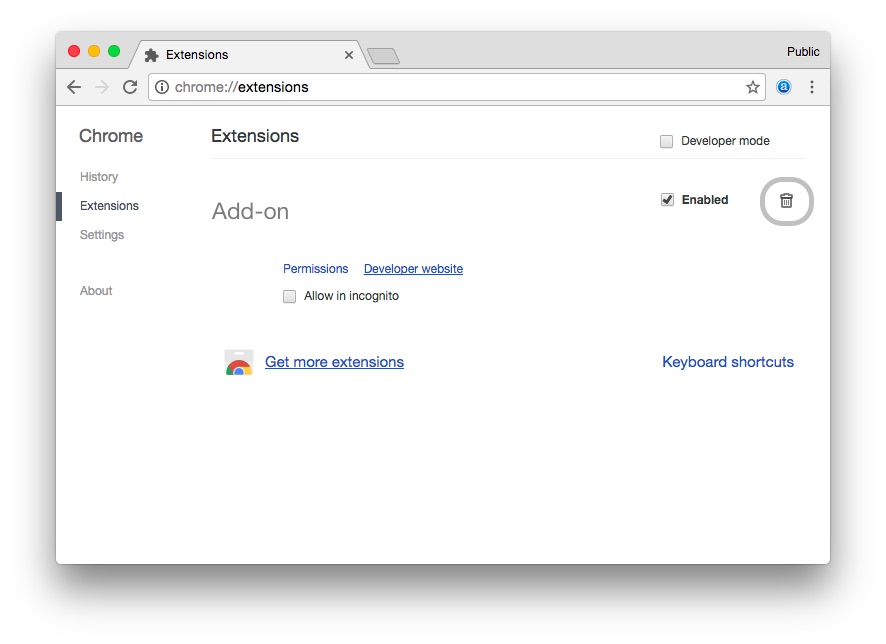
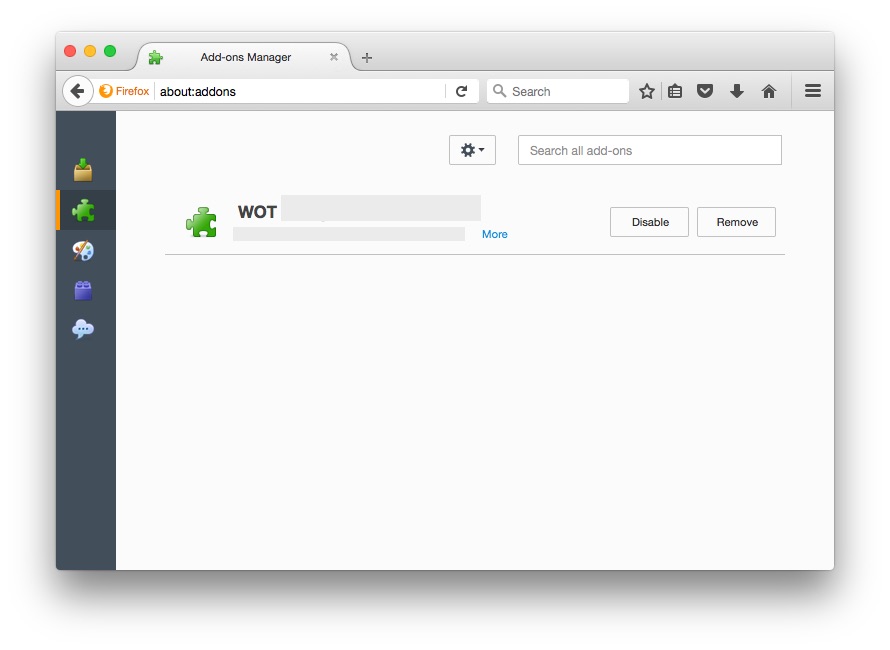
"Web of Trust" Add-on (WOT)—Why You Should Remove It?
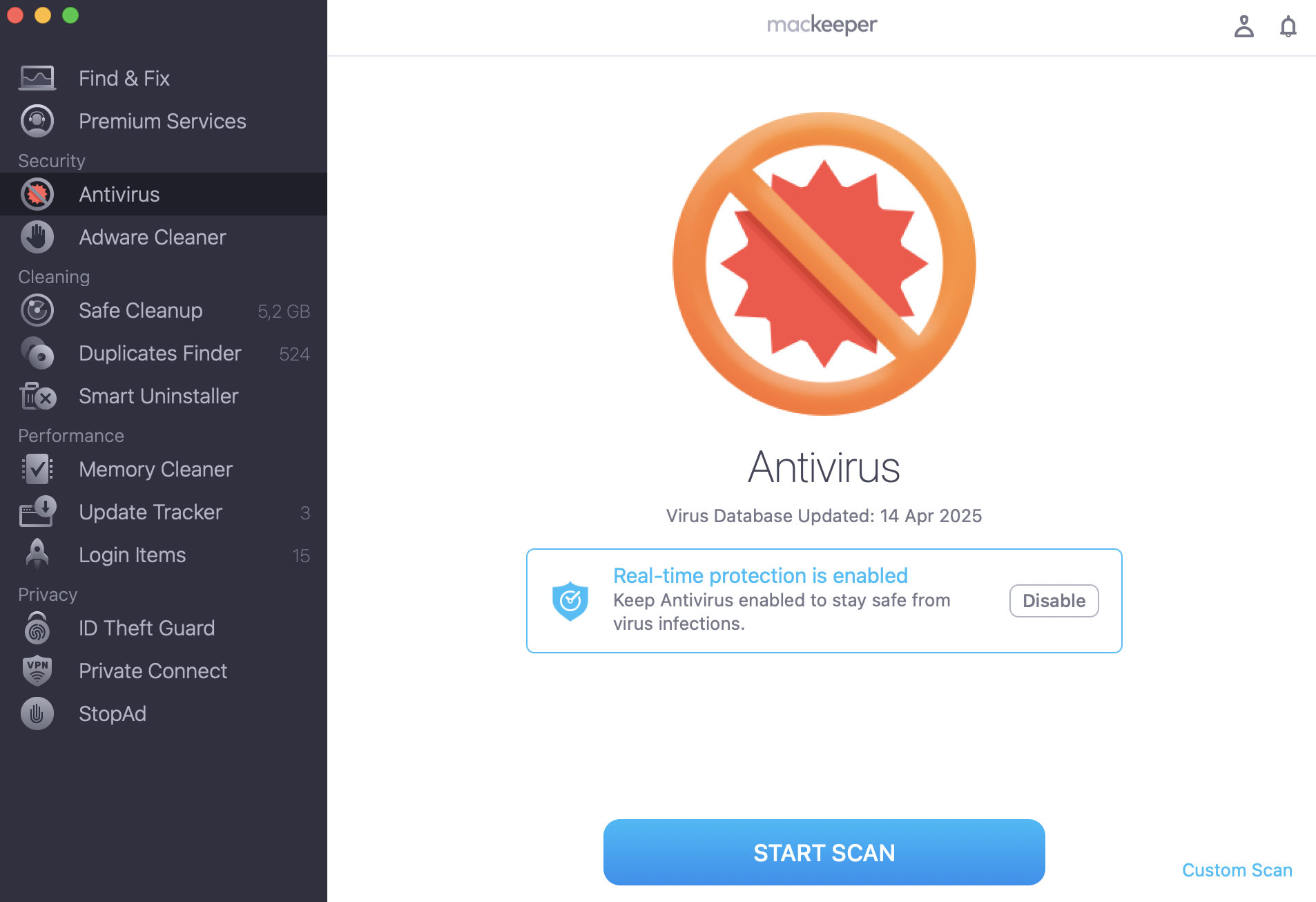
The "Web of Trust" add-on has been removed from the leading web browsers such as Chrome, Firefox, and Opera. And we’ll soon tell you why you should remove it too, but for now your first step should be installing a robust protection app, like MacKeeper’s Antivirus. It will identify malicious files and help you prevent them from invading your device.
Add-ons became an essential part of our daily Internet usage. We trust them, but seems that too much. As the case with “Web of Trust” shows, you should think twice before entrusting your personal details to companies.
The WOT Privacy Policy says that the user’s IP, geolocation, device type, operating system, browser, date and time, Web addresses, and overall browser usage are non-identifiable. But at the same time, the German TV channel NDR found that “Web of Trust” easy connects anonymized data with user accounts that include the account name, mailing address, illnesses, sexual preference, drug consumption, confidential company information, and browser surfing activity including all sites visited. That’s actually a huge number of collected data that may be a big issue, especially when it comes to over 140 million web surfers.
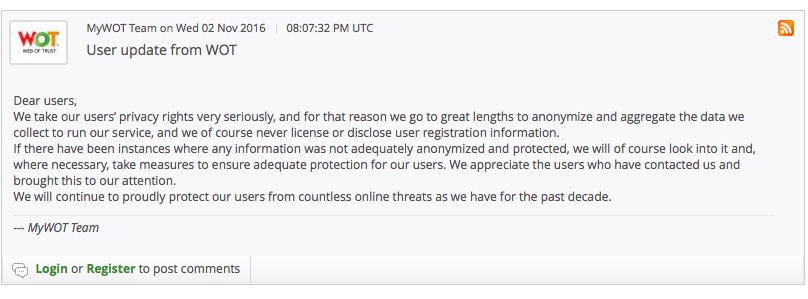
In its turn, the “Web of Trust” service posted an official response to NDR on its official website:
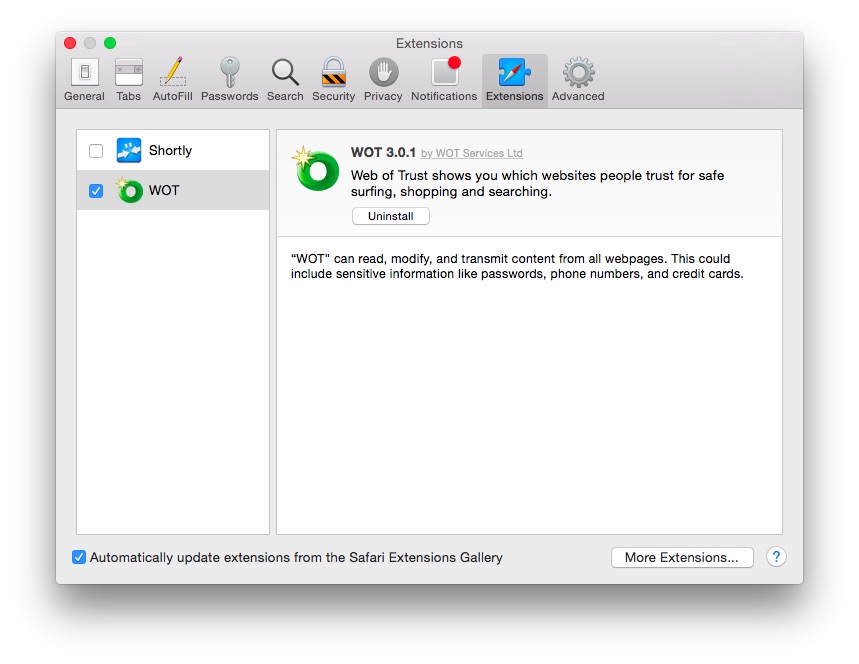
*MacKeeper strongly recommends not installing the “Web of Trust” extension to protect your private information from leakage to third parties. The “Web of Trust” add-on is still available in Safari extensions. Besides, WOT also has a mobile app, which is also vulnerable to this data collection.
A note from our experts:
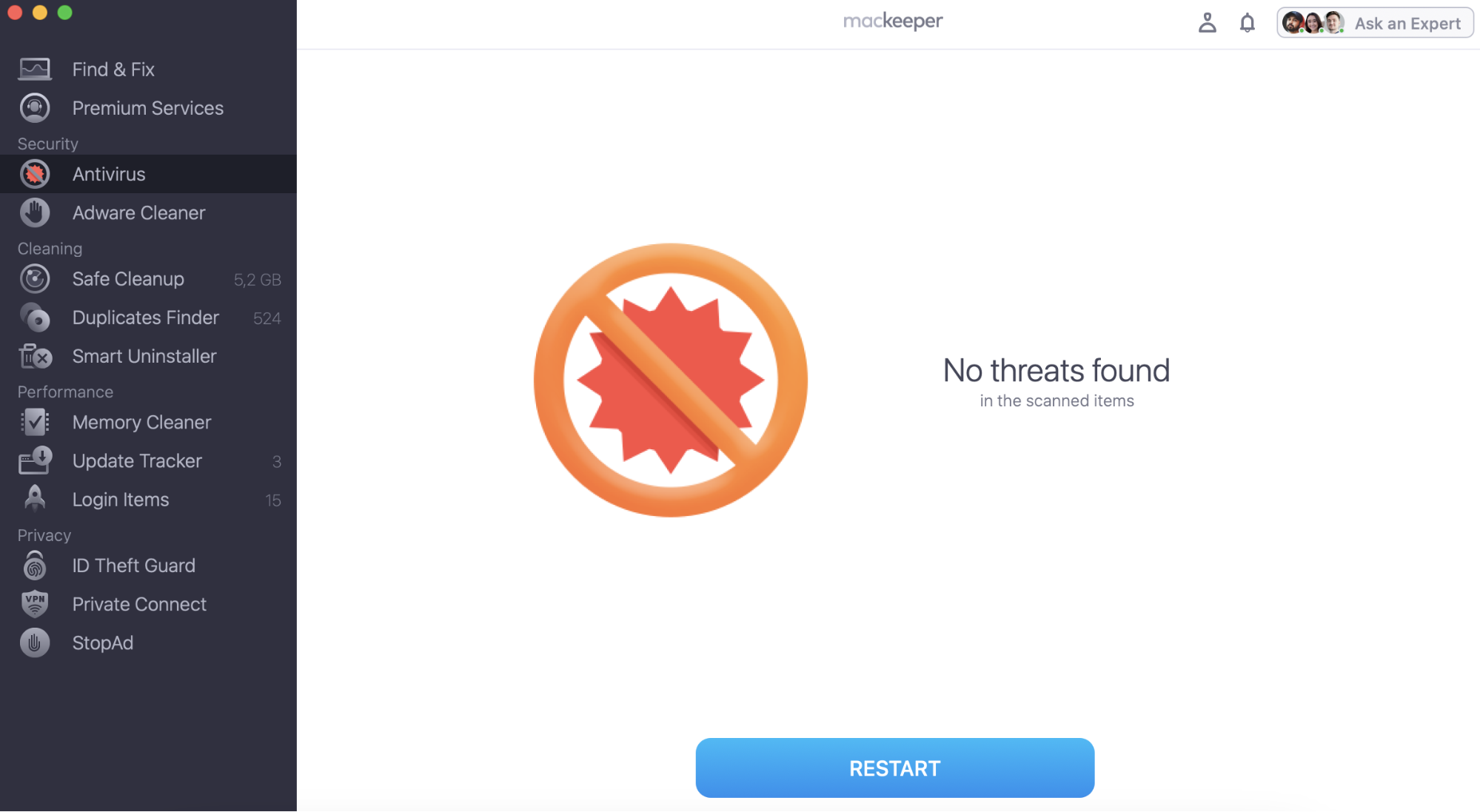
WOT might collect personal information. The best decision to protect your Mac from different malware is to utilize a reliable antivirus solution. MacKeeper’s Antivirus provides real-time protection for your Apple device.
We respect your privacy and
use cookies
for the best site experience.
Privacy Preferences Center
We use cookies along with other tools to give you the best possible experience while using the
MacKeeper website. Cookies are small text files that help the website load faster. The cookies we
use don’t contain any type of personal data meaning they never store information such as your
location, email address, or IP address.
Help us improve how you interact with our website by accepting the use of cookies. You can change
your privacy settings whenever you like.
Manage consent
All cookies
These cookies are strictly necessary for enabling basic website functionality (including page
navigation, form submission, language detection, post commenting), downloading and purchasing
software. The website might malfunction without these cookies.