Duplicate finder for Mac

Duplicate finder for Mac by MacKeeper all-in-one Mac maintenance app easily finds similar files and reclaims your disk space. Run it now to instantly find and remove duplicate photos, screenshots, videos and other files.

Download duplicate finder for Mac
MacKeeper - Your perfect duplicate finder for Mac

Explore our duplicate file remover for Mac

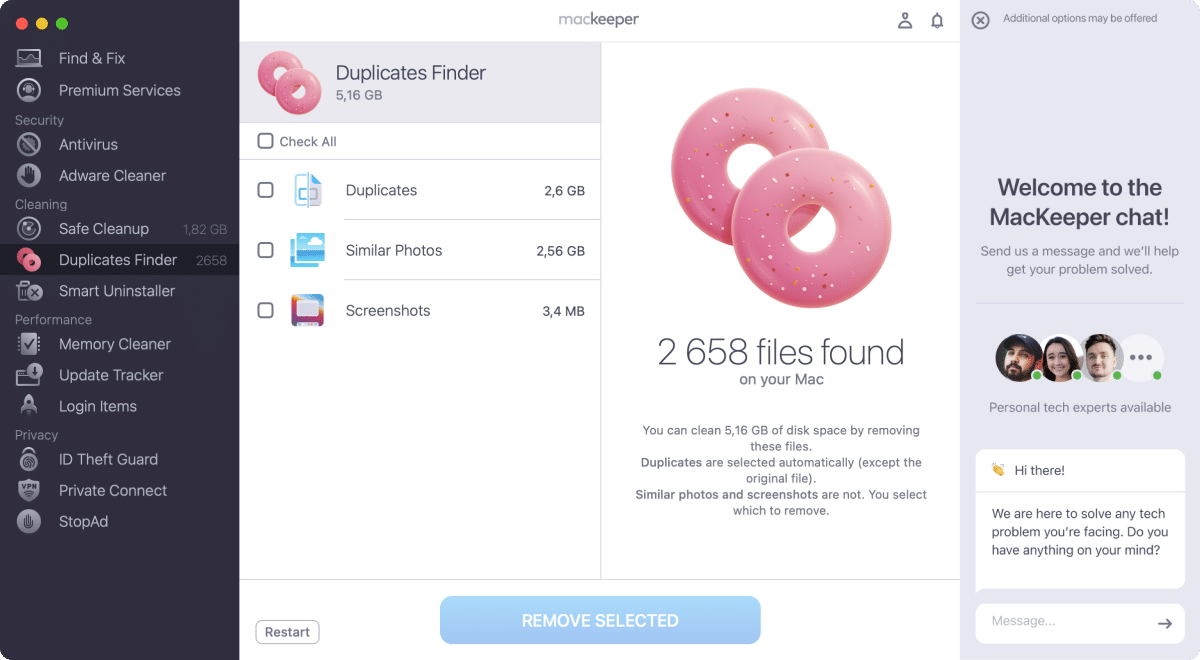
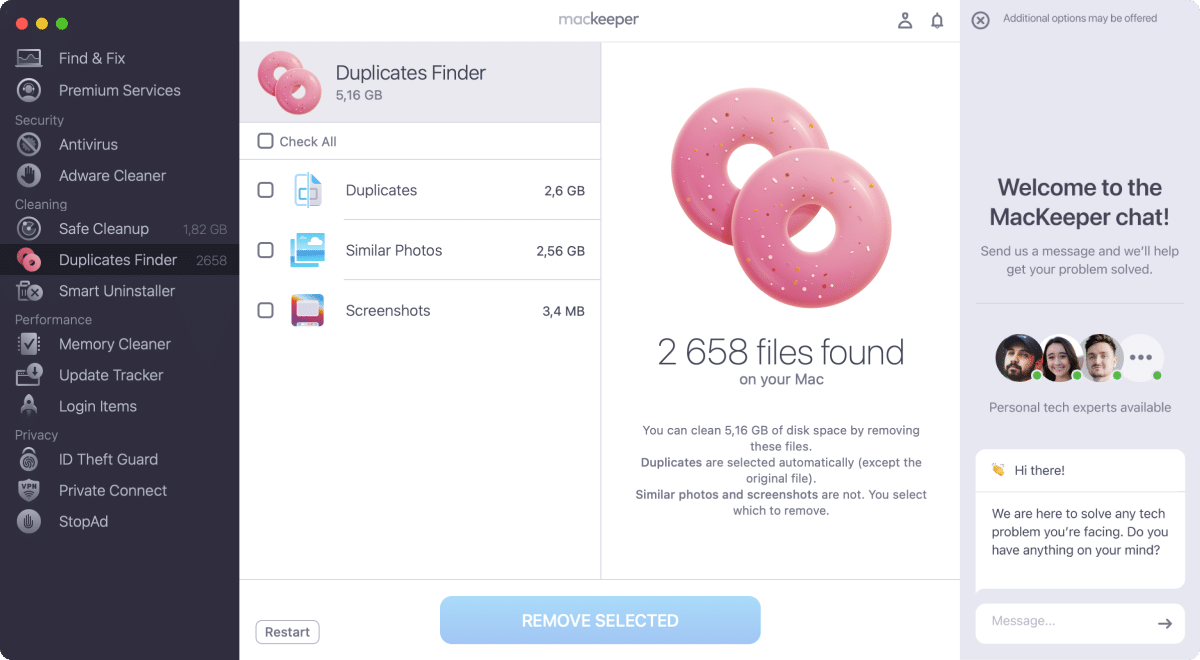
Duplicates Finder

Free up disk space on your Mac by taking care of those duplicate files such as images and video.

  • Find and delete all copies, leaving the originals untouched.
  • Go further and remove similar-looking photos, only keeping the best shots.
  • Run regular scans to keep your Mac duplicate-free.
Download duplicate file finder for Mac
MacKeeper shows how to use duplicate photo finder and remover on your Mac

Check out duplicate finder for Mac reviews from trusted tech media

More reviews

One standout feature of MacKeeper is its unique chat window that gives the user 24/7 access to MacKeeper’s team of privacy and security experts.

Mark Sparrow

Forbes

MacKeeper offers tons of security, privacy, and performance features beyond basic antivirus protection

Neil J Rubenking

PCMag

MacKeeper is a very easy tool to use; it’s well organised and the various features are clear and functional.

Keith Martin

Macworld

The thing that stands out the most about MacKeeper is how easy it is to use. A quick install, and then you’re guided through the process of scanning and protecting your Mac.

Chyelle Dvorak

TechRadar

MacKeeper remains one of the best ways to keep your Mac running at peak performance and protect it from viruses and other malware. It remains quite lightweight and has little impact on the system’s multitasking performance, except for the real-time protection feature.
We found it pretty useful, and it offers some handy features like VPN, ID Theft Guard, and an ad blocker. So, if you need a reliable way to protect and optimize your Mac, you may consider MacKeeper.

TheSweetBits Team

TheSweetBits

Check out all the latest MacKeeper reviews

Here
Customer Reviews
8 out of 10

Grab a free duplicate file finder scan for Mac

Try duplicate finder for Mac now
1

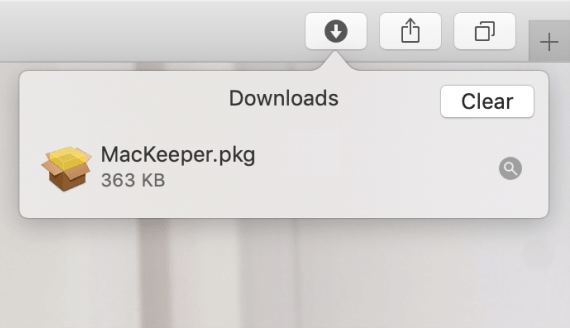
Install MacKeeper

2

Test run duplicate file finder

3

Try one free duplicate file remover

4

Remove tons of duplicate files

  • System Requirements: macOS 10.15 or later, 100 MB of spaceFull requirements
  • Latest Software Version: 7.8, Sep, 2026
  • Pricing: Starting at $10.95/month
  • Developer: Clario Tech FZCO

**Notarization is not the App Review. The Apple notary service is an automated system that scans your software for malicious content.

Supported Operating System Versions

The supported operating systems include macOS 10.15 Catalina and all newer releases (macOS 11 Big Sur, macOS 12 Monterey, macOS 13 Ventura, macOS 14 Sonoma, macOS 15 Sequoia, macOS 26 Tahoe, and macOS 27 Golden Gate). Both Intel-based architectures and Apple Silicon chipsets (M1, M2, M3, M4, and M5 series) running these operating systems are fully supported.

Supported Apple Hardware

MacKeeper supports Apple's main computer lineup across laptop and desktop form factors. Supported notebook models include all eligible MacBook Air and MacBook Pro devices. Supported desktop models include iMac, Mac mini, Mac Studio, and Mac Pro systems, provided the device runs a compatible macOS version.

arrow

Run Application

step_1

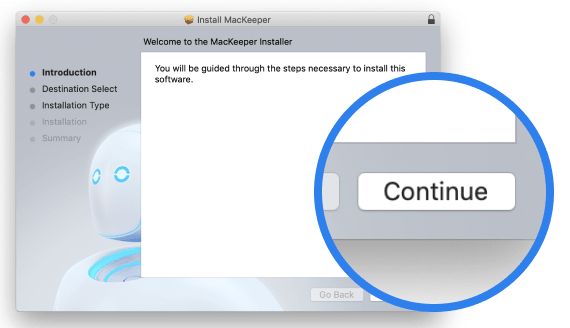
Click Continue

step_2

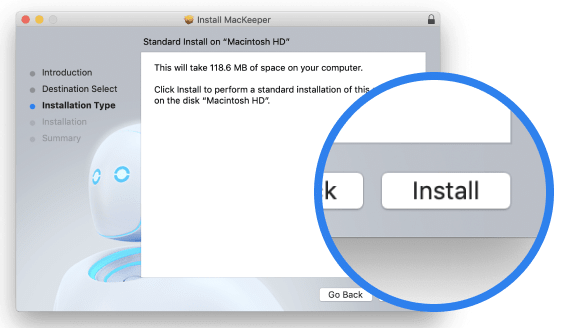
Click Install

step_1

Your macOS version is lower than OS 10.11. We’d like to offer you MacKeeper 4 to solve the cleaning, privacy, and security issues of your macOS.