Talk to Support

Great choice for your Mac!

Now install MacKeeper and bring your old Mac back to life.

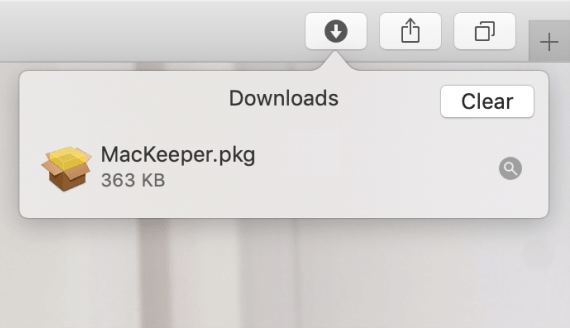
Run the installer

step_1

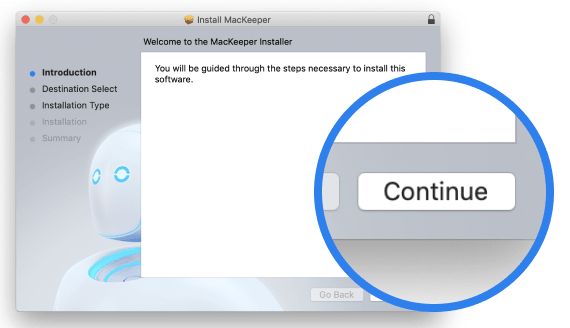
Click Continue

step_2

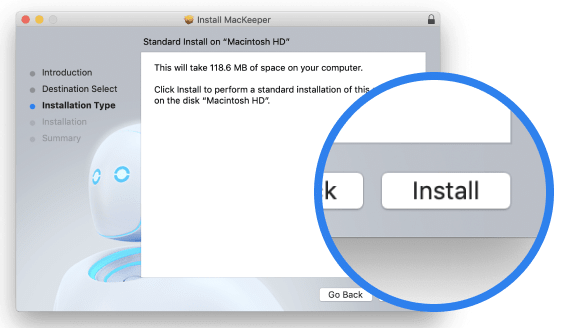
Hit Install

step_3
clean

Free up tons of disk space by removing junk files

privacy

Protect your personal data online—hide it!

clean

Remove viruses, adware & security threats

privacy

Give your Mac extra performance speed

So, you’ve installed MacKeeper.
What’s next?

Find&Fix Free first scan
find&fix

Step 1

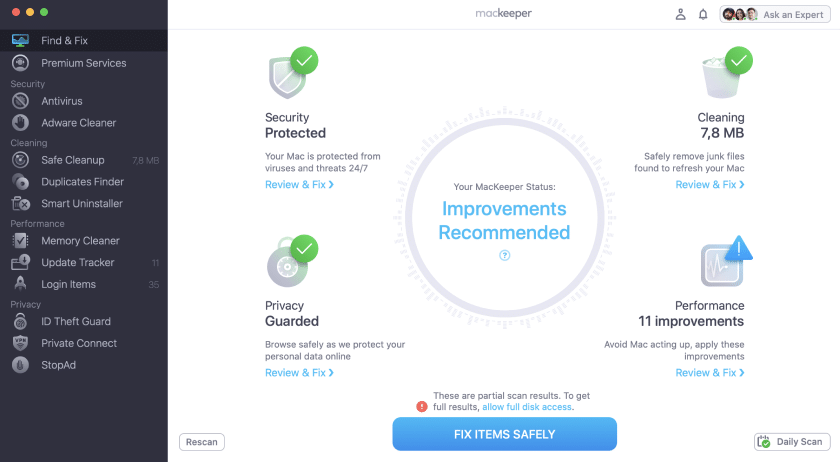
Scan your entire Mac

Run MacKeeper’s Find & Fix and let it do the job. Remove junk, spot adware, and optimize Mac speed easily—all at once, in a click.

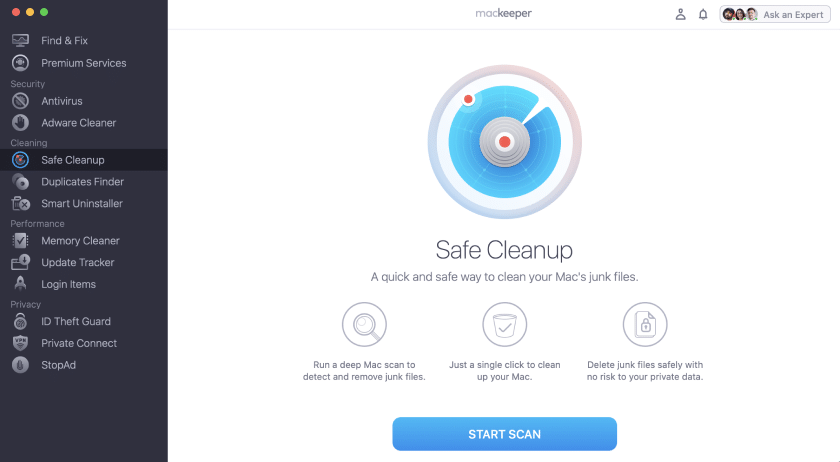
Safe Cleanup Free first fix
safe cleanup

Step 2

Go feature by feature

Start with the Safe Cleanup feature to remove unneeded files, risk-free. But don’t stop there: MacKeeper has 11 more features to explore.

activation

Need help with activation?

You can check out our step-by-step guide.

How to Activate MacKeeper
help

Help Center

Learn helpful tips on how to use any MacKeeper tool.

Visit Help Center
help

Video tutorials

Watch our YouTube tutorials with great Mac tips & tricks.

Visit YouTube
Let MacKeeper torch the threats from your Mac this Black Friday:
  • Protect your Mac in real time from malware, adware, and viruses

  • Get comprehensive VPN to enjoy safe browsing and shopping

  • Leverage 24/7 password leaks monitoring to stay hidden from hackers

Set Black Friday on fire—you’ll like it hot!

arrow

Run Application

step_1

Click Continue

step_2

Click Install

step_1

Your macOS version is lower than OS 10.11. We’d like to offer you MacKeeper 4 to solve the cleaning, privacy, and security issues of your macOS.