MacKeeper’s parent company, Kromtech Alliance Corp., named to Online Trust Alliance Honor Roll 2016 for a second consecutive year
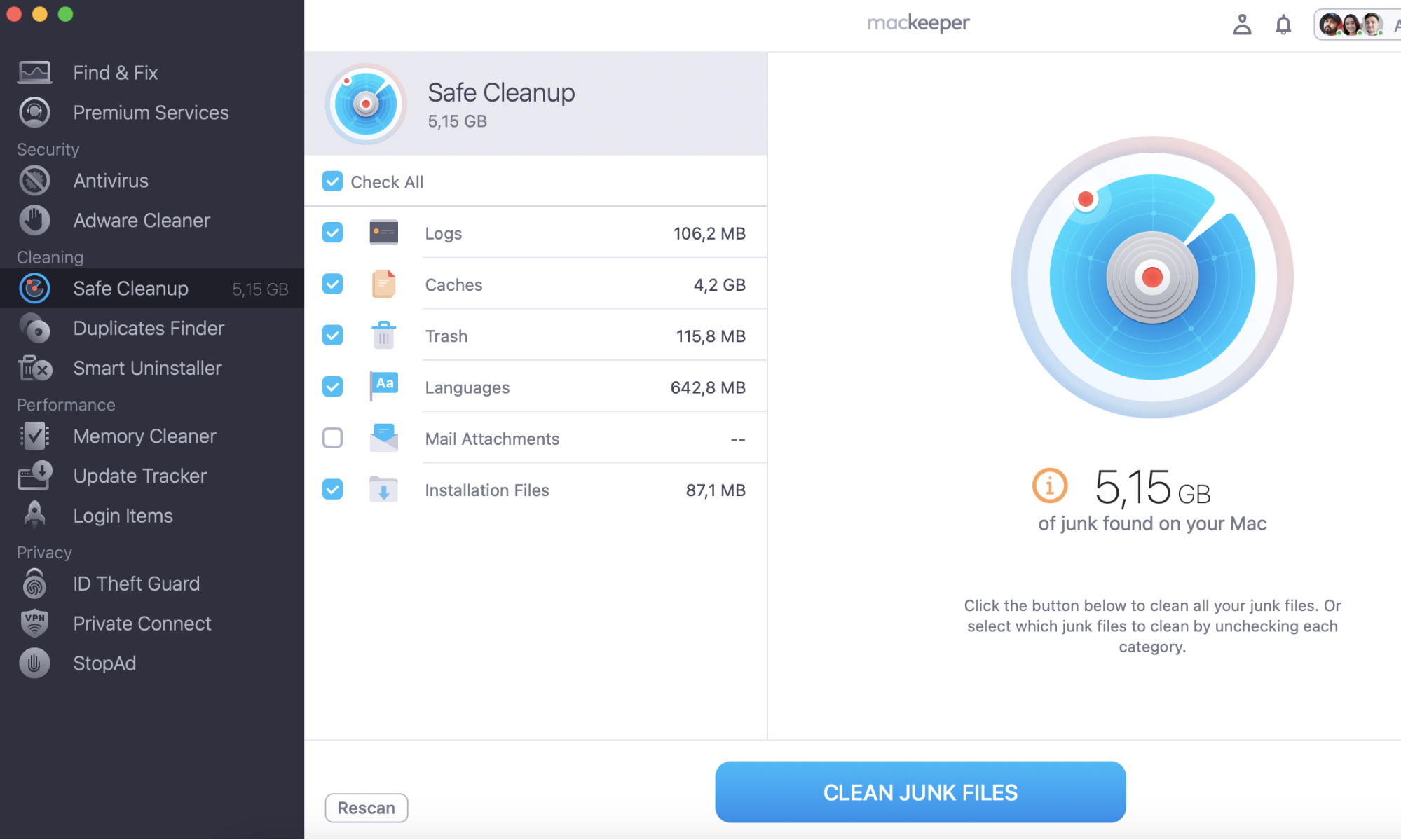
The Online Trust Honor Roll recognizes excellence and commitment to best practices in privacy, security, and consumer protection for websites and mobile applications. So congrats to Kromtech Alliance Corp. that was named to Online Trust Alliance Honor Roll 2016 for a second consecutive year. Don’t hesitate and try their star product—MacKeeper; its tool Safe Cleanup uses the latest technologies to help keep users’ Macs clean and optimized.
The Online Trust Honor Roll recognizes excellence and commitment to best practices in privacy, security and consumer protection for websites and mobile applications.
“Kromtech is to be commended for their efforts to move beyond compliance enhancing data security and implementing responsible privacy practices. As a second year recipient of the Online Trust Honor Roll, their efforts to bolstering online trust is a positive step for consumers and the industry alike”, said Craig Spiezle, Executive Director and President Online Trust Alliance.
"Being a 2nd year recipient, Kromtech is proud of our contributions to data protection and privacy by pursuing the best security practices provided by OTA. This includes establishing our in-house MacKeeper Security Research Center with researcher Chris Vickery. We have helped many companies and users worldwide to secure their data online and will continue to help many more in the future. We are pleased to be named to the 2016 Online Trust Honor Roll and to continue our way towards transparent and safe online business environment”, said Alexander Kernishniuk, CEO of Kromtech Alliance Corp.
A note from our experts:
If you haven't tried MacKeeper yet, it's best to start exploring our product with the Safe Cleanup tool. This tool is a must-have for every Mac user. It removes accumulated software junk and optimises your Mac's performance.
To learn more about OTA’s Online Trust Audit and Honor Roll, attend the webinar on June 28th at 8 AM or 4 PM Pacific Time. Register here.
Since Kromtech joined the OTA as a Full Member, the company has focused on improvements of their own online business model. One of the improvements they have made was the “Anti Scare Ad” initiative that is designed to decrease the use of online “Scare Ads,” which are intended to scare or dishonestly coerce users into downloading software.
Furthermore at the end of 2015 MacKeeper gave customers the option to choose whether or not to see MacKeeper ads online. At the same time, by providing a right of choice to the internet users, MacKeeper educates users about online advertising, its value, nature, and purpose, then gives users the freedom to decide if blocking ads is what they want to do.
Kromtech is proud to prove its commitment to the consumer protection and is ready to keep raising awareness of core security and privacy issues.
We respect your privacy and
use cookies
for the best site experience.
Privacy Preferences Center
We use cookies along with other tools to give you the best possible experience while using the
MacKeeper website. Cookies are small text files that help the website load faster. The cookies we
use don’t contain any type of personal data meaning they never store information such as your
location, email address, or IP address.
Help us improve how you interact with our website by accepting the use of cookies. You can change
your privacy settings whenever you like.
Manage consent
All cookies
These cookies are strictly necessary for enabling basic website functionality (including page
navigation, form submission, language detection, post commenting), downloading and purchasing
software. The website might malfunction without these cookies.