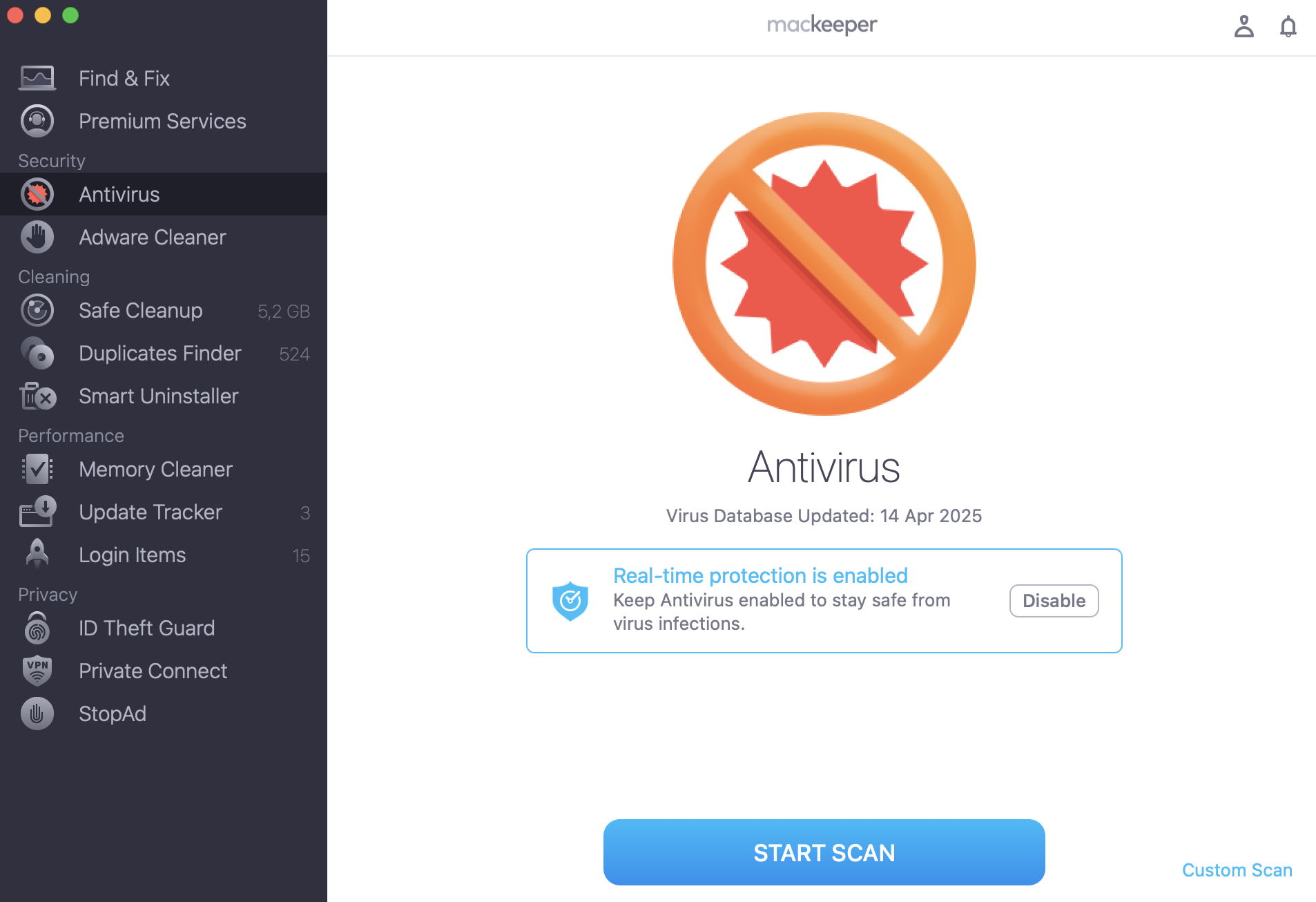
You don’t need all the computer viruses in the world to get your Mac infected—one virus is more than enough to ruin your mood and damage your data. Try MacKeeper’s Antivirus to avoid that. It helps quarantine and remove even the most modern viruses.
Computers and phones store our private correspondence, important documents, bank account credentials, and valuable memories such as photos from our children’s first steps, our honeymoon, or our parents’ 40th anniversary. Given how much can be found on our devices, there's no wonder the world is becoming increasingly concerned about security and privacy online.
As a company working in online security and privacy, we feel a responsibility to keep our users informed about the current situation with cybersecurity. That's why we not only study all malware reports, cybersecurity facts, and computer virus stats published by trusted sources but also collect and analyze virus and malware statistics of our own.
So, if you wonder how many computer viruses are out there, how much malware is created daily, and whether or not your Macs are immune to common online threats such as malware, adware, and viruses—you’ve made it to the right place.
It's time to face the painful truth: Macs are not immune to viruses and malware.And the situation is getting worse year after year.
Mac Computer Virus Statistics
In 2018 alone, the development of macOS malware tripled. As much as 250,000 new malicious programs are registered every single day, and there are grounds to assume this number will keep growing.
A thorough analysis of scans performed by our users revealed that as much as 62% of Macs are infected with viruses (with an average of five infected files per user).
A note from our experts:
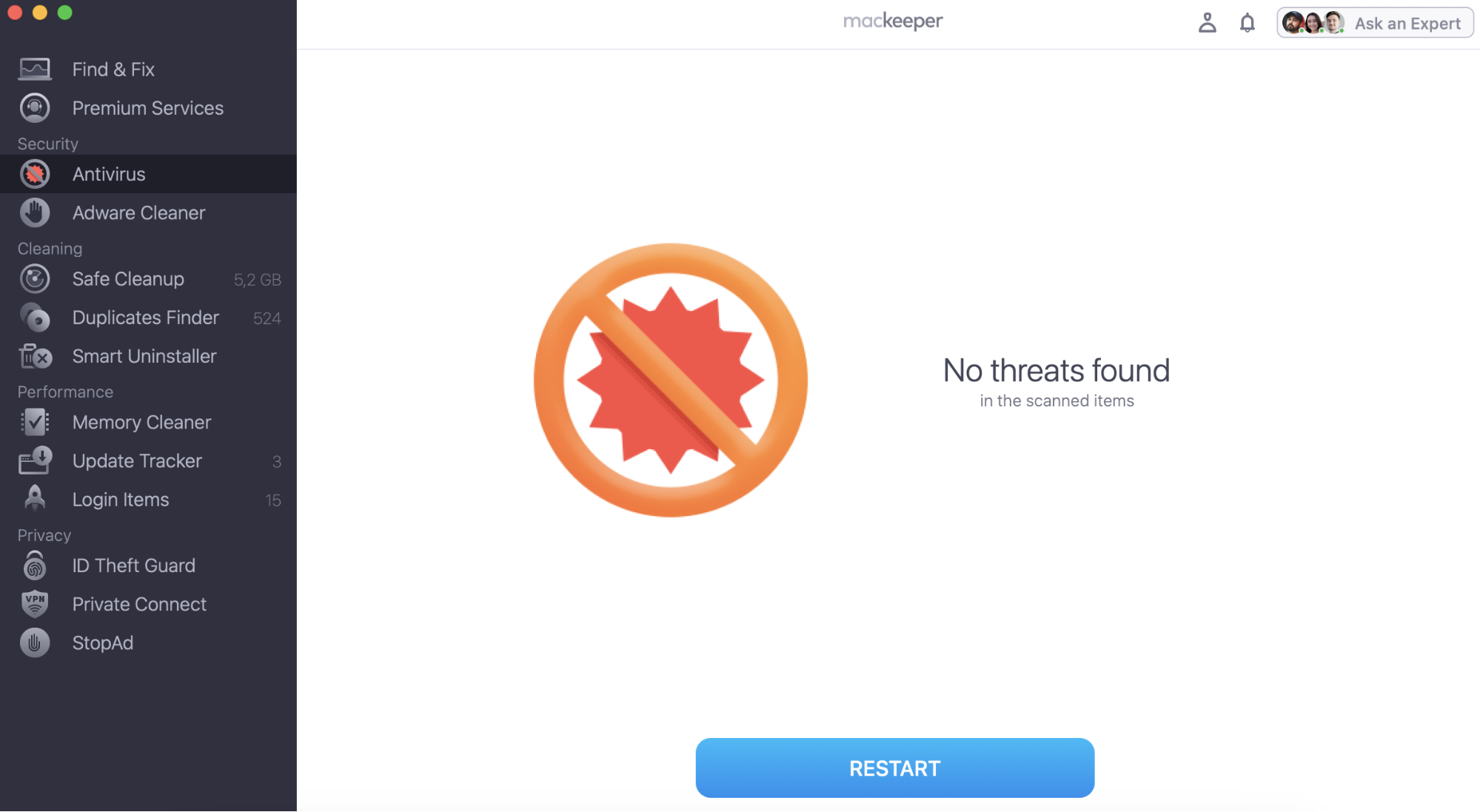
To avoid becoming just another statistic in the list of infected MacBooks, we recommend running regular scans and ensuring you have real-time antivirus protection. MacKeeper Antivirus is a dedicated app that will help you manage this task. It removes viruses and malware from your Mac and prevents infection by malicious files.
Adware—that annoying type of malware that hides on your Mac to serve you tons of unclosable ads or redirect you to websites you were not planning to open—is believed to be the most common and prolific type of malware on macOS.
MacKeeper's adware removal tool detects adware on as many as 66% of all computers. And there is even more distressing statistics we found: on average, there are three adware infections per user hiding on a typical Mac.
The situation with online privacy leaves much to be desired, too.
As stated in a 2018 Harris Poll survey, as many as 15 million consumers fell victim to identity theft in 2017. Sadly, there are no reasons to think that this number will shrink anytime soon.
Most people are unaware of it, but personal data is one of the most popular commodities on the dark web.Sensitive information such as health records, passport scans, and university diplomas are regularly sold for thousands of dollars. It shouldn't be surprising that cybercriminals chase after such information.
What Do All These Statistics Mean for You as a Mac User?
Frankly, your Mac and all the data you keep on it is exposed to nearly eight million new threats every month. In a world like this, virus and malware protection tools are no longer something you can live without. In 2025, virus and malware protection for Mac is an absolute must.
Here at MacKeeper, we do everything we can to keep you protected from all the cyber threats you are exposed to daily.
To keep you and your Mac safe from viruses, adware, and malware we constantly improve and update our built-in Antivirus and Adware Cleaner.
To make sure your private data stays private, we offer privacy-protection tools such as VPN Secure Connect and Anti-Tracking.
Keeping your Mac safe and your personal data private is a lot easier when MacKeeper has your back. If you have not used it yet, get it here:
We respect your privacy and
use cookies
for the best site experience.
Privacy Preferences Center
We use cookies along with other tools to give you the best possible experience while using the
MacKeeper website. Cookies are small text files that help the website load faster. The cookies we
use don’t contain any type of personal data meaning they never store information such as your
location, email address, or IP address.
Help us improve how you interact with our website by accepting the use of cookies. You can change
your privacy settings whenever you like.
Manage consent
All cookies
These cookies are strictly necessary for enabling basic website functionality (including page
navigation, form submission, language detection, post commenting), downloading and purchasing
software. The website might malfunction without these cookies.