The future of MacKeeper is determined by the needs and wishes of our customers. Our new beginning is driven by an enormous amount of feedback from you—let us tell you more about MacKeeper and its exciting changes. Meanwhile, you can optimize your Mac and remove unnecessary files with MacKeeper’s Safe Cleanup.
The goal of our transformation is to be an even more powerful ally to you in the ever-evolving digital world.
Working with a new Management team bringing a wealth of collective experience from the likes of Apple, Accenture, Sony, and Google, we’ve focused on creating a more user-friendly and responsive experience.
We’re now AppEsteem certified — the only leading digital security provider to achieve this — and we’ve added two awesome new privacy features in ID Theft Guard and StopAd to help you protect your online identity and enjoy your browsing ad-free. And while we’re on Ads, we’ve canceled the marketing partnerships that resulted in aggressive and annoying promotions.
These changes don’t stop there. Our team of tech experts constantly work on their skills and certifications to provide you with best-in-class support.
And there’s some very big news. After a year of research and analysis, we’re now ready to start a fresh chapter in our history, and we welcome you to join us!
A note from our experts:
Though we’re growing, our app's main goal is to take care of your MacBook. If you still haven’t tried it, we recommend starting with MacKeeper’s Safe Cleanup feature. It automates cleaning your Mac.
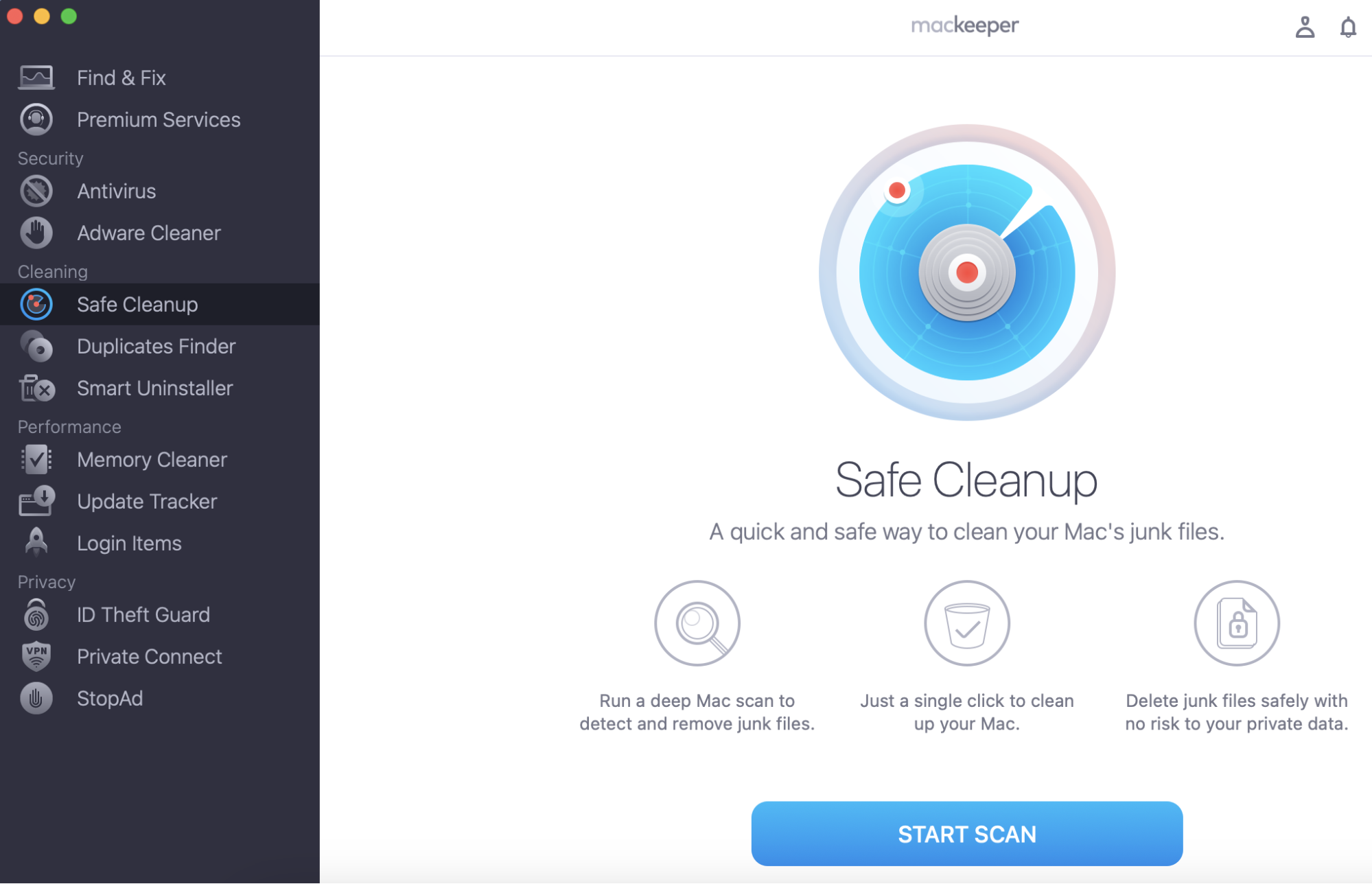
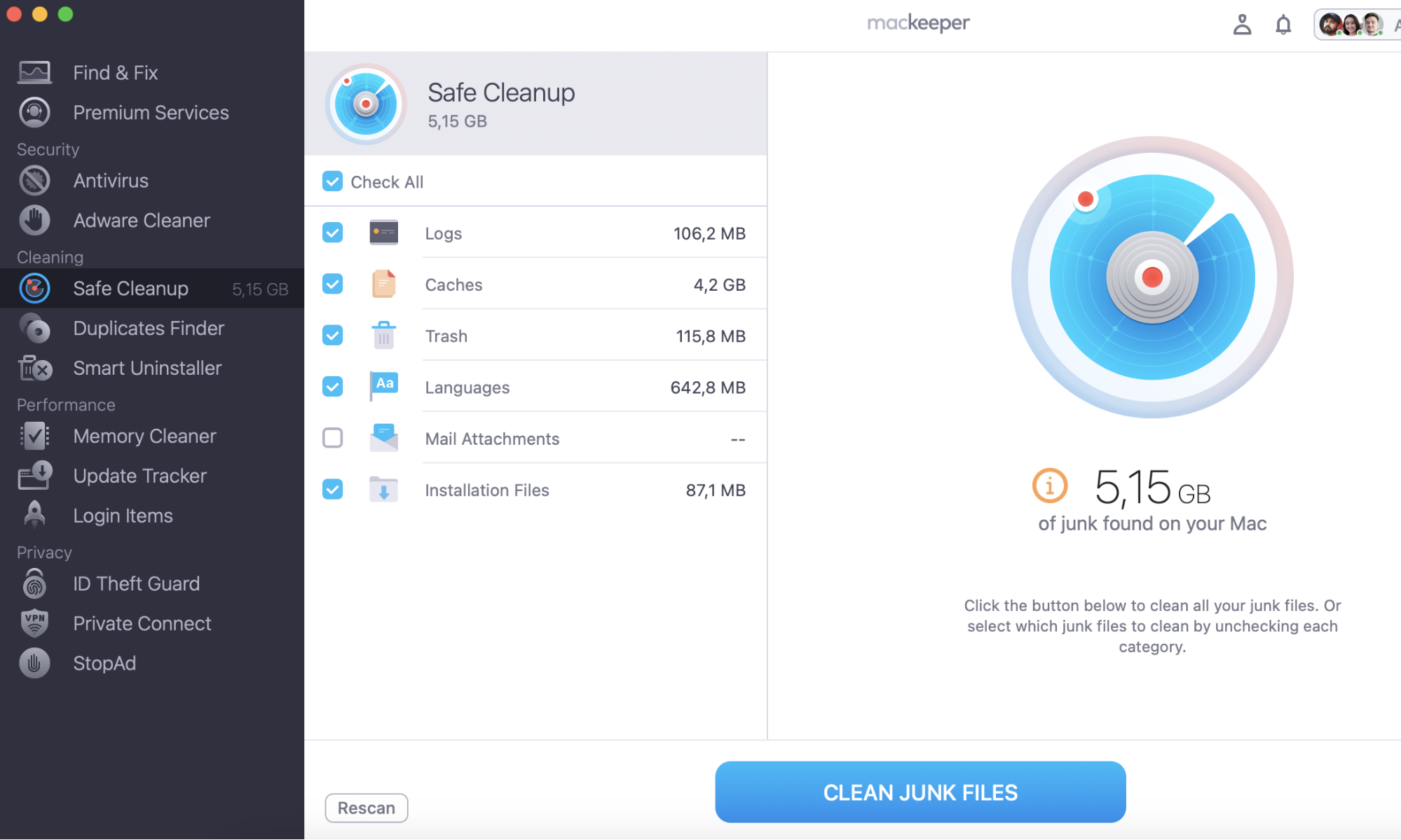
Here’s how to use MacKeeper’s Safe Cleanup:
Download MacKepeeper on your Mac and install it following the on-screen prompts.
Select Safe Cleanup from the left-hand menu.
Click the Start Scan button.
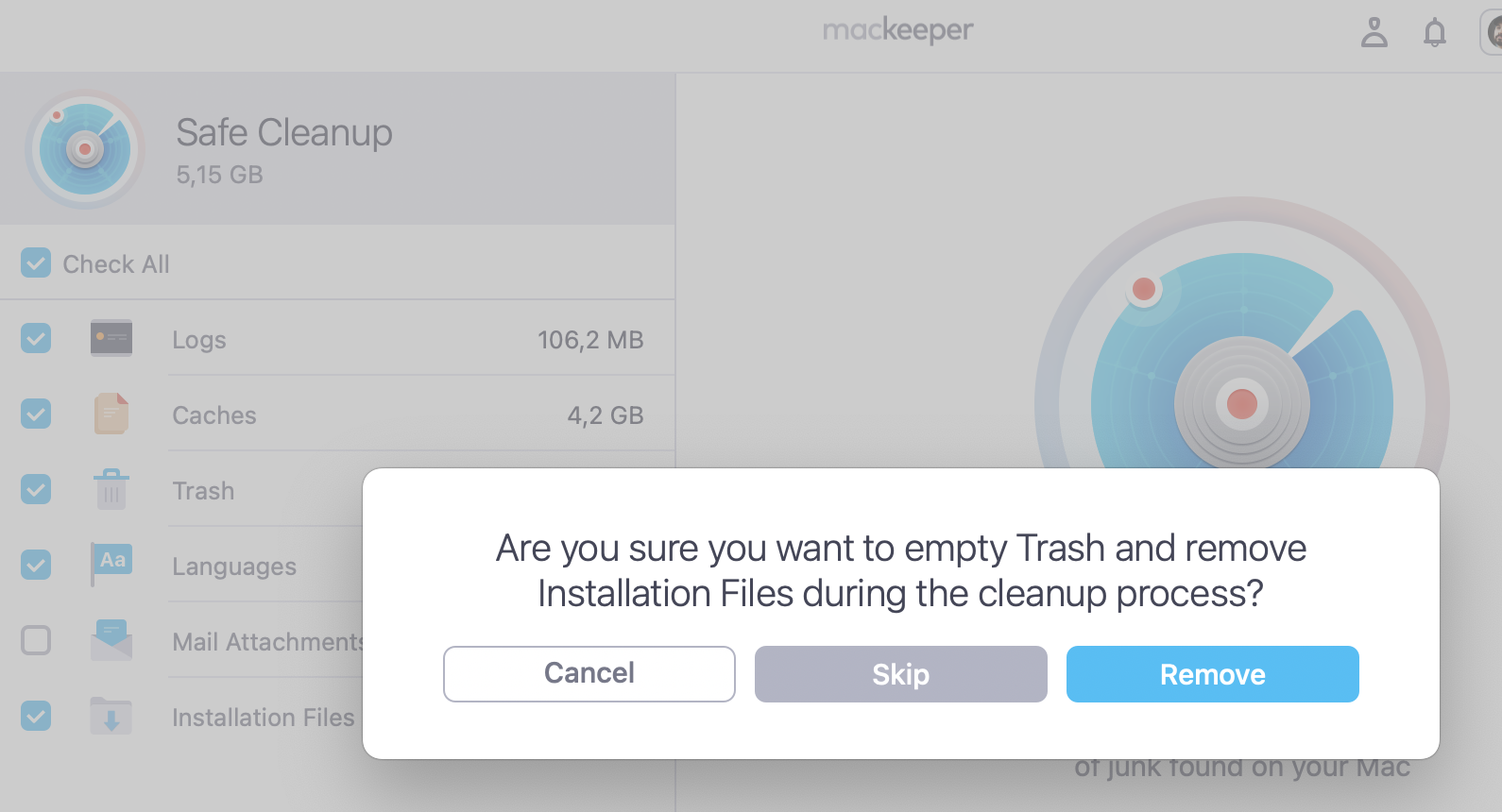
To remove unnecessary files, click Clean Junk Files.
Clario, an innovative customer-focused cybersecurity company, has recently acquired the IP and assets of Kromtech, which includes our MacKeeper product. The great news is that existing MacKeeper product licenses will not be affected by this change.
However, you will benefit from the many improvements we’ve been working on over the last few months, which will make your experience with MacKeeper better than ever.
For now, thanks for your trust and support on this exciting journey.
We respect your privacy and
use cookies
for the best site experience.
Privacy Preferences Center
We use cookies along with other tools to give you the best possible experience while using the
MacKeeper website. Cookies are small text files that help the website load faster. The cookies we
use don’t contain any type of personal data meaning they never store information such as your
location, email address, or IP address.
Help us improve how you interact with our website by accepting the use of cookies. You can change
your privacy settings whenever you like.
Manage consent
All cookies
These cookies are strictly necessary for enabling basic website functionality (including page
navigation, form submission, language detection, post commenting), downloading and purchasing
software. The website might malfunction without these cookies.