Your all-in-one Mac maintenance app
MacKeeper is an all-in-one Mac maintenance app which includes cleaning, security, optimization and privacy features.
Download60+ million downloads
AV-TEST certified
MacKeeper has passed the independent antivirus comparison with an impressive 99.7% virus detection rate.
Notarized by Apple
Notarization is not an app review, but a verification that ensures MacKeeper is free of malicious components.

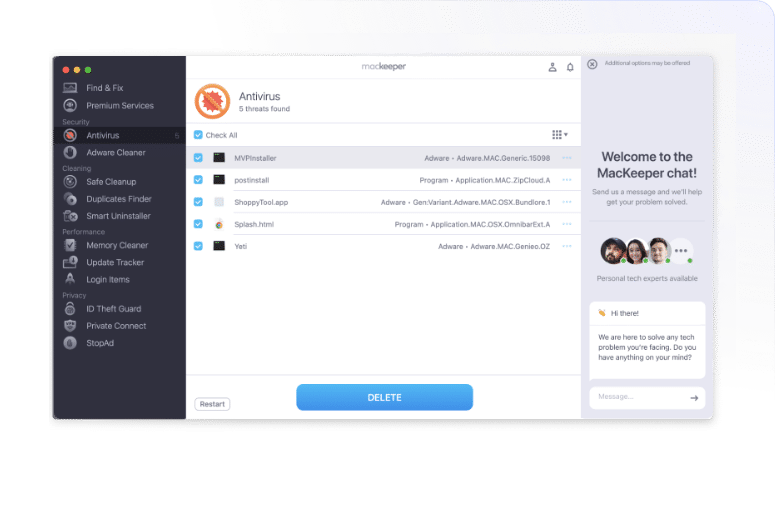
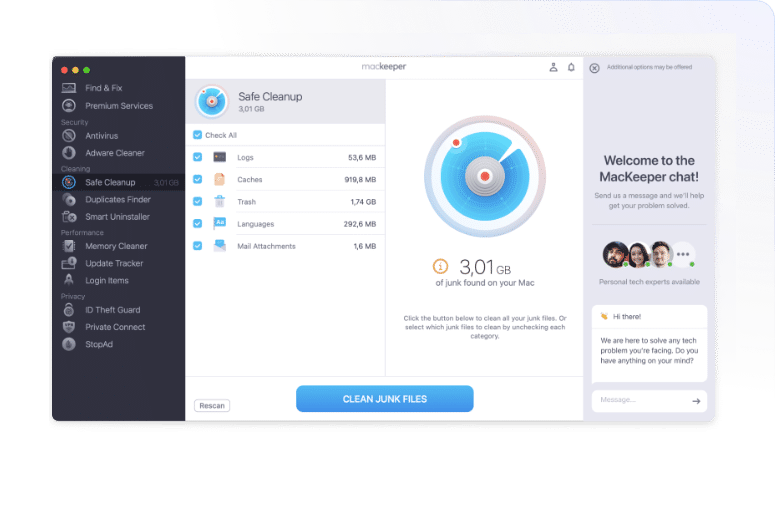
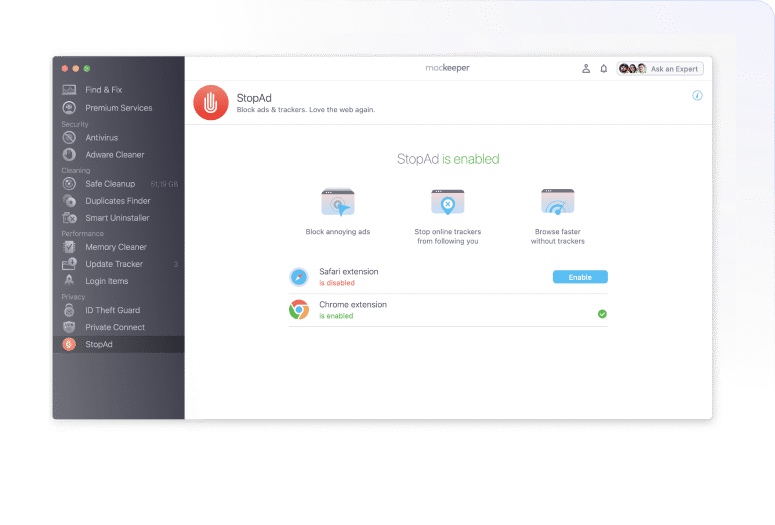
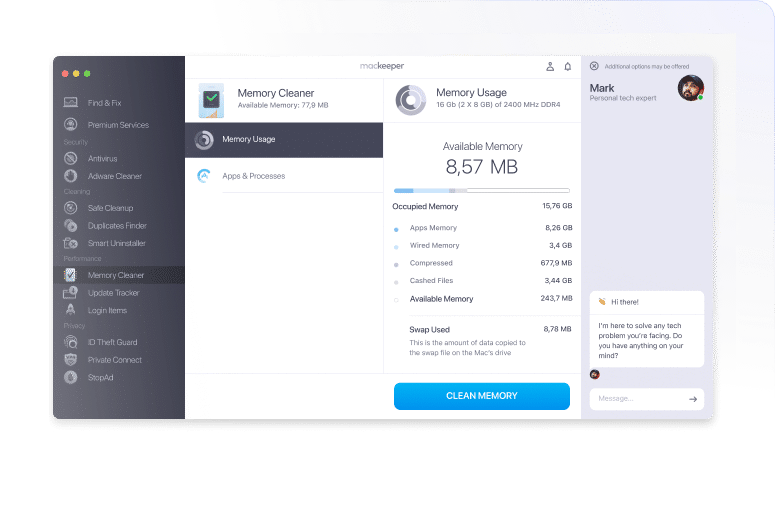
Access all MacKeeper tools from one simple dashboard
Control key protection and performance tools from MacKeeper’s Dashboard in the menu bar. So easy, you don’t even need to open the app.
Need help?
Skip waiting lines or email requests. MacKeeper support chat is built right into the app to give you real help in real time.
Get MacKeeperCheck out reviews from trusted tech media
One standout feature of MacKeeper is its unique chat window that gives the user 24/7 access to MacKeeper’s team of privacy and security experts.
Mark Sparrow
ForbesMacKeeper offers tons of security, privacy, and performance features beyond basic antivirus protection
Neil J Rubenking
PCMagMacKeeper is a very easy tool to use; it’s well organised and the various features are clear and functional.
Keith Martin
MacworldThe thing that stands out the most about MacKeeper is how easy it is to use. A quick install, and then you’re guided through the process of scanning and protecting your Mac.
Chyelle Dvorak
TechRadar
MacKeeper remains one of the best ways to keep your Mac running at peak performance and protect it from viruses and other malware. It remains quite lightweight and has little impact on the system’s multitasking performance, except for the real-time protection feature.
We found it pretty useful, and it offers some handy features like VPN, ID Theft Guard, and an ad blocker. So, if you need a reliable way to protect and optimize your Mac, you may consider MacKeeper.
TheSweetBits Team
TheSweetBitsCheck out all the latest MacKeeper reviews
Here
This is how we make a difference
More from MacKeeper

- How to Check for Malware on Mac
- How to Free Up Space on Mac
- How to Delete Duplicate Photos on Mac More on our Blog

- How to Delete System, App and Browser Cache on Mac
- Forgot Your Mac Password? Here’s How to Reset It
- How to Erase & Factory Reset Mac & Reinstall macOS More on YouTube

Questions about anything MacKeeper?
Our tutorials can help.
- System Requirements: macOS 10.15 or later, 100 MB of spaceFull requirements
- Latest Software Version: 7.8, Sep, 2026
- Pricing: Starting at $10.95/month
- Developer: Clario Tech FZCO
**Notarization is not the App Review. The Apple notary service is an automated system that scans your software for malicious content.