Streaming, banking, and remote work all leave traces online—so which is the best VPN for Mac? MacKeeper’s VPN Private Connect gives your Mac anonymous browsing, blocks advertiser tracking, and hides your history from sites and internet providers. Ready for private, worry-free connections? Take a look below at how it compares.
If you want to set up VPN on Mac without extra hassle, start with a service that offers a native macOS app and a clear setup flow. The best VPN software for Mac shouldn’t feel like a clunky port—it should wake cleanly from sleep, respect your battery, and avoid constant pop-ups. Beyond that, a few things matter whether you’re on a MacBook Air, a MacBook Pro, or an Apple Silicon Mac.
Before you commit, weigh these factors:
Native macOS app and Apple Silicon support for smooth, fast performance
Connection speed and a wide choice of server locations
A clear privacy policy and independently audited no-logs claims
A kill switch and DNS leak protection to keep your personal data safe
Streaming support if you watch region-locked shows
Device limit—how many Macs, phones, and tablets one subscription covers
Fair pricing with a free trial or money-back guarantee
Ease of use, so setup and daily use feel simple
A note from experts:
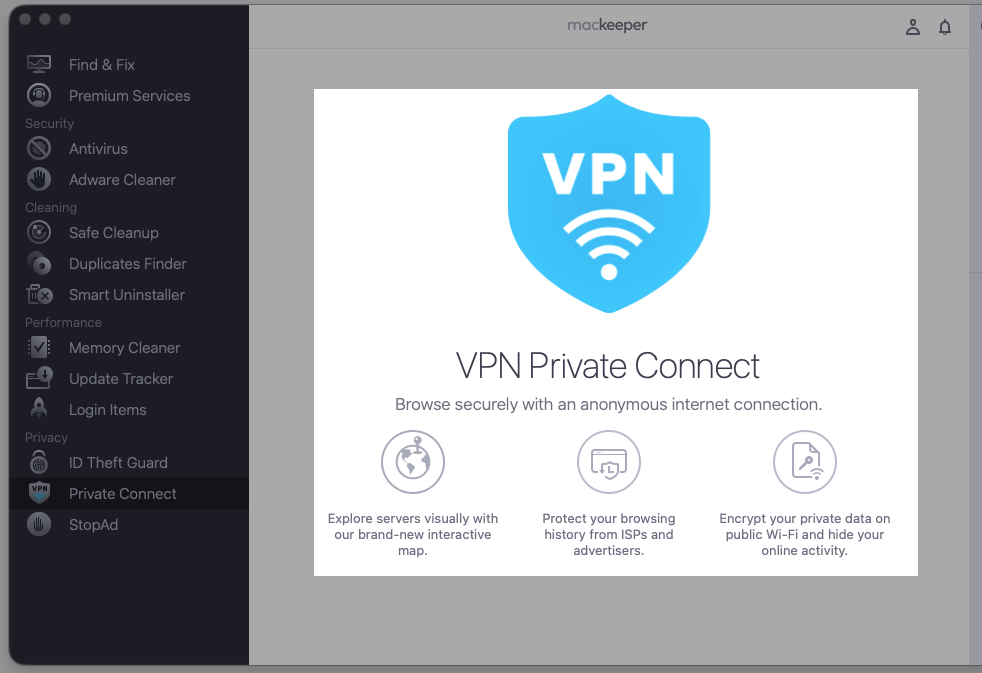
Now, when you’re aware of the criteria to look for in the VPN solution for Mac, we’d like to present you with the best Mac-targeted VPN tool on the market. This is MacKeeper’s VPN Private Connect, which provides a secure internet connection with multiple servers available. What’s more, within our app, you can enjoy not only privacy but also optimized performance of your Apple computer.
Here’s how to use MacKeeper’s VPN Private Connect:
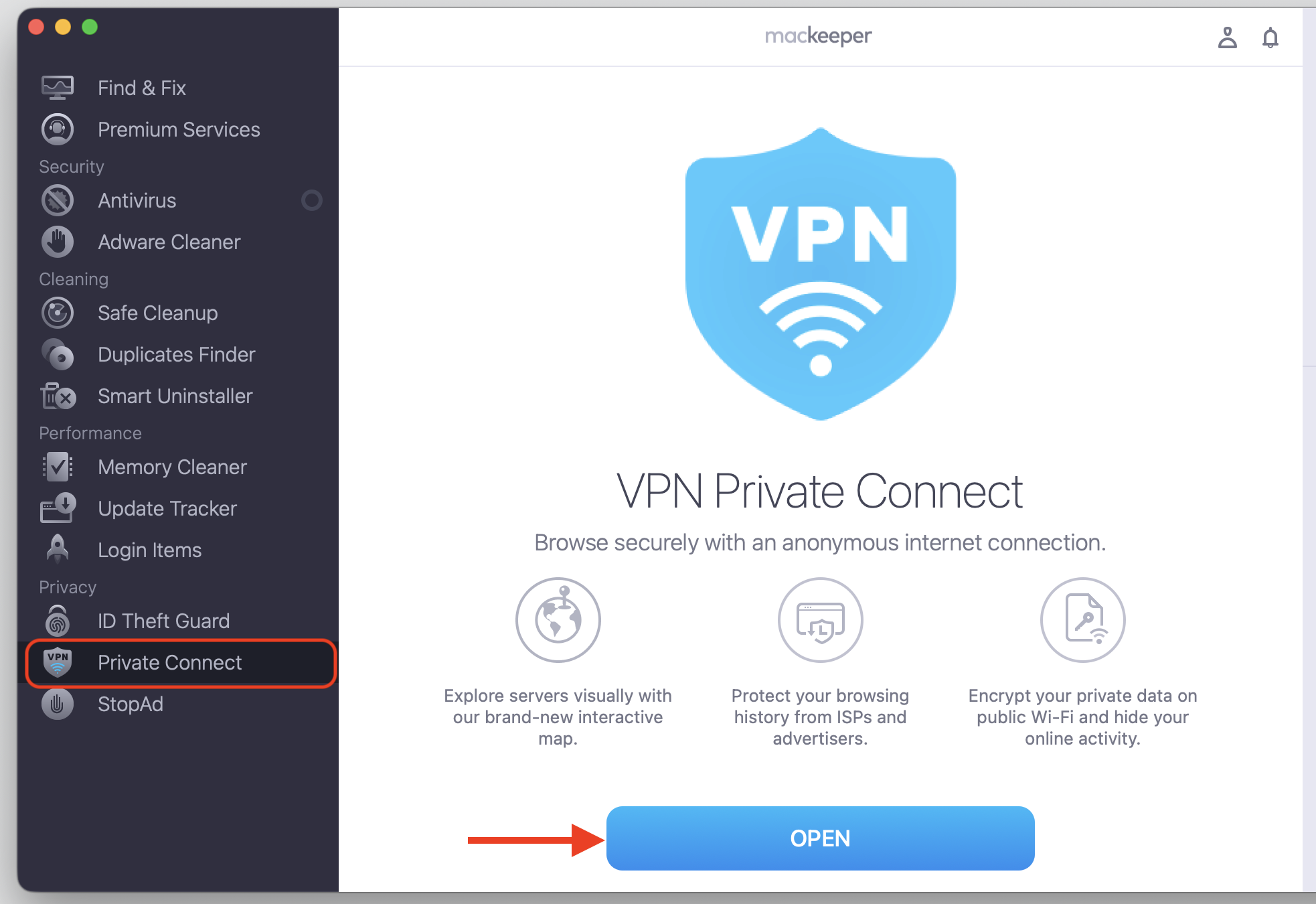
Choose VPN Private Connect on the left and click Open.
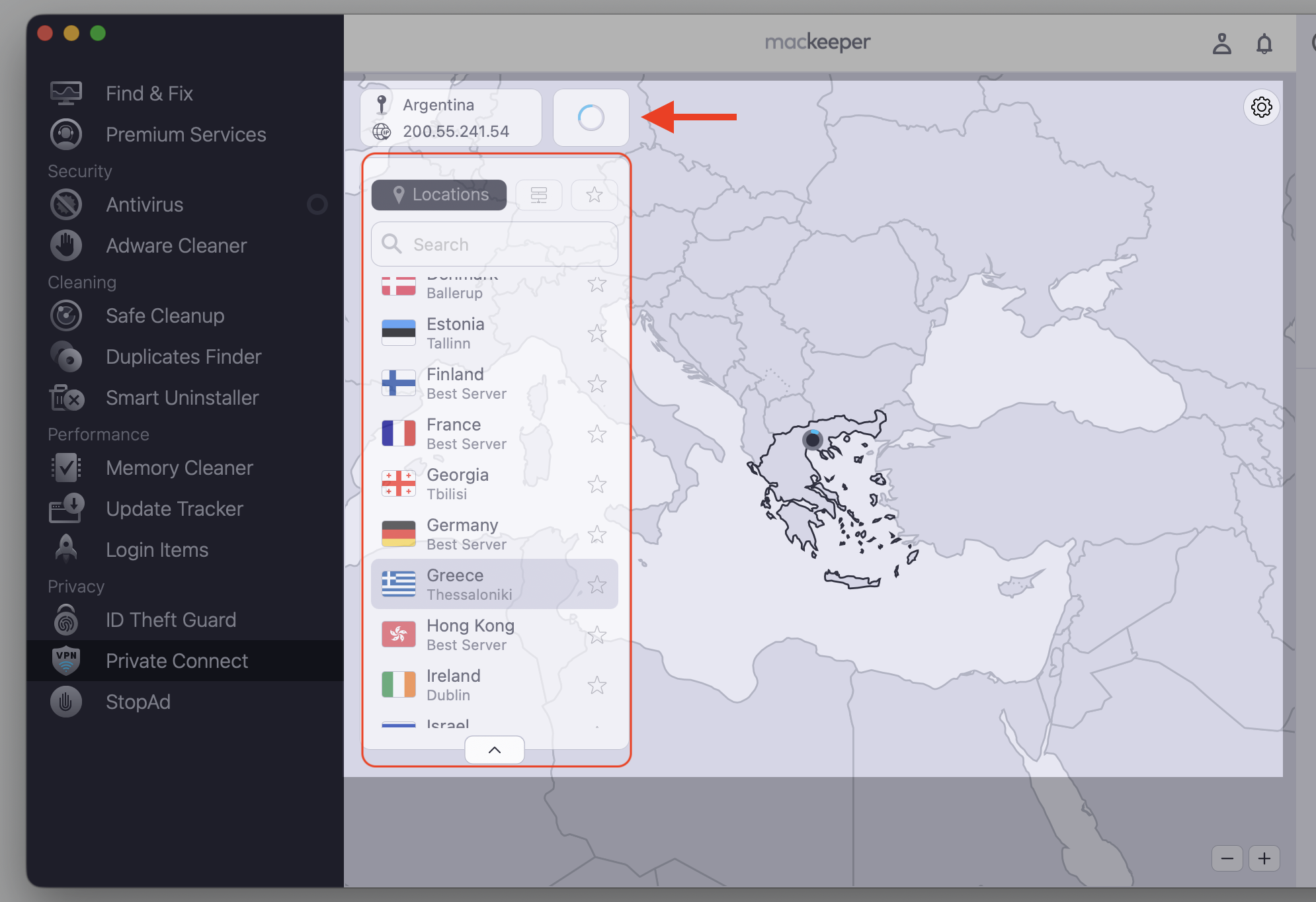
Pick the desired VPN location from the list.
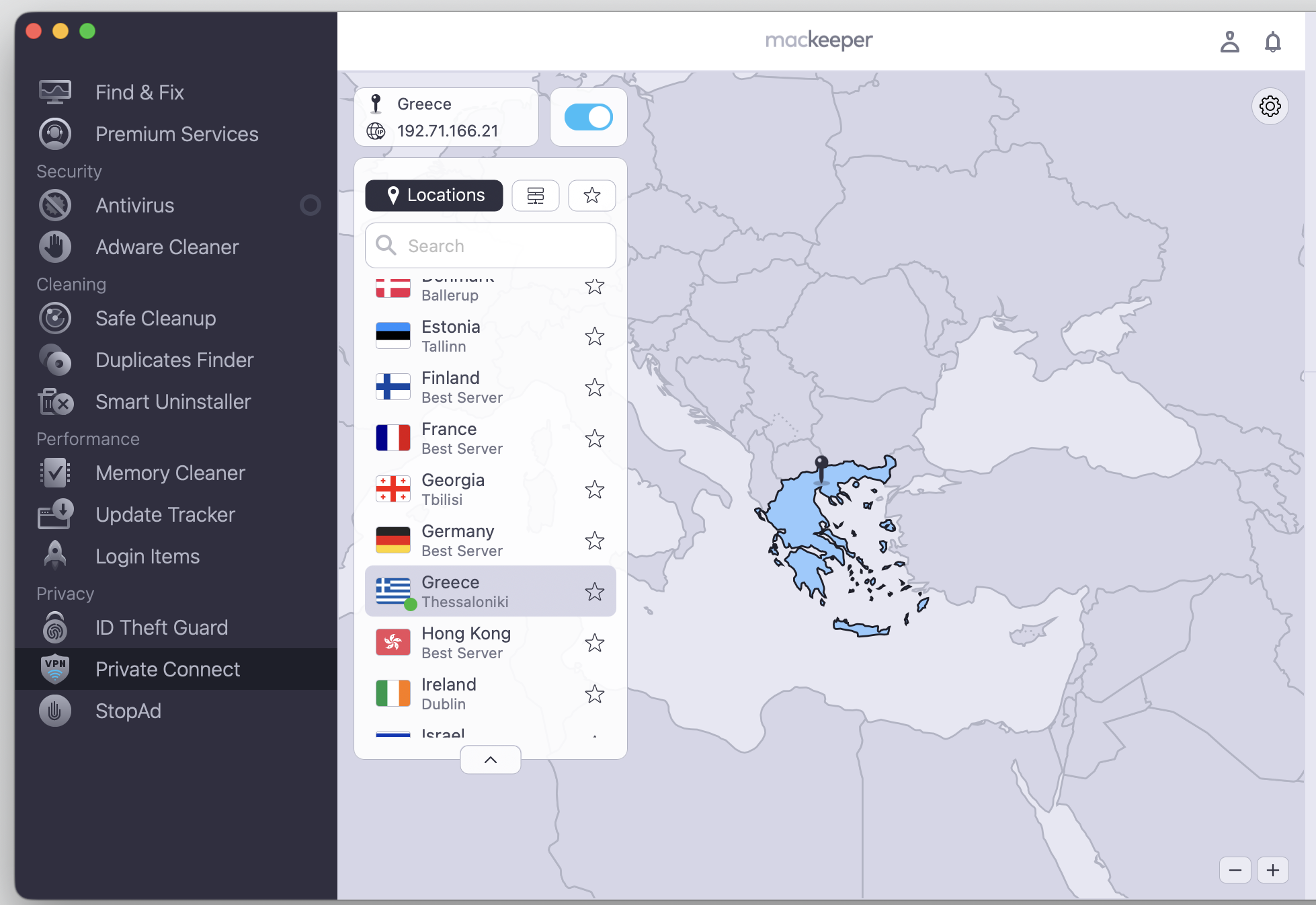
Find bliss in your secure private internet activity.
Step 1. Go to MacKeeper > Private Connect > OpenStep 2. Select a VPN location and wait until the connection is establishedStep 3. Enjoy a private and secure connection
Top VPN for Mac
Below, we compare the top VPN for Mac options so you can match a service to how you actually use your Macintosh—everyday browsing, streaming, gaming, or travel. Want to secure your Mac beyond a single app? A wider security setup pairs well with any VPN on this list. Read our rundown of each option below before you settle on the right one for you.
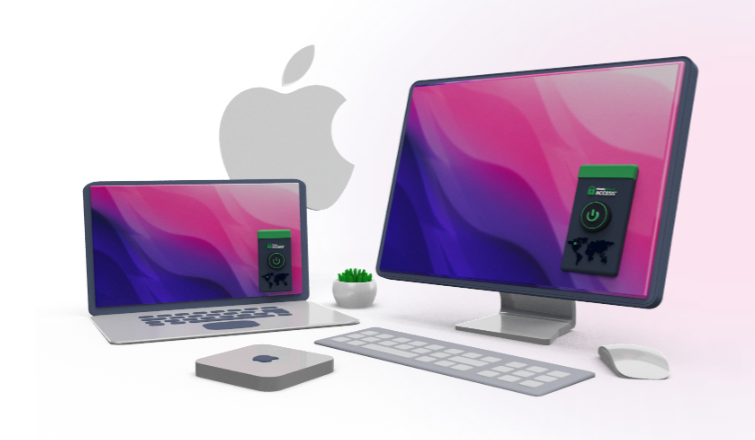
1. MacKeeper’s VPN Private Connect
MacKeeper’s VPN Private Connect gives you anonymous browsing, blocks advertisers from tracking you, and stops sites and internet providers from seeing your history. It lives within the broader macOS security suite, so it fits in nicely if you already use MacKeeper for cleanup or malware protection. We think it’s the natural pick for everyday Mac and MacBook users who want private browsing without the fuss of manual configuration.
Pros
Simple, one-click privacy with no technical setup
Anonymous browsing that hides your history from sites and providers
Blocks advertiser tracking across your Mac
Part of a broader macOS security suite
Cons
Fewer advanced protocol options than standalone clients
Most valuable if you already use MacKeeper
Cost—mid-range, and it’s included with a MacKeeper subscription.
2. NordVPN
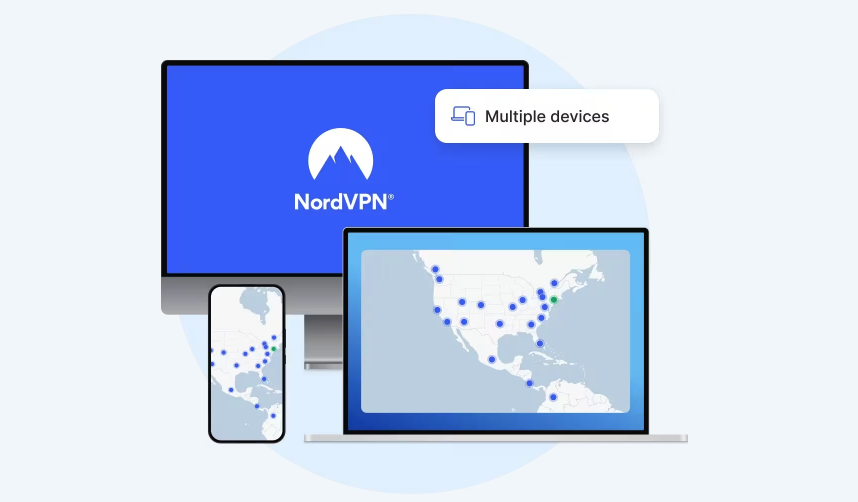
NordVPN is one of the most popular providers, with a native macOS app, Apple Silicon support, and a huge server network. It’s a natural fit if you want quick speeds and a wide choice of servers for streaming or travel. Our NordVPN review digs into the details if you want a closer look.
Pros
Speeds among the fastest available
Large server network across many countries
Kill switch and threat protection built in
Cons
Pricing climbs after the first term
More features than casual users may need
Cost—higher end; a 30-day money-back window lets you test it first.
3. Surfshark
Surfshark covers unlimited devices on a single subscription, which we find handy for households that share Macs, phones, and tablets. It keeps things clean and user-friendly, so everyone at home can connect without a learning curve.
Pros
Unlimited devices on one subscription
Solid streaming access and built-in ad blocking
Clean, user-friendly app
Cons
Speeds reliable rather than the fastest
Cheapest rates need a longer commitment
Cost—budget-friendly; a 30-day money-back guarantee means you can try it risk-free.
4. ExpressVPN
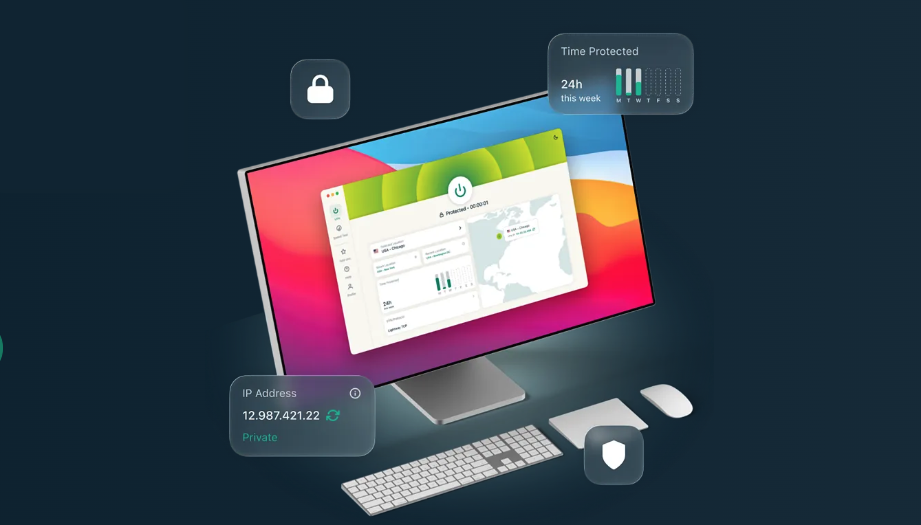
ExpressVPN is known for simplicity and stable, everyday performance, with an intuitive Mac client. If you just want a VPN that works quietly in the background without any tinkering, it’s an easy pick.
Pros
Intuitive, reliable Mac client
Consistent speeds for streaming and remote work
Strong everyday usability
Cons
One of the pricier options
Fewer simultaneous connections
Cost—premium; a 30-day refund keeps things low-risk.
For users choosing between two premium providers, the NordVPN vs ExpressVPN comparison can help clarify which one better fits their needs.
5. Proton VPN
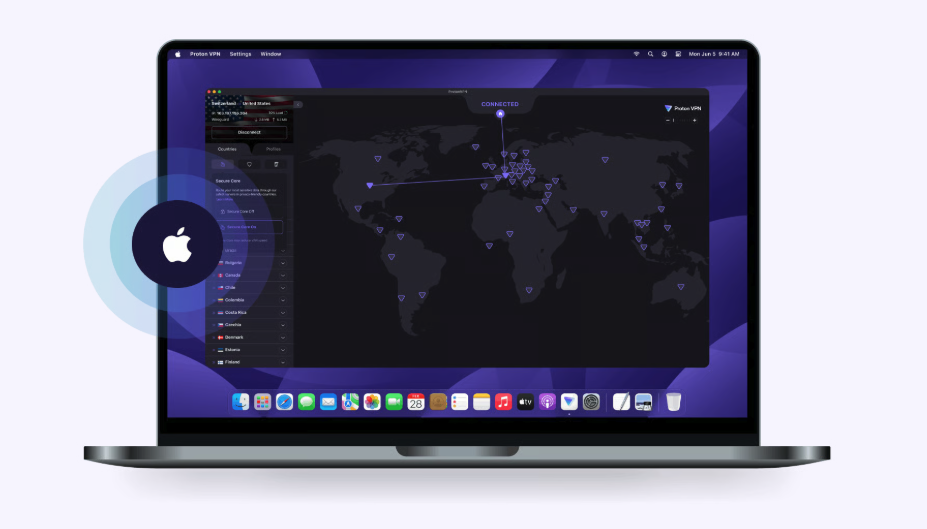
Proton VPN is a privacy-focused option from the team behind Proton Mail, based in Switzerland. It’s the one we’d point to if you put privacy first, thanks to a strict no-logs policy and open-source apps you can inspect for yourself.
Pros
Genuinely free tier available
Strict no-logs policy and open-source apps
Based in privacy-friendly Switzerland
Cons
Free servers run more slowly and are limited
Full features need a paid plan
Cost—free tier, or paid plans that unlock the fastest speeds and full streaming.
6. CyberGhost
CyberGhost is a beginner-friendly pick with preset profiles for streaming, gaming, and browsing, so you don’t have to fiddle with settings. That makes it a comfortable starting point for first-time VPN users on a Mac who want protection without a manual.
Pros
Preset profiles for streaming, gaming, and browsing
Huge server count
Easy, beginner-friendly app
Cons
Some advanced users find it too simplified
Cost—affordable; a long money-back period, up to 45 days on longer plans, makes it easy to try.
7. Private Internet Access
Private Internet Access (PIA) gives you more control, with detailed settings and a customizable protocol selection. It rewards hands-on users who like to fine-tune their connection rather than leave everything on default.
Pros
Detailed, customizable settings and protocol choice
Large server network
Unlimited devices at a low price
Cons
Interface can feel busy for newcomers
Cost—low; a 30-day money-back guarantee lets you explore it safely.
8. Mullvad
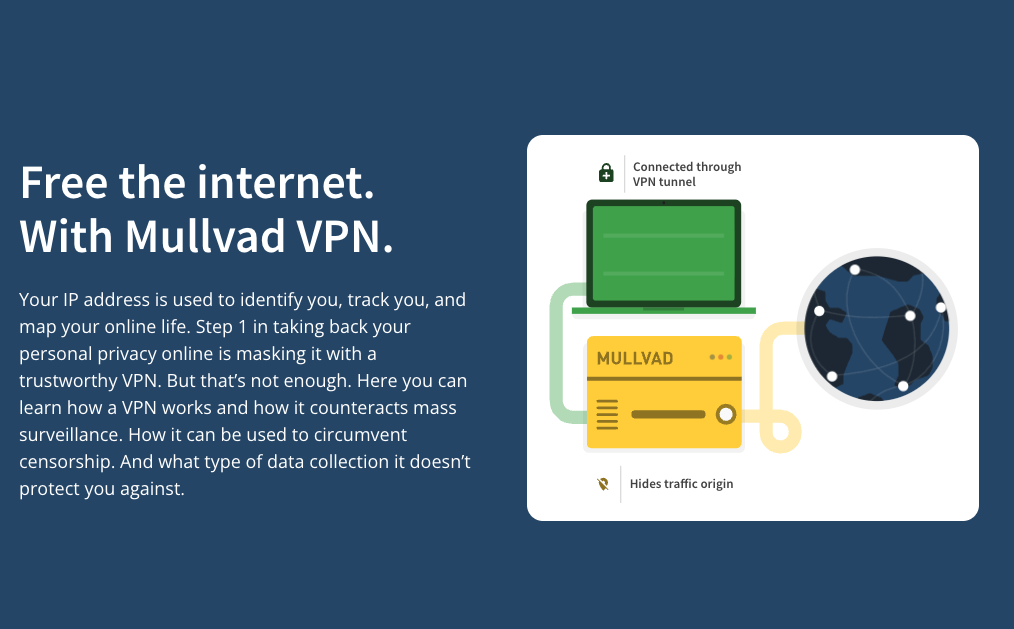
Mullvad stands out for anonymity—you don’t even need an email to sign up, just a random account number. It’s built for privacy purists who want minimal data collection and a service that knows as little about them as possible.
Pros
No email needed to sign up
Flat, simple monthly price
Cons
Fewer streaming-friendly features
Cost—a flat monthly rate with no long subscription tiers.
9. IPVanish
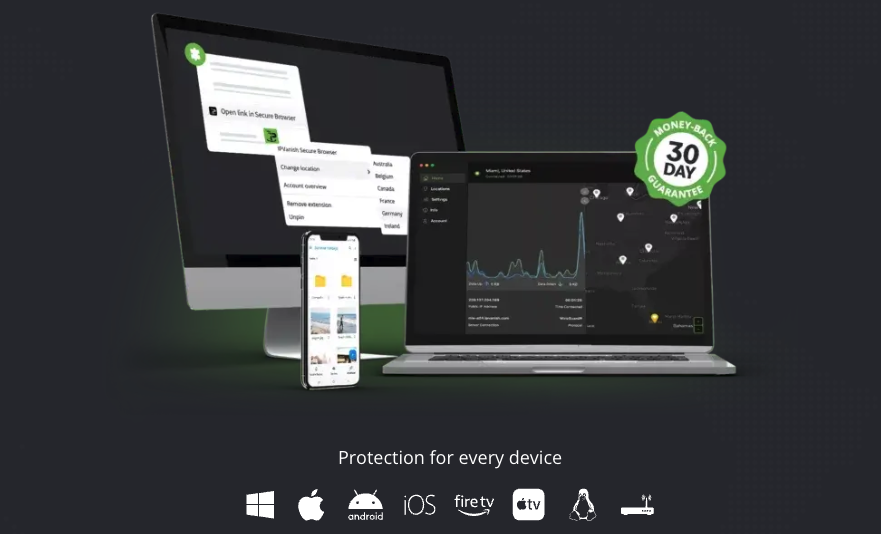
IPVanish focuses on practical performance for everyday browsing, gaming, remote work, and lots of devices, with unlimited connections on one account. It makes a dependable laptop companion when you’re spreading protection across many gadgets at once.
Pros
Unlimited connections on a single account
Good speeds and a solid Apple Silicon app
Practical for browsing, gaming, and remote work
Cons
Its logging history took time to clarify
Cost—mid-range; a 30-day money-back guarantee covers annual plans.
10. Norton VPN
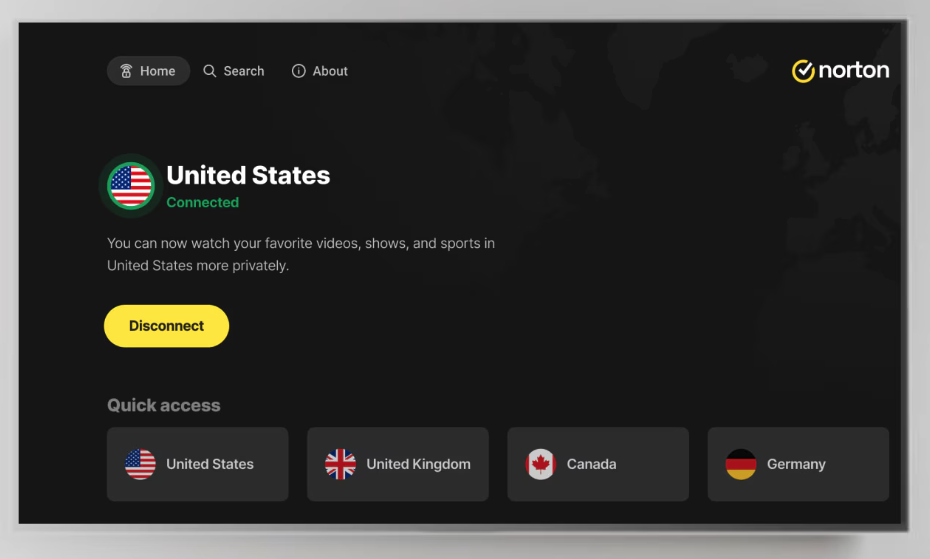
Norton Ultra VPN makes the most sense as part of Norton’s broader security bundle rather than as a standalone client. It suits people who prefer a VPN tucked inside a wider security ecosystem, alongside antivirus and a password manager. If a single app doesn’t cover everything, exploring NordVPN alternatives can help you weigh other all-in-one setups.
Pros
Bundled with antivirus and a password manager
Practical value as part of a suite
Cons
Fairly basic on its own
Fewer server options
Cost—best value as part of a broader Norton subscription.
Which Mac VPN is best for different needs?
Not sure where to start? Here’s a quick way to match a VPN to your main goal and protect your privacy online without overthinking it:
Simple Mac protection—MacKeeper’s VPN Private Connect
Streaming—ExpressVPN or Surfshark
Gaming—IPVanish or NordVPN
Strong privacy—Mullvad or Proton VPN
Public Wi-Fi—NordVPN or MacKeeper’s VPN Private Connect
Many devices—Surfshark or Private Internet Access
Budget use—Proton VPN’s free tier or CyberGhost
Advanced settings—Private Internet Access
Beginners—CyberGhost or MacKeeper’s VPN Private Connect
Whatever you pick, the goal is the same—a private, safe connection that fits your daily routine. If you’d rather not juggle separate apps, a Mac-focused option keeps everything in one clean place.
Conclusion
So what is the top VPN for Mac, and which is the best VPN for Mac for you? The honest answer is that it depends on how you use your Macintosh. If you stream a lot, ExpressVPN or Surfshark shine; if privacy is everything, Mullvad or Proton VPN lead; gamers and multi-device households have strong picks too. Compare features, drawbacks, and plans before you decide.
For simple, Mac-focused protection, MacKeeper’s VPN Private Connect is a reliable choice—it keeps your browsing private, blocks trackers, and hides your activity from sites and providers, all inside a clean macOS security suite.
We respect your privacy and
use cookies
for the best site experience.
Privacy Preferences Center
We use cookies along with other tools to give you the best possible experience while using the
MacKeeper website. Cookies are small text files that help the website load faster. The cookies we
use don’t contain any type of personal data meaning they never store information such as your
location, email address, or IP address.
Help us improve how you interact with our website by accepting the use of cookies. You can change
your privacy settings whenever you like.
Manage consent
All cookies
These cookies are strictly necessary for enabling basic website functionality (including page
navigation, form submission, language detection, post commenting), downloading and purchasing
software. The website might malfunction without these cookies.