Is your Mac low on storage and running out of room for what matters? The MacKeeper vs OnyX question comes down to how much control you want. MacKeeper’s Safe Cleanup clears trash, caches, and junk files in one click, without touching your personal files.
MacKeeper is an all-in-one Mac maintenance app that bundles cleanup, security, optimization and privacy tools into one friendly interface. It’s built for everyday users who want a simple way to keep their Macintosh in good shape, without digging through system settings or the Terminal. Let’s look at what MacKeeper can actually do below.
What can MacKeeper do?
MacKeeper brings together several tools that help you clean Mac storage and keep your computer tidy. It gives you the ability to run common maintenance tasks from one window, so you don’t need to open a separate application for each job.
Let us present the main perks of the MacKeeper app below:
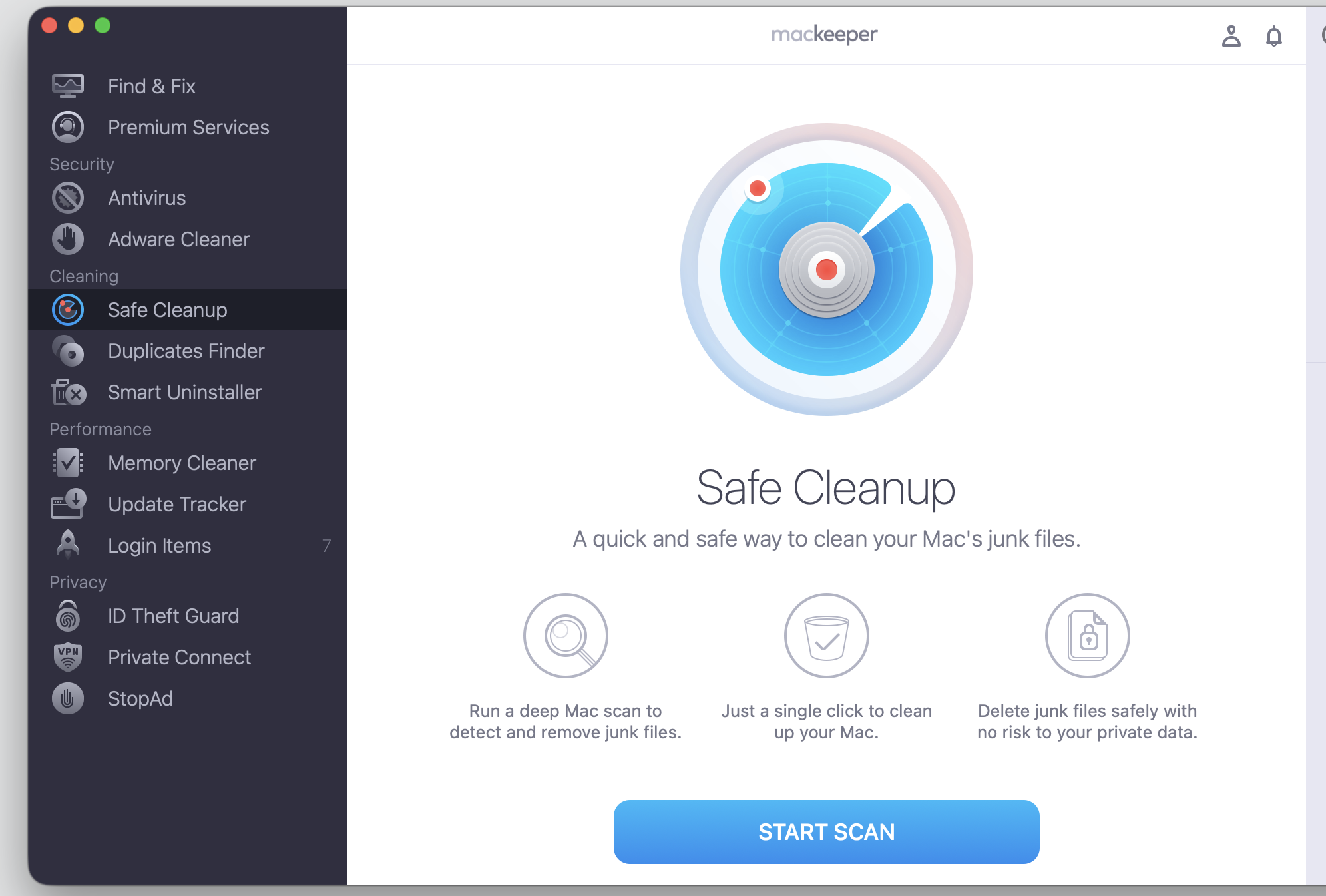
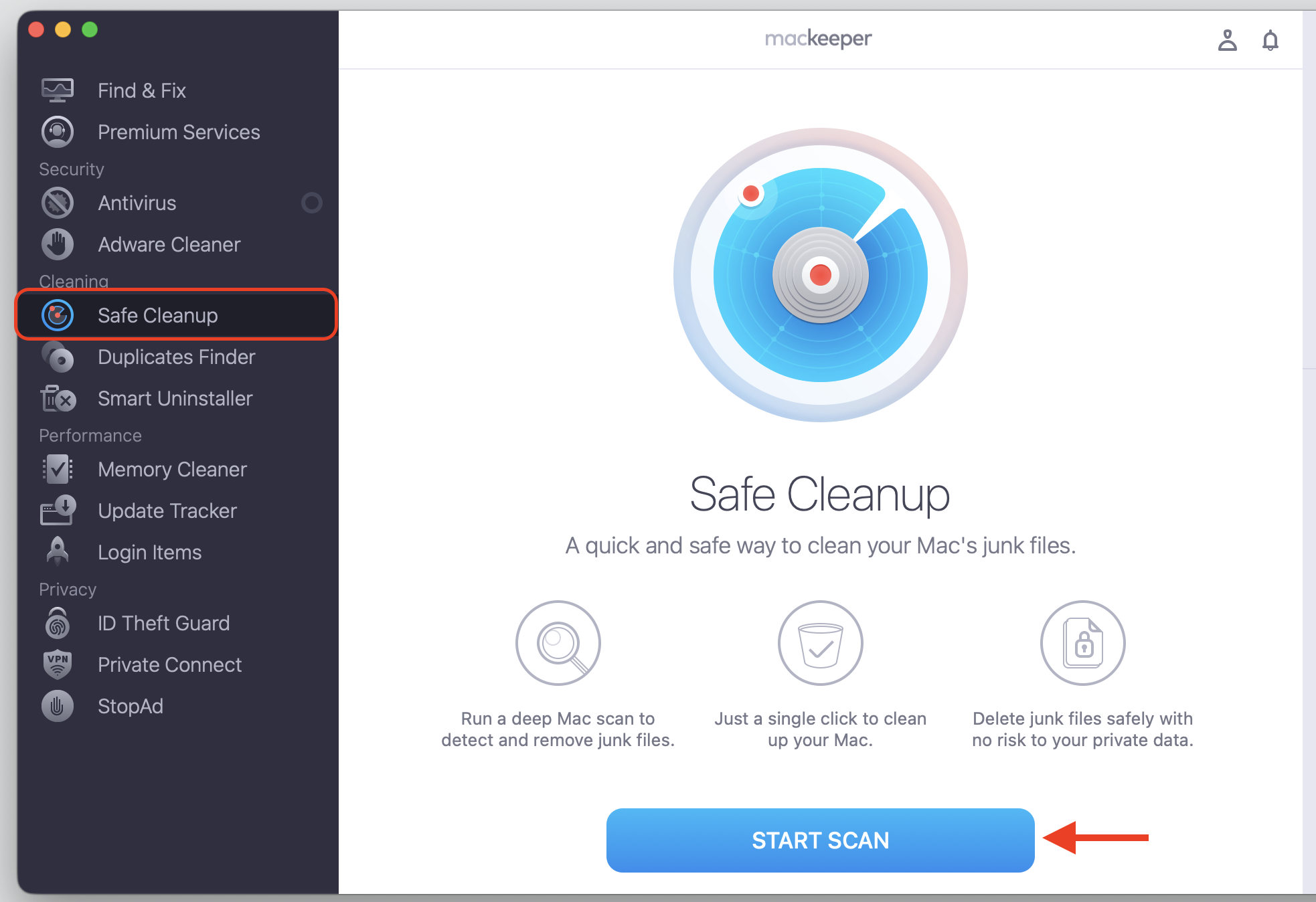
Safe Cleanup — removes junk files like caches and logs, empties the trash, and frees up storage space without touching your documents or photos.
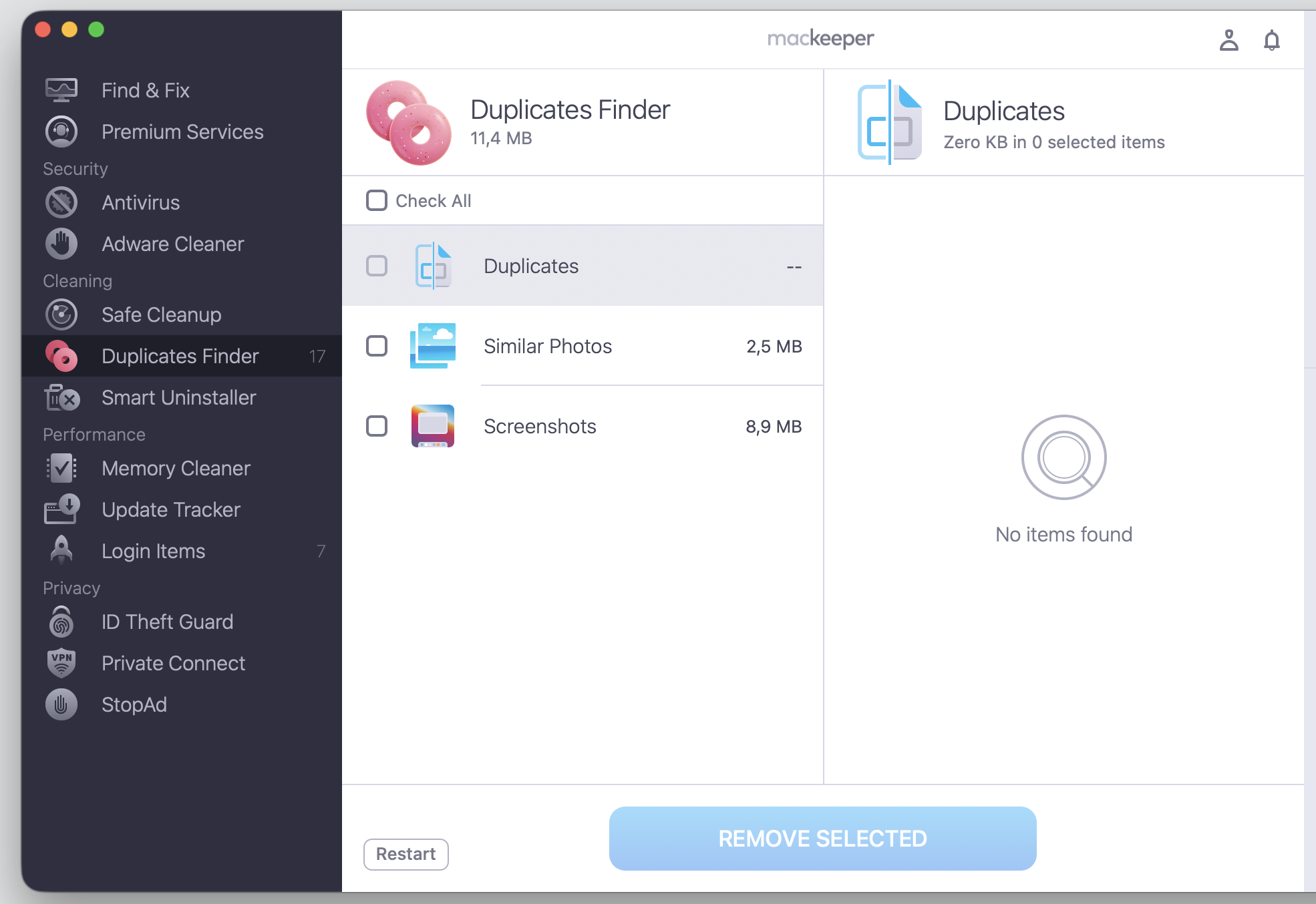
Duplicates Finder — spots similar-looking file copies in your Downloads folder and Photo Library, then removes the extras while keeping the originals.
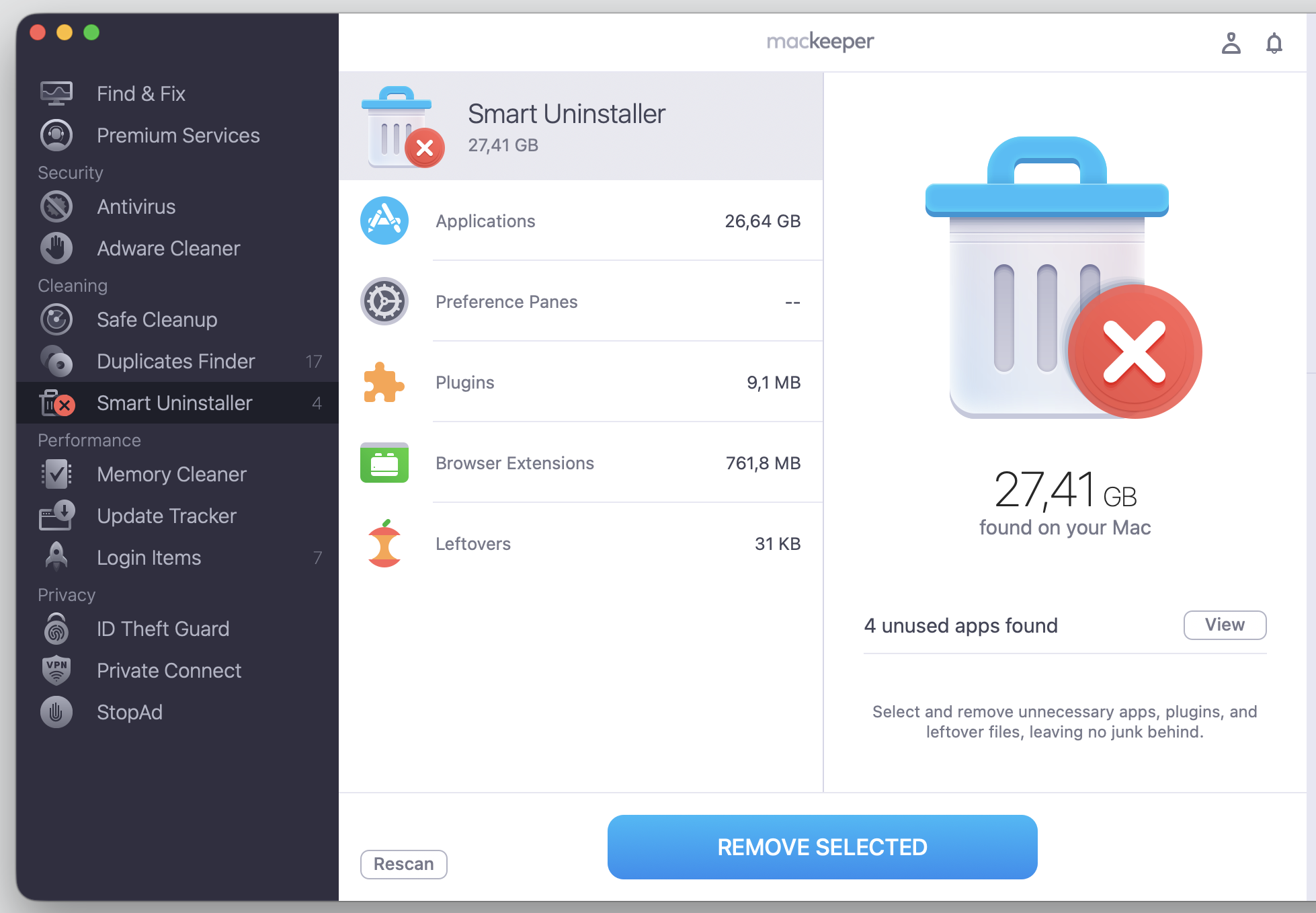
Smart Uninstaller — quits memory-heavy apps and clears out plugins, browser extensions, and leftover files so nothing lingers on your Mac.
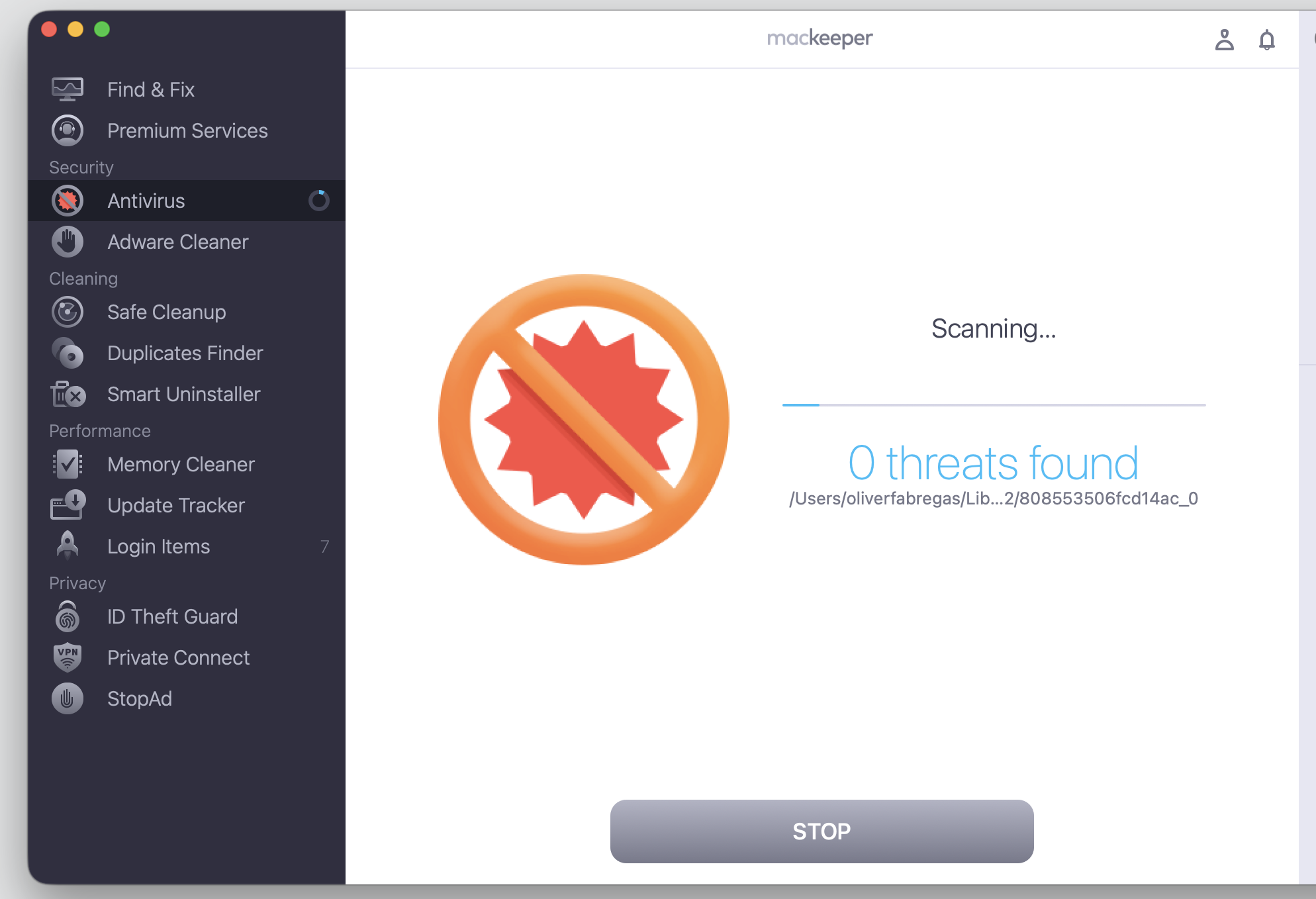
Antivirus — detects malware, viruses, Trojans, and worms in real time and can remove them on the spot, with a complete scan or a custom scan available.
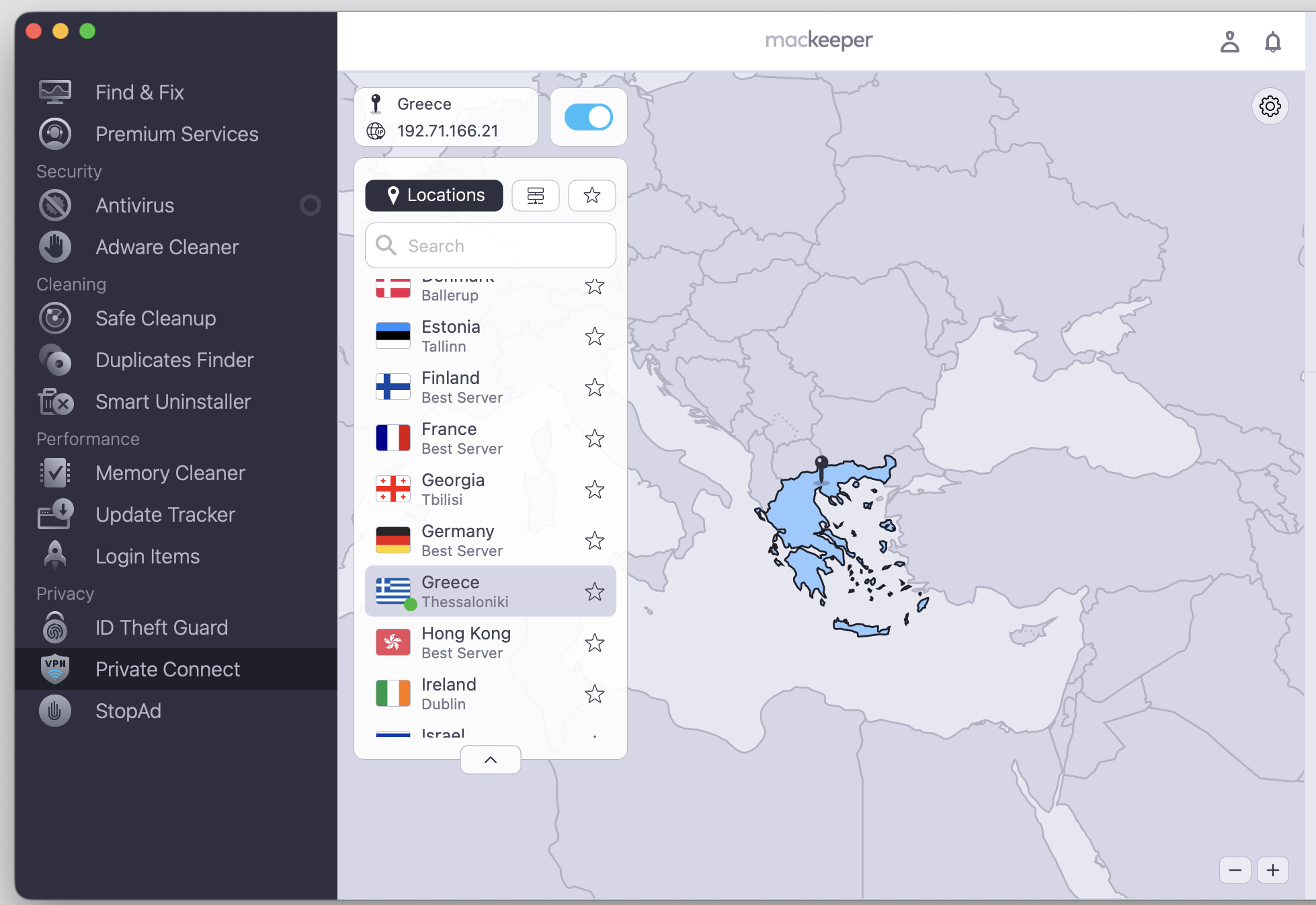
VPN and privacy tools — let you connect anonymously, block trackers, and monitor your data for breaches around the clock.
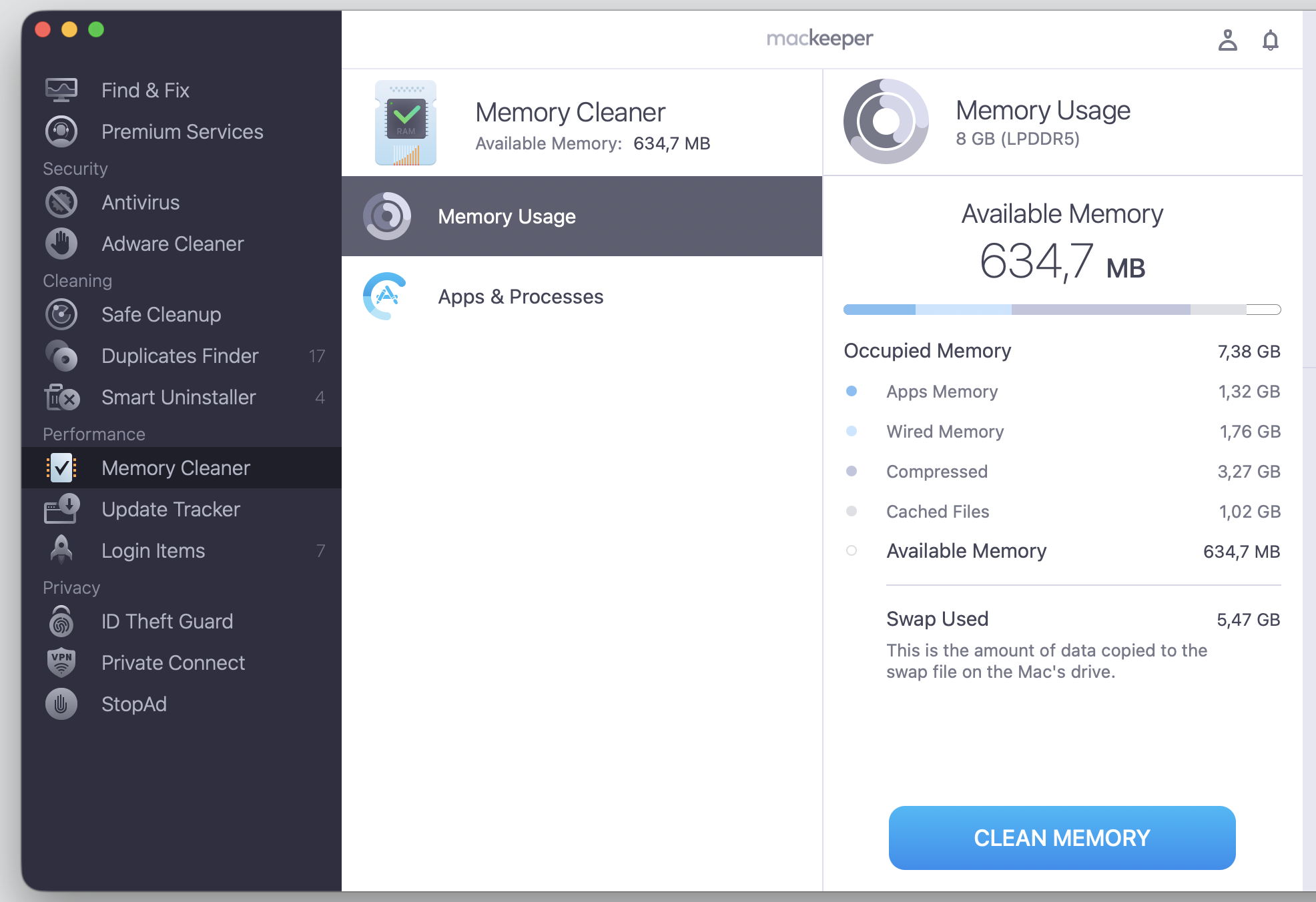
Memory Cleaner and Login Items — free up memory by quitting each useless process and trim the apps that launch automatically at startup.
What is MacKeeper best for?
MacKeeper is best for people who want guided maintenance rather than manual tinkering. If you’d rather select a task and let the app handle the details, it’s a good fit. Here are the situations where it works well:
Everyday cleanup — clearing junk and freeing space on a MacBook that’s filling up.
Guided maintenance — letting the app automate regular checkups without technical knowledge.
Privacy and security — protecting your data with antivirus and VPN features in one place.
Simpler workflows — anyone who prefers a clean, easy interface over command-line tools.
A note from our experts:
Now, when you’ve gotten acquainted with the key advantages of MacKeeper, give it a try. We suggest starting with the key cleaning of our all-in-one Mac maintenance solution—Safe Cleanup—and declutter your computer to enjoy the smoother app performance.
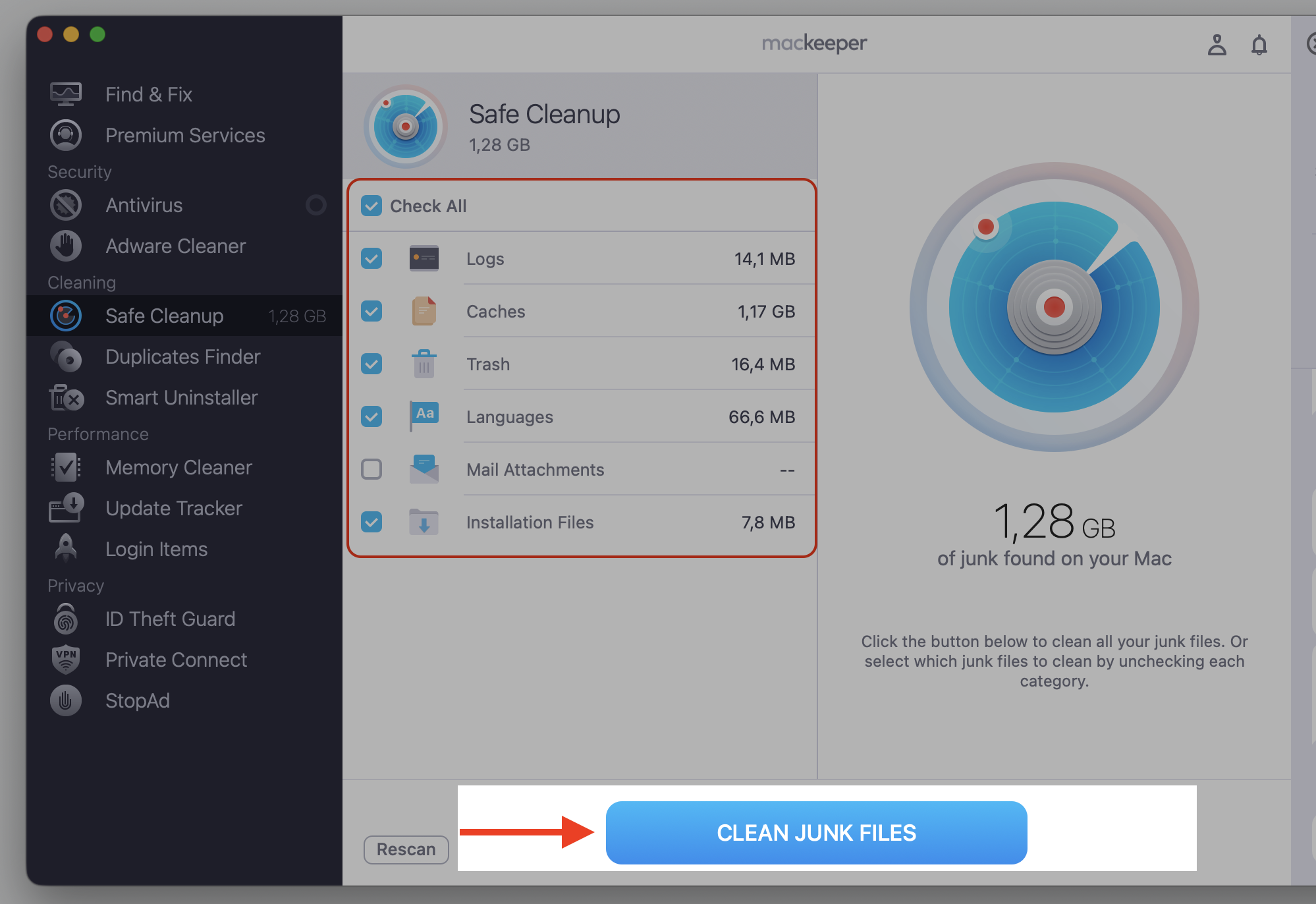
Make your choice of what to delete and click Clean Junk Files.
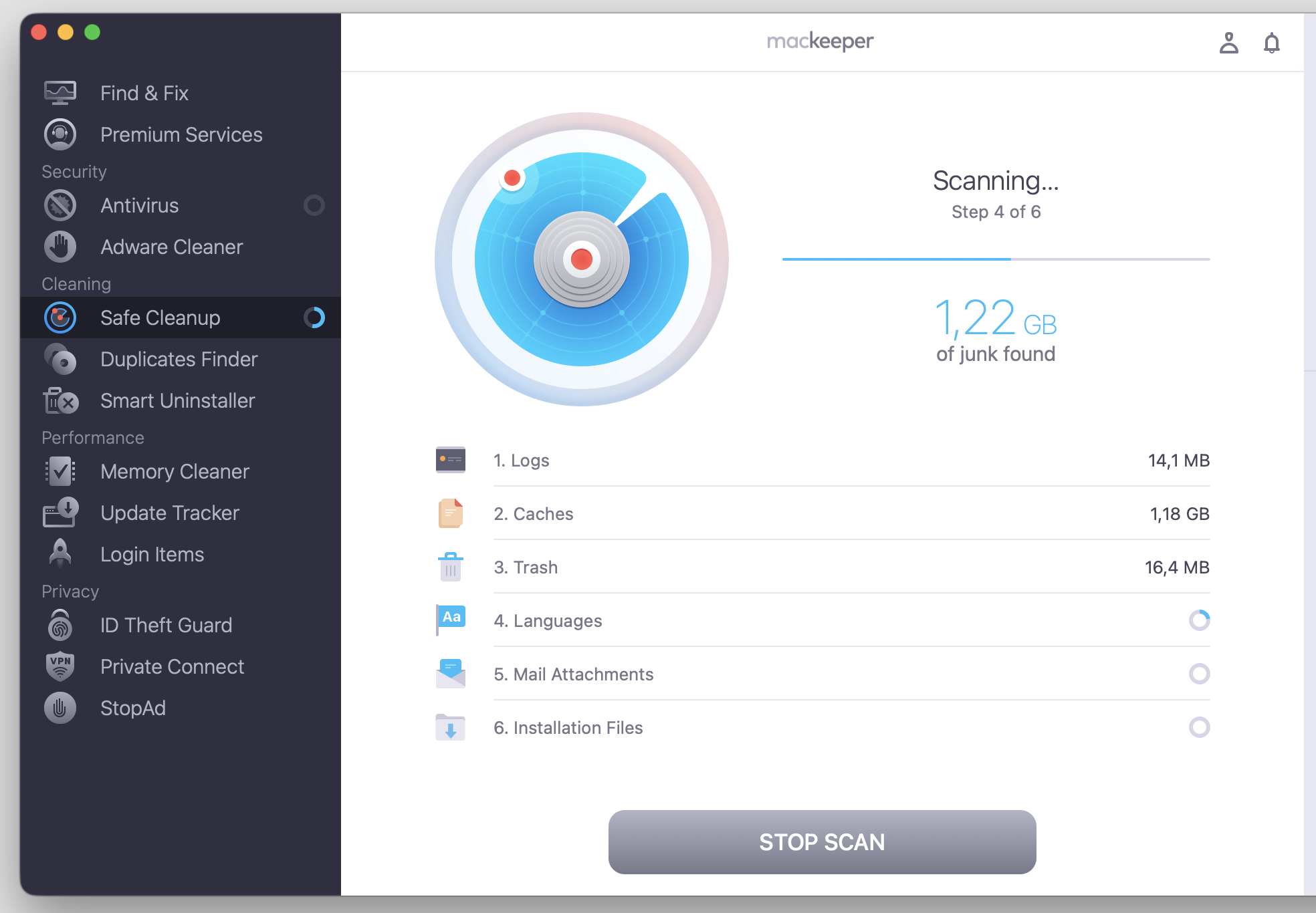
Step 1. Go to MacKeeper > Safe Cleanup > Start ScanStep 2. Wait until the scan is finishedStep 3. Check all setup and proceed with Clean Junk Files
How much does MacKeeper cost?
MacKeeper is a paid app that works on a subscription basis. Plans, trial options, device limits, and renewal terms change over time, so it’s worth checking the current price on the official MacKeeper site before you commit. A subscription bundles the cleanup, privacy, and security tools together, and Premium plans add a 24/7 Help Center that’s available whenever you need setup help or support.
What are MacKeeper’s pros and cons?
Pros
Easy, guided interface that suits beginners.
Cleanup, privacy, and security tools in one suite.
Real-time malware protection and VPN features.
Cons
It’s a paid subscription, not a free tool.
Fewer system-level controls than OnyX offers.
Less appeal for users who prefer manual maintenance.
OnyX review
Our OnyX review covers a free maintenance tool from Titanium Software that opens up many hidden macOS functions. It’s a single app that can run maintenance tasks, clear caches, and adjust system parameters that Apple usually keeps out of sight. Unlike a guided suite, it assumes you already know what each setting does. Read on to see how its tools work below.
OnyX features and tools
OnyX packs a lot into one interface, and one of its handiest abilities is to delete cache on Mac and clear the junk that builds up over time. The app groups its tools by function, so you can move between maintenance, cleaning, and system tweaks in a few clicks.
Now, we’d like mention for you the main OnyX app components:
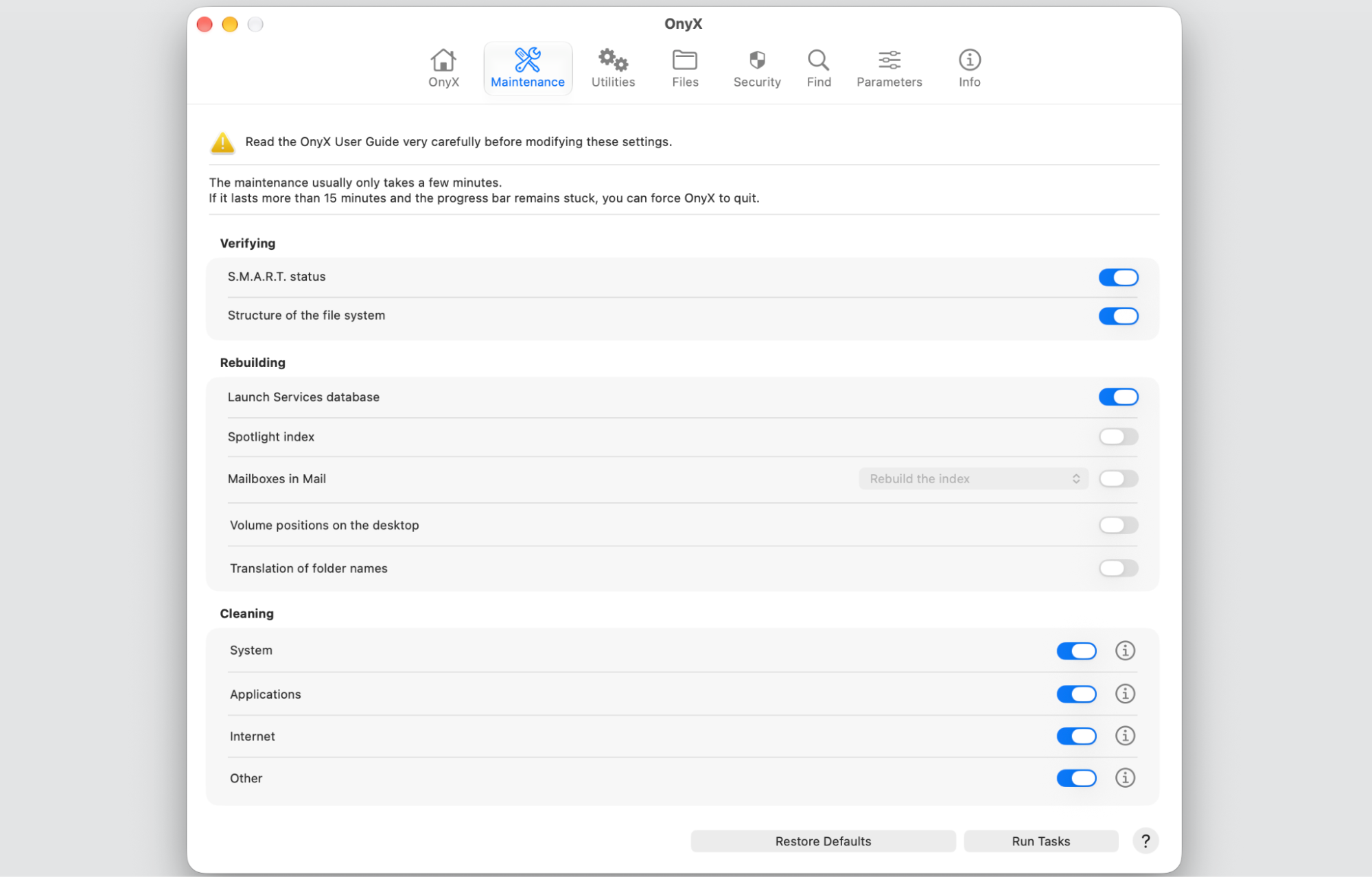
Maintenance — runs scripts and rebuilds databases in a dedicated mode to keep macOS in order.
Cleaning — clears caches, logs, and other junk across the system and your apps.
Utilities — checks the file system, manages APFS snapshots, and rebuilds databases such as the Spotlight index.
Parameters — adjusts hidden Finder, Dock, and Safari settings that aren’t in System Settings.
Files — toggles file visibility, erases items securely, and searches for specific files.
Info — shows detailed system information about your Mac.
Many of these tools simply expose advanced macOS functions in one place, which is handy if you know what you’re changing.
What is OnyX best for?
OnyX is best for confident users who want hands-on control over their computer’s maintenance. It suits people who understand the settings they’re adjusting and want a free way to reach them, including:
Advanced maintenance — running scripts and rebuilding system databases.
Cache cleanup — clearing specific caches that a general cleaner might skip.
System-level tasks — checking the file system or managing snapshots.
Customization — changing hidden Finder, Dock, and Safari parameters.
Is OnyX really free?
Yes, OnyX is free to download and use — there’s no subscription and no paid tier. Just make sure you get it from the official Titanium Software website, and download the version that matches your macOS. Each macOS release has its own build, so grabbing the wrong one can cause the app to misbehave.
What are OnyX’s pros and cons?
Pros
Free to use, with no subscription.
Deep access to macOS maintenance and system controls.
Detailed tools that technical users appreciate.
Cons
Less beginner-friendly than a guided app.
Advanced settings can be risky if used without knowledge.
You must download the correct version for your macOS.
No built-in malware protection.
MacKeeper vs OnyX — final comparison
So how do you choose between MacKeeper or OnyX? The MacKeeper vs OnyX decision really comes down to guidance versus control. MacKeeper is a guided, all-in-one utility for cleanup, privacy, and security, while OnyX is a free, advanced maintenance tool for people who want system-level access. We’ve put together a quick side-by-side below, and then we'll look at each area in turn.
MacKeeper
OnyX
Price
Paid subscription
Free
Ease of use
Guided and simple
Technical
Cleanup
Scan and review junk
Manual cache control
Security
Antivirus and VPN
None built in
Maintenance depth
Broad and automated
Deep and system-level
Best for
Everyday users
Confident users
Ease of use
For us, MacKeeper stands out for its simple, guided flow — you select a task, and each step is performed for you. OnyX, on the other hand, opens up a wall of technical options that make more sense once you understand macOS maintenance. If you’d rather not think about what every toggle does, MacKeeper’s interface feels friendlier.
Cleanup and storage management
Both apps can optimize Mac storage and clear out junk, but they go about it differently. MacKeeper scans your storage, shows you what it found, and lets you review before removing anything, which we find reassuring. OnyX gives you more manual control over which caches and maintenance tasks run, which is useful when you want to target something specific.
Security and malware protection
When it comes to security, the two tools aren’t really in the same category. MacKeeper includes antivirus and adware tools that help protect your Mac from malware, Trojans, and pop-ups. OnyX doesn’t work as an antivirus at all — it mainly gives access to macOS maintenance and a few security-related settings, so we’d pair it with separate protection.
macOS maintenance and customization
This is where OnyX stands out. It can rebuild databases, run maintenance scripts, and reveal hidden macOS options that most apps never touch. MacKeeper takes a broader, more automated approach to optimization — it handles common upkeep for you rather than exposing every switch. If you enjoy fine-tuning your Mac, OnyX gives you more room to do it.
Price and value
Price is the clearest difference between the two. OnyX is free, which is appealing when you’re comfortable managing settings yourself. MacKeeper is a paid subscription, but it bundles cleanup, privacy, and security into one app with support, so the value depends on whether you’d use those extras.
Conclusion
The main differences between MacKeeper and OnyX come down to guidance and scope. If your Mac is cluttered and low on space, and you’d rather not dig through system tools, MacKeeper’s Safe Cleanup clears trash, caches, and junk files in one click while leaving your personal files alone. We’d suggest MacKeeper if you want a simple, all-in-one tool for cleanup, security, and privacy. Go with OnyX if you want a free, technical macOS maintenance utility and you’re confident using advanced settings carefully.
Ready to reclaim your storage? Give MacKeeper’s Safe Cleanup a try to inspect one of the main app’s features and then explore more.
We respect your privacy and
use cookies
for the best site experience.
Privacy Preferences Center
We use cookies along with other tools to give you the best possible experience while using the
MacKeeper website. Cookies are small text files that help the website load faster. The cookies we
use don’t contain any type of personal data meaning they never store information such as your
location, email address, or IP address.
Help us improve how you interact with our website by accepting the use of cookies. You can change
your privacy settings whenever you like.
Manage consent
All cookies
These cookies are strictly necessary for enabling basic website functionality (including page
navigation, form submission, language detection, post commenting), downloading and purchasing
software. The website might malfunction without these cookies.