Notarized — MacKeeper Achieves Security Clearance from Apple
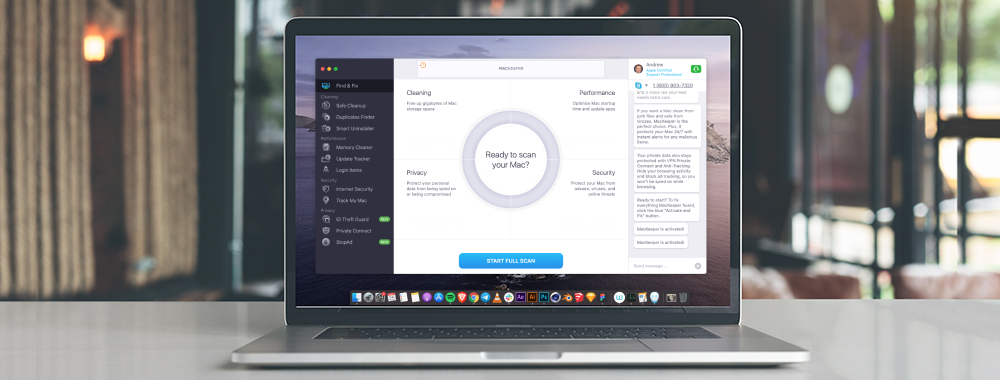
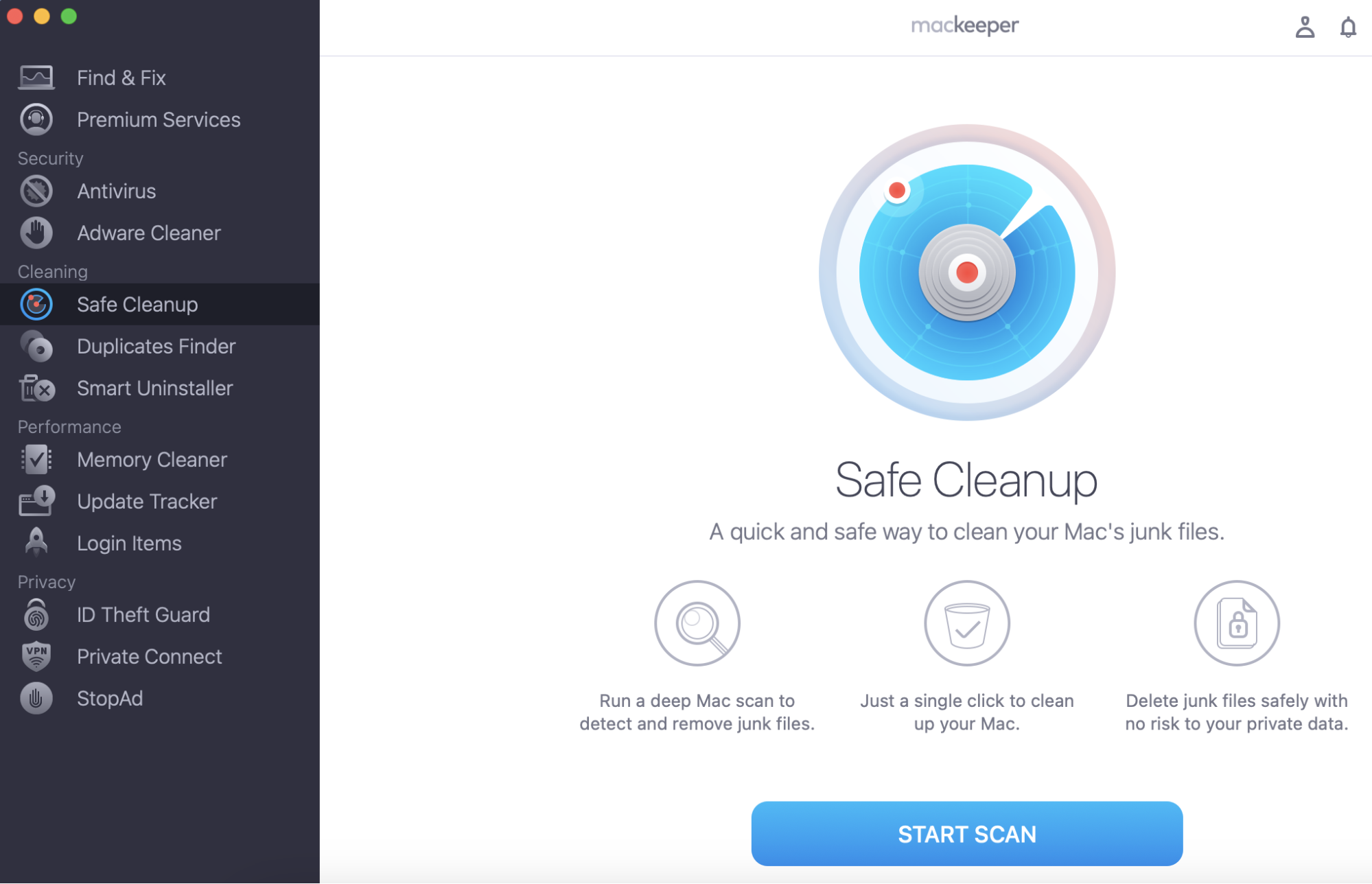
Apple has notarized MacKeeper, so starting from V.4.7.21, it achieves security clearance from Apple. Notarization ensures the app contains no malicious components. In addition, MacKeeper is a powerful all-in-one app that can help you keep your Mac safe and sound. Get acquainted with the app with MacKeeper’s Safe Cleanup to keep your Mac optimized.
MacKeeper VP of Engineering Volodymyr Shchegel said:
“Achieving Apple notarization is the ultimate endorsement for the MacKeeper team and we’re proud that our software adheres to Apple’s high security and consumer standards. This process doesn’t just consider our technical credentials, but also our wider business practices, marketing methods, partners, and agencies. It’s an end-to-end verification and we hope that it encourages more people to trust MacKeeper to enhance their Mac’s performance and online security.”
To achieve notarization, developers must send the app’s code to Apple. An automated script then checks it for malware and, if nothing is found, a ticket is assigned to the app to confirm that it is notarized. When a user launches an app on any version of macOS the built-in security system, Gatekeeper, checks if the app has been approved. If its ticket matches the Apple-issued one, GateKeeper will display a message that the app is checked and safe to run. In layman’s terms, the app you want to open is safe to use because Apple says it is!
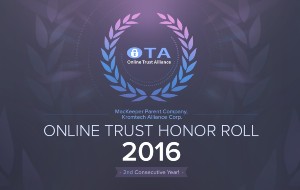
Along with Apple notarization, MacKeeper has received a number of impressive certifications, as listed below.
Certified by AppEsteem, a consumer protection platform. AppEsteem has strict rules of practice and defends against receptor apps that exhibit deceptive and risky behaviors that could harm customers.
Achieved ISO 27001 Certification, which means MacKeeper conforms to the highest standards of security.
Received the highest scores in AV-TEST certification, proving that MacKeeper consistently performs at the highest level in terms of protection, performance, and usability.
These certifications matter as they are proof that MacKeeper holds its software’s security and performance to the industry’s highest standards. In fact, security of its product and the protection of users’ data are paramount to the ethos of the company.
A note from our experts:
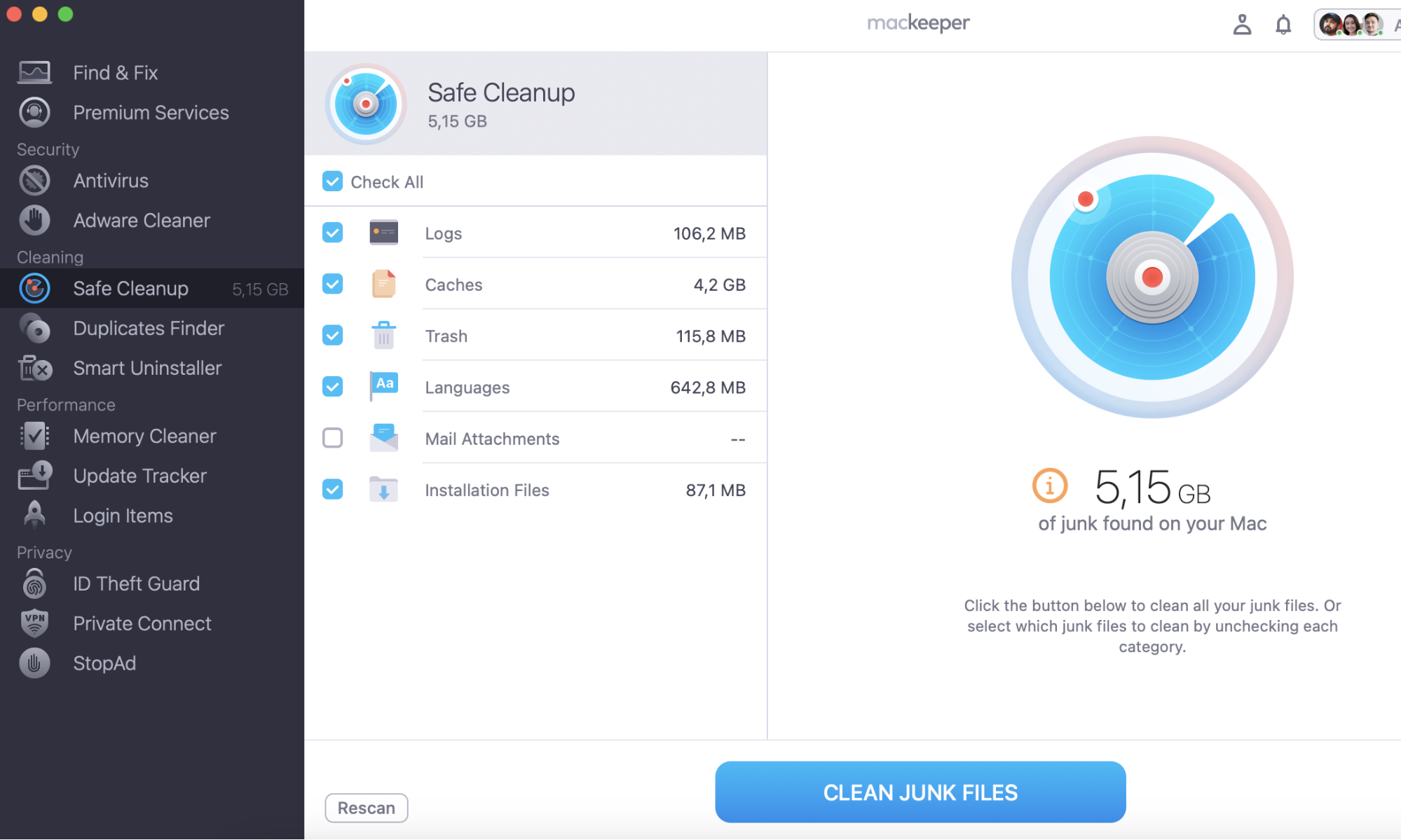
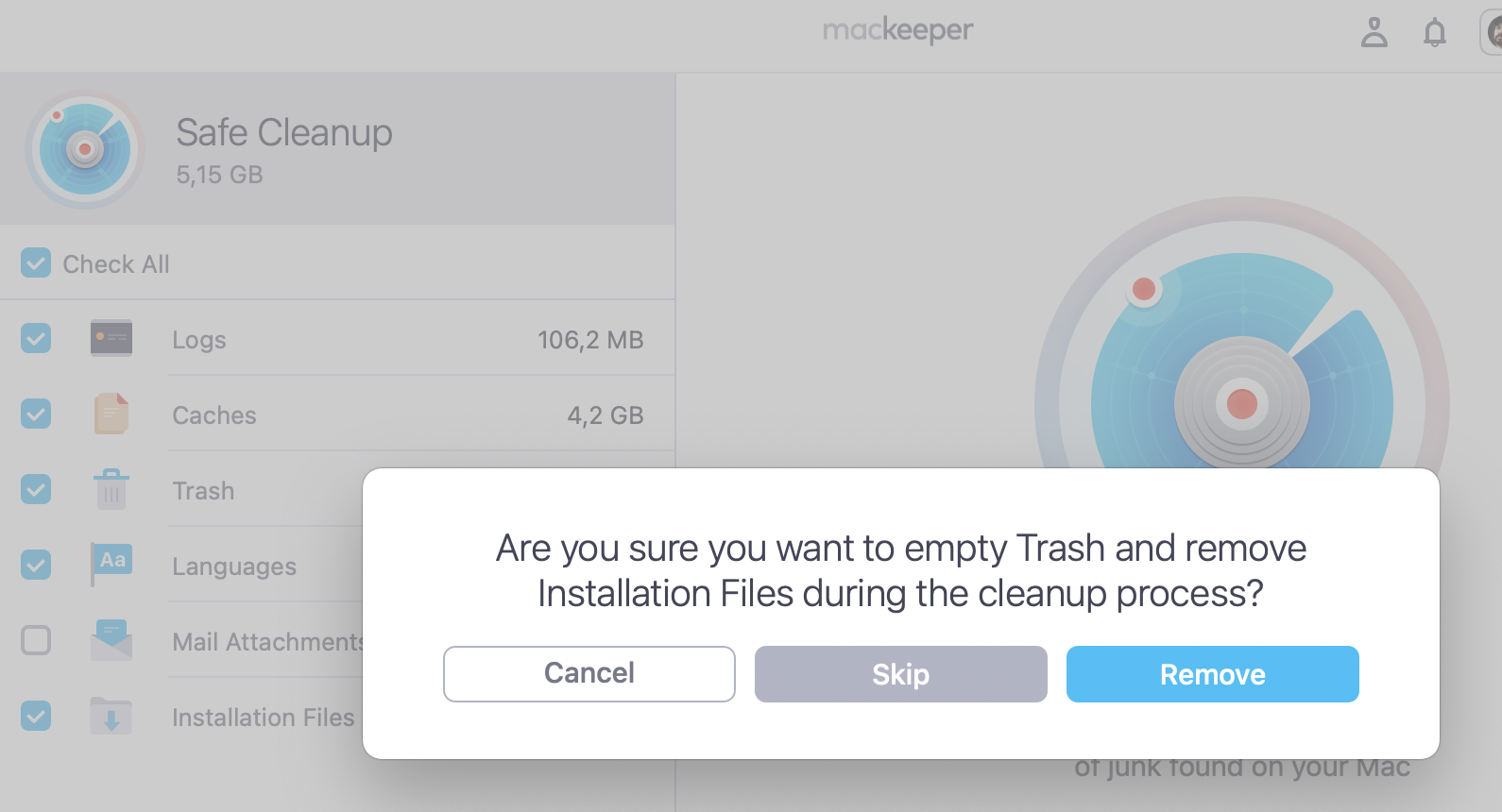
If you still haven’t tried MacKeeper’s features, start with MacKeeper’s Safe Cleanup. It’s our basic tool to keep your Mac clean and highly-performing.
We are incredibly proud of these achievements, as the combination of all these certifications elevates MacKeeper to the status of one of only a few security and privacy software suites to have achieved such high standards. And while the notarization does not necessarily mean that Apple recommends MacKeeper directly, it agrees that MacKeeper meets its own very high software performance and security standards.
We respect your privacy and
use cookies
for the best site experience.
Privacy Preferences Center
We use cookies along with other tools to give you the best possible experience while using the
MacKeeper website. Cookies are small text files that help the website load faster. The cookies we
use don’t contain any type of personal data meaning they never store information such as your
location, email address, or IP address.
Help us improve how you interact with our website by accepting the use of cookies. You can change
your privacy settings whenever you like.
Manage consent
All cookies
These cookies are strictly necessary for enabling basic website functionality (including page
navigation, form submission, language detection, post commenting), downloading and purchasing
software. The website might malfunction without these cookies.