Ever dragged an app to the Trash and wondered where its leftover files went? On a Mac, they often linger in your system. A good Revo Uninstaller alternative for Mac removes them cleanly. That’s where MacKeeper’s Smart Uninstaller steps in—it quits stubborn apps and clears their scattered files in a few clicks.
Short answer—no. Revo Uninstaller is a Windows app, and there’s no native version built for macOS. Whether you’re on a modern MacBook or an older Macintosh, you can’t install it the way Windows users do.
That’s because Apple and Microsoft handle app files differently. On Windows, Revo Uninstaller cleans up the registry and scattered folders. On macOS, apps tuck their extras into hidden Library folders—caches, logs, preferences, and support files—so you need a tool built for the Mac system. This is why a dedicated Revo Uninstaller Mac alternative is the way to go.
A note from our experts:
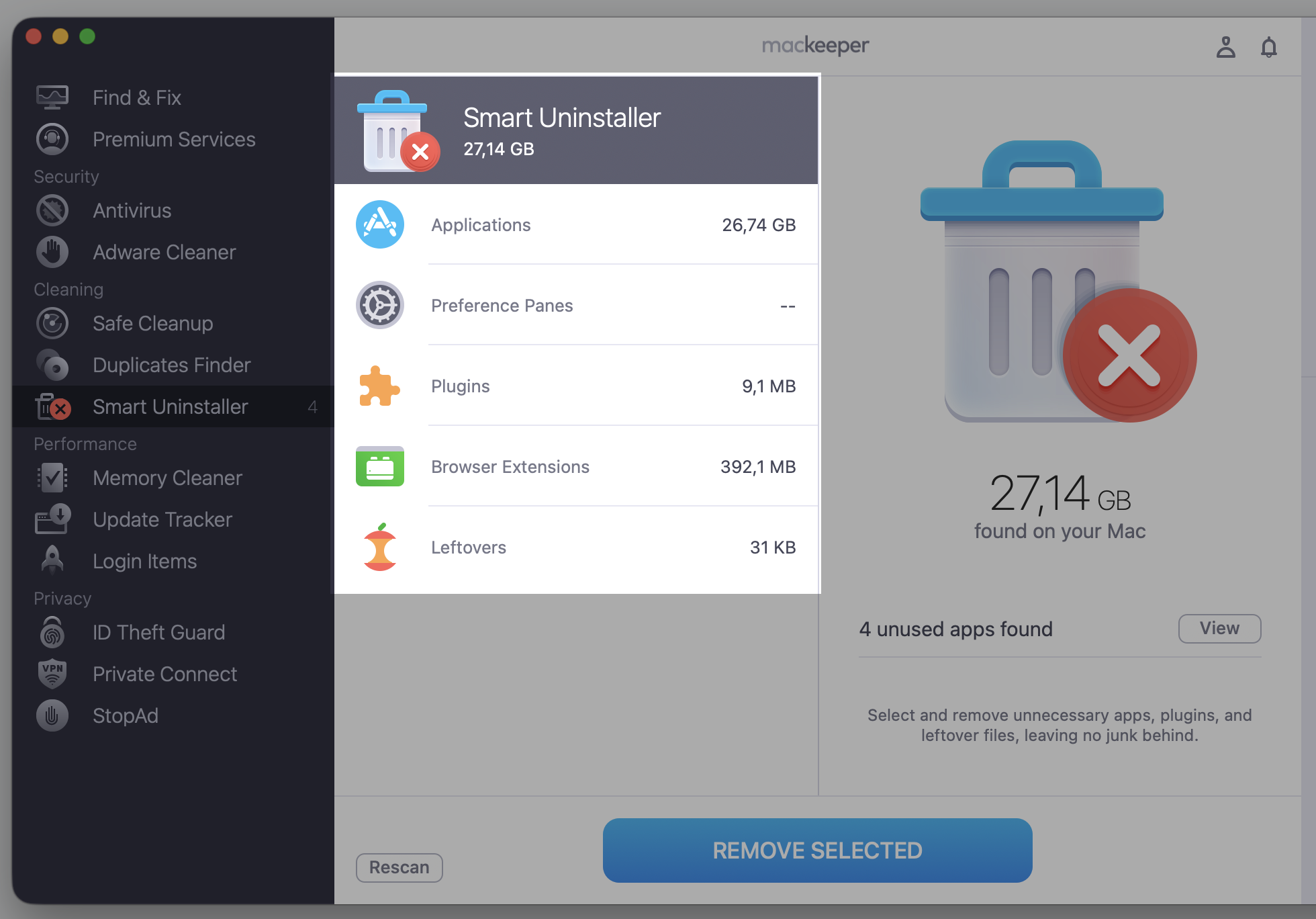
As Revo Uninstaller doesn’t offer its capabilities on Mac, we’re ready to present you with a decent alternative for all Mac models. We’re talking about MacKeeper’s Smart Uninstaller, which gives you an opportunity to quickly and safely delete redundant apps, suspicious browser extensions, and all related data.
Try it this way:
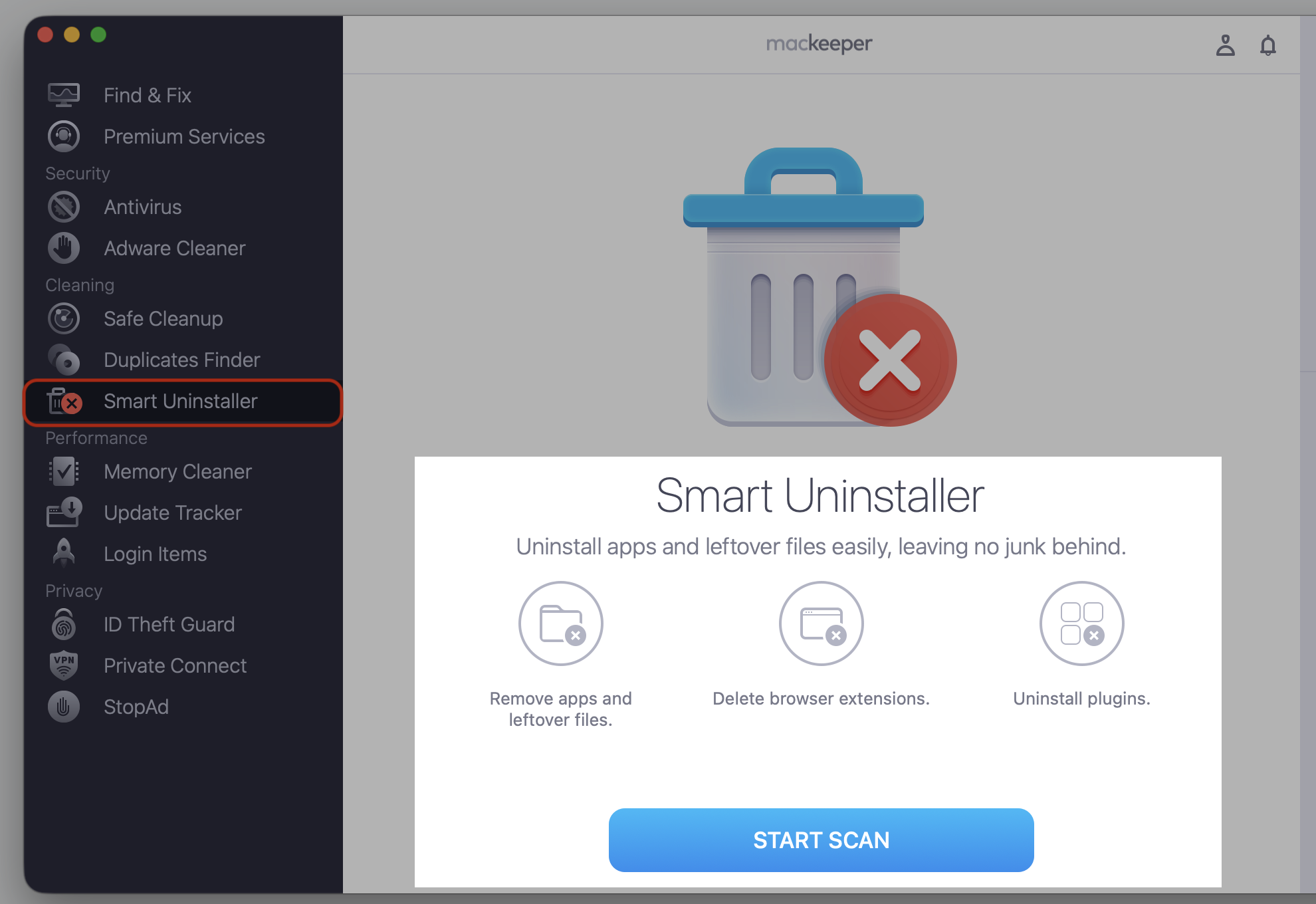
Download MacKeeper and select Smart Uninstaller after installing and opening the app.
Click Start Scan.
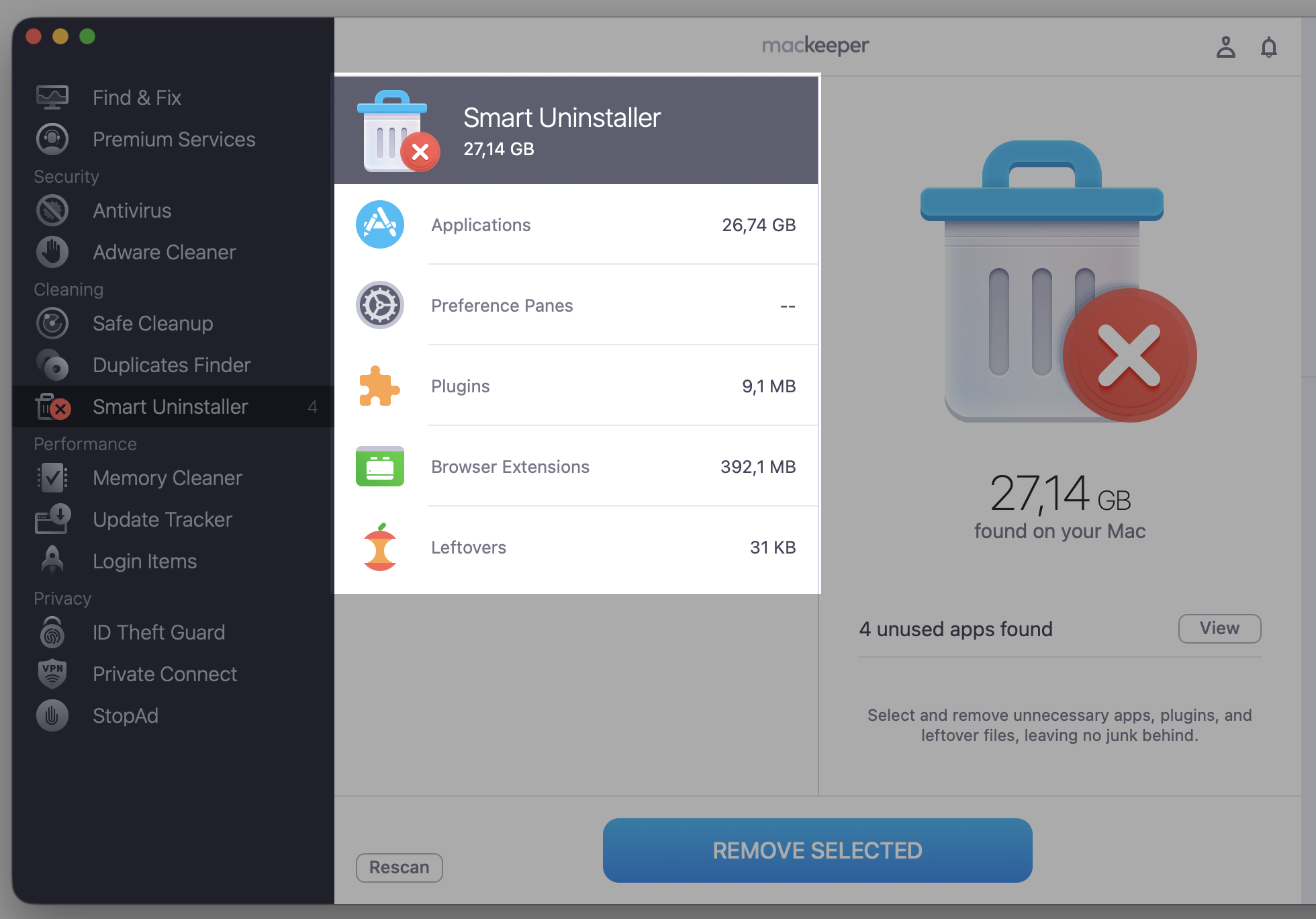
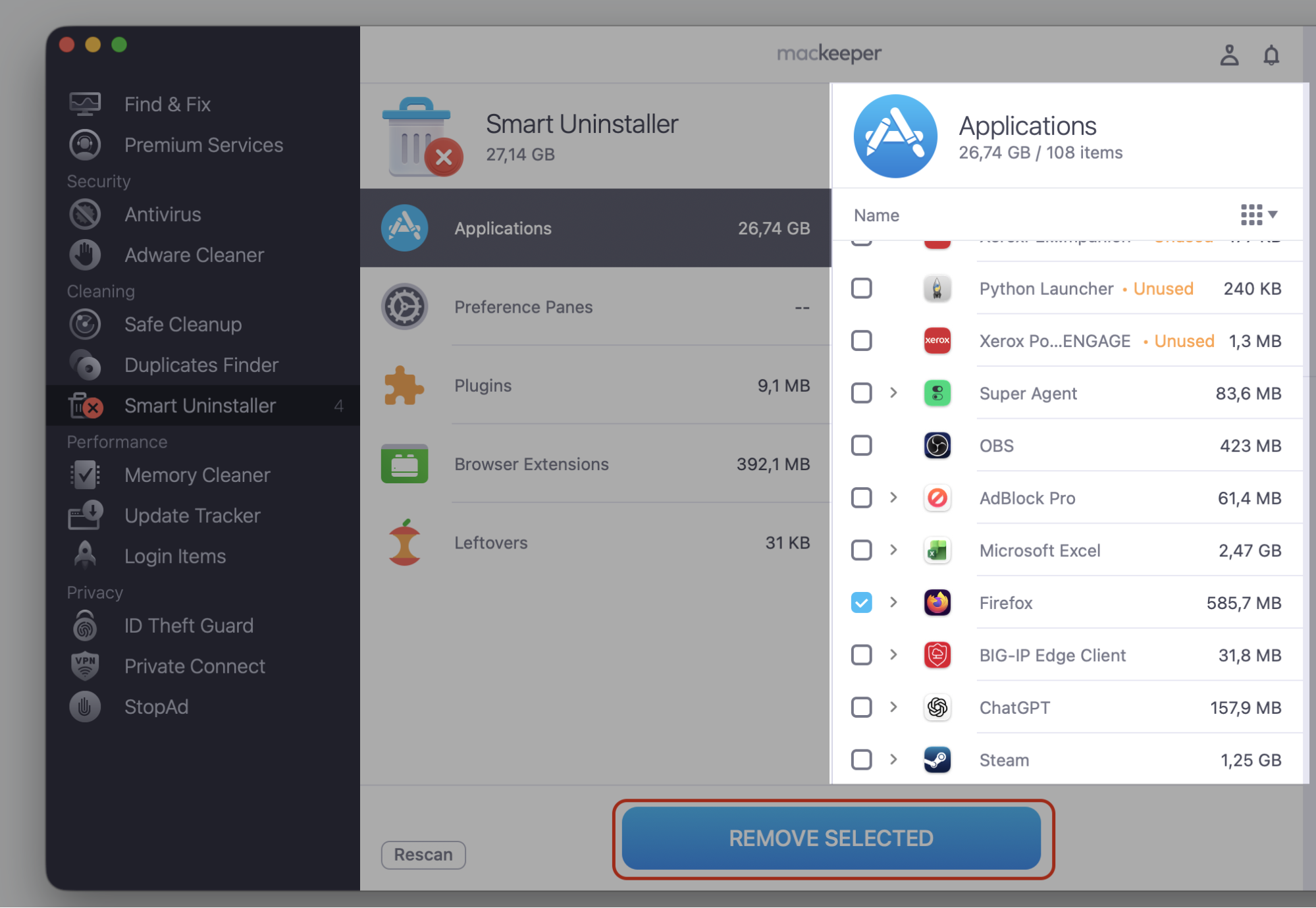
Choose what you want to remove, click Remove Selected, and then confirm.
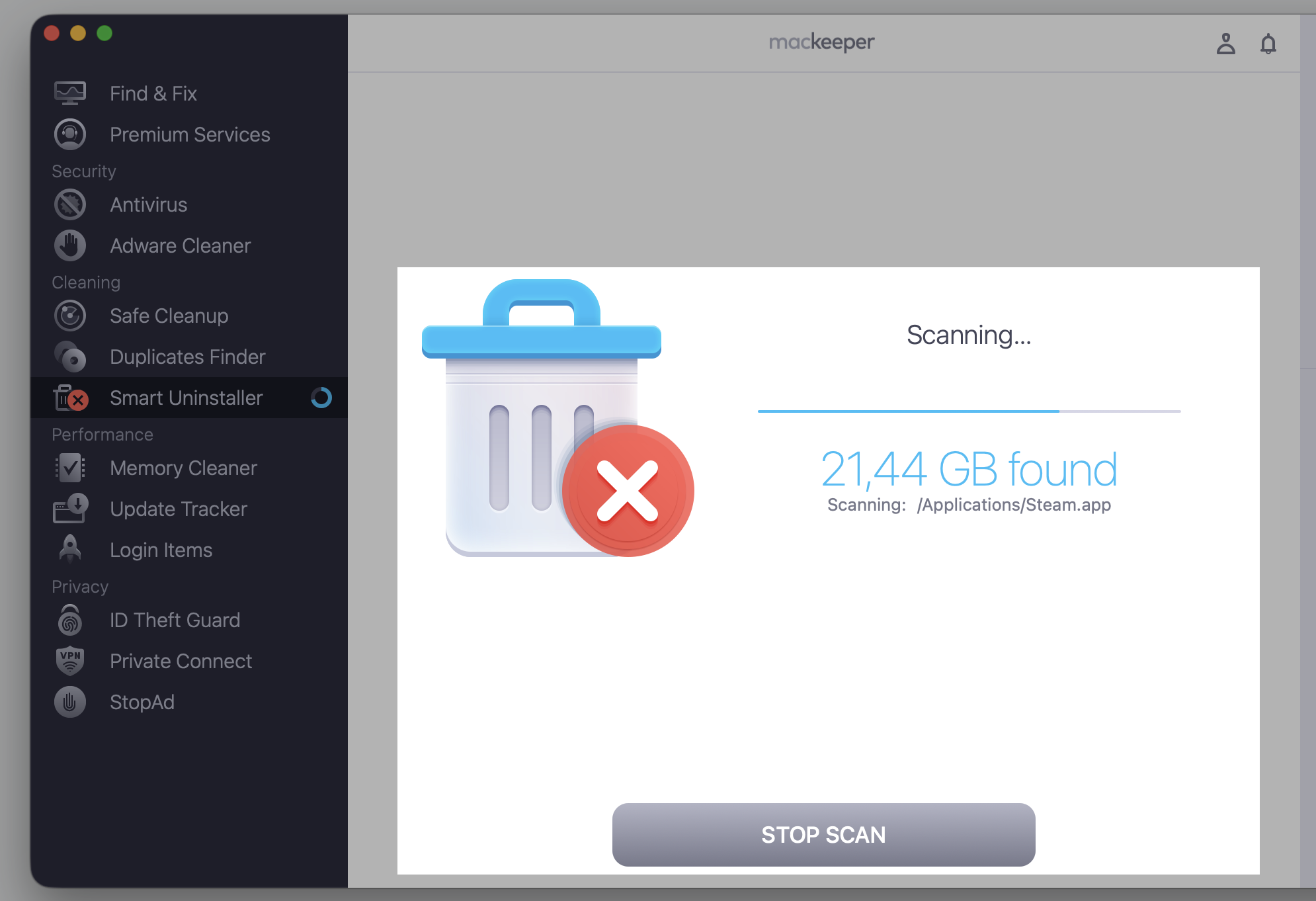
Step 1. Go to MacKeeper > Smart Uninstaller > Start ScanStep 2. Wait until the scan is finishedStep 3. Select the category you need to checkStep 4. Select the item you want to delete and proceed with the Remove Selected button
What should a Revo Uninstaller alternative for Mac offer?
Not every uninstaller is equal, so we looked for a few things that make one worth your time. A good equivalent should help you completely uninstall application on Mac without leaving digital crumbs behind. If you’d rather do it by hand, you can completely uninstall application yourself, though it means opening several hidden folders one by one.
Here’s what we weighed when picking each option:
Leftover-file detection—finding caches, logs, and support files, not just the app icon
Ease of use—a clean, friendly layout that won’t overwhelm you
Batch removal—clearing several apps in one go
Startup item management—control over the apps that launch when you log in
Light system impact—a tool that stays out of your Mac’s way
Fair pricing and trials—a reasonable price and a way to test before you pay
Security—a trusted developer and safe, verified downloads
Compatibility—support for recent macOS versions, from Sonoma to Sequoia
Best Revo Uninstaller equivalent for Mac
The good news—Mac users have plenty of choices. They range from lightweight free utilities to fuller system-maintenance suites, and the best Mac uninstaller app for you depends on how much cleanup you want. Some just remove apps, while others tidy your whole system.
Let’s walk through seven options we’ve tested, so you can match a Revo Uninstaller Mac equivalent to your own needs and see how each performs in everyday use.
Tool
Price model
macOS
Batch removal
Startup / extensions
Best for
MacKeeper
Subscription (free scan)
Recent
Yes
Yes
One suite for upkeep
AppCleaner
Free
Recent
Limited
No
Simple, quick removals
Pearcleaner
Free (open-source)
Recent
Yes
Some
Users who want control
App Cleaner & Uninstaller
Free trial + paid
Recent
Yes
Yes
More control, mid-level
CleanMyMac
Subscription (trial)
Recent
Yes
Yes
Full system cleanup
TrashMe
Paid (trial)
Recent
Yes
Some
Removal plus Trash watch
AppZapper
Paid (limited trial)
Recent
Limited
No
Classic drag-and-drop
macOS support and prices change often, so check each developer’s site for the latest before you buy.
Below, we’ll take each one in turn so you can see which Revo Uninstaller equivalent for Mac suits your setup and which we’d reach for first.
1. MacKeeper
MacKeeper is our one-stop pick. Its Smart Uninstaller quits memory-heavy apps, removes plugins and browser extensions, and sweeps up the files they leave behind. It’s handy when you want to delete leftover files from uninstalled program on a MacBook without hunting through hidden folders yourself.
Beyond removal, MacKeeper’s Safe Cleanup clears junk and caches, while its antivirus keeps an eye out for malware. If you’d rather have one tidy suite than a drawer full of single-task tools, this is a practical fit. The trade-off—it’s a subscription, so check the current price on the developer’s site before you commit.
2. AppCleaner
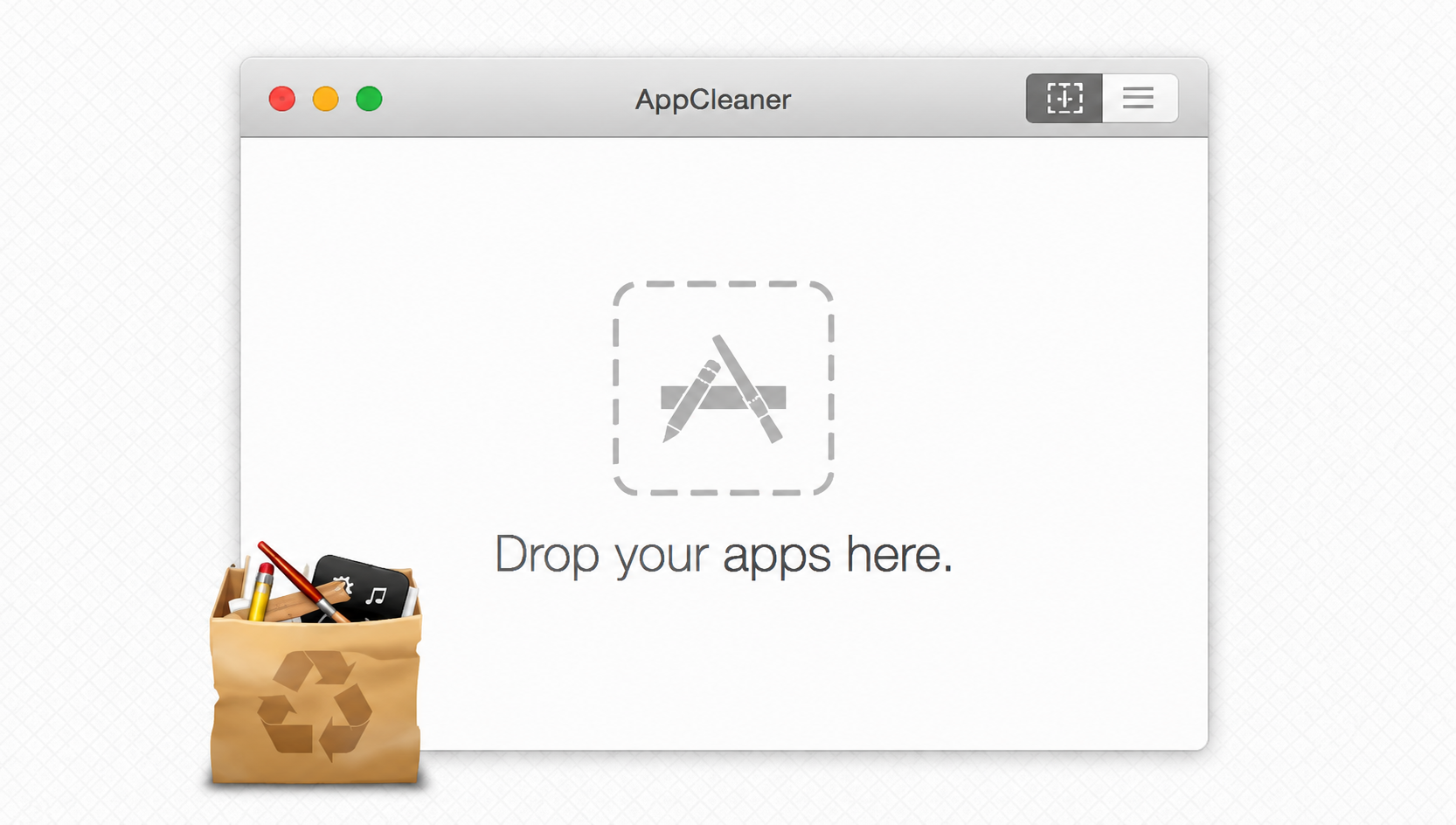
AppCleaner is a free, no-frills favorite from FreeMacSoft that we put through its paces in our AppCleaner Mac review. You drag an app onto its window, and it finds the related files so you can remove them together.
It’s a lovely little tool for quick jobs, though it stops at app removal—there’s no startup manager, batch scheduling, or extra cleanup. If simple is what you’re after, you’ll like it.
3. Pearcleaner
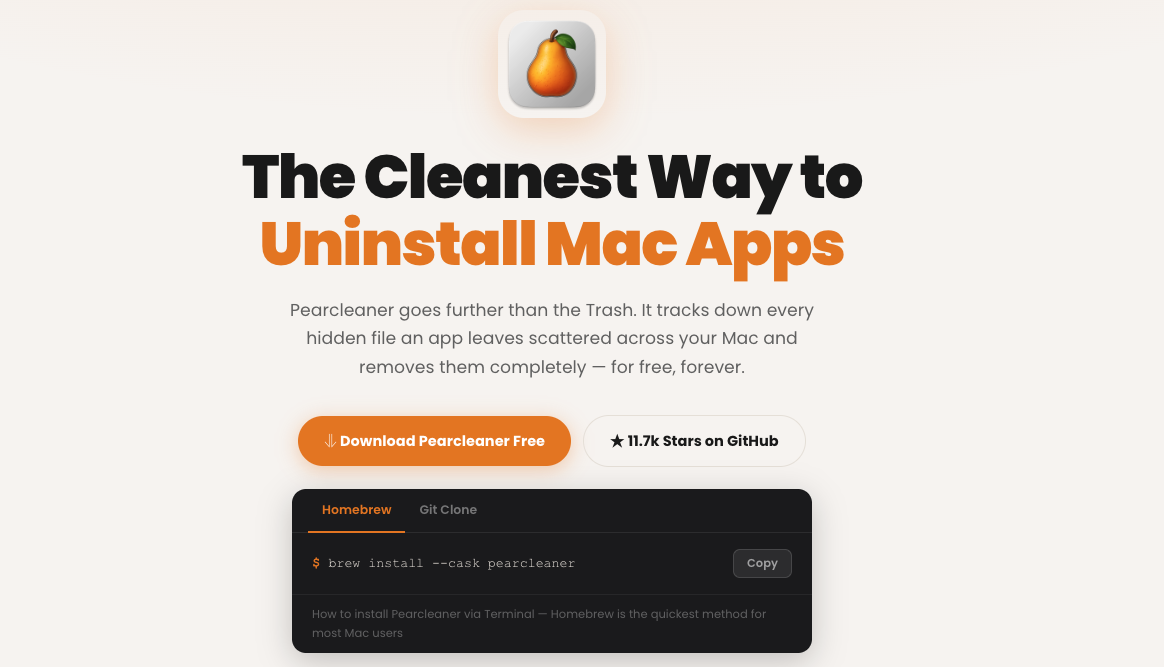
Pearcleaner is a modern, open-source uninstaller you can grab free from GitHub. It shows you exactly which files it plans to remove, so nothing happens behind your back—a nice touch if you like being in control.
Because it’s open-source, curious users can peek at the code, and the developer updates it often. It suits people who value transparency and don’t mind a tool that’s a touch more hands-on.
4. App Cleaner & Uninstaller
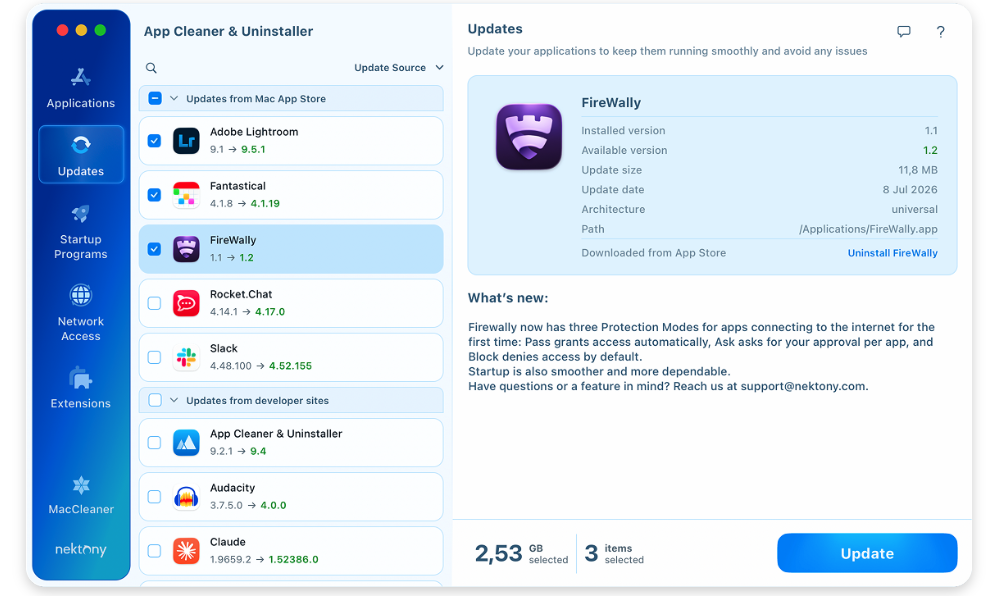
Made by Nektony, App Cleaner & Uninstaller goes past basic removal. It clears leftovers, manages browser extensions, handles login items, and shows every app installed on your Mac in one clear list.
You can try it free, with a paid version unlocking the fuller toolkit. It’s a solid middle ground for users who want more control than AppCleaner offers without jumping to a broad suite.
5. CleanMyMac
CleanMyMac from MacPaw pairs an uninstaller with storage cleanup, malware scanning, and general upkeep, each of which we tested for our CleanMyMac review.
It’s a capable suite, but that’s also the catch—if you only want to remove the odd app, it may be more than you need. It runs on a subscription, so weigh the extras against the price.
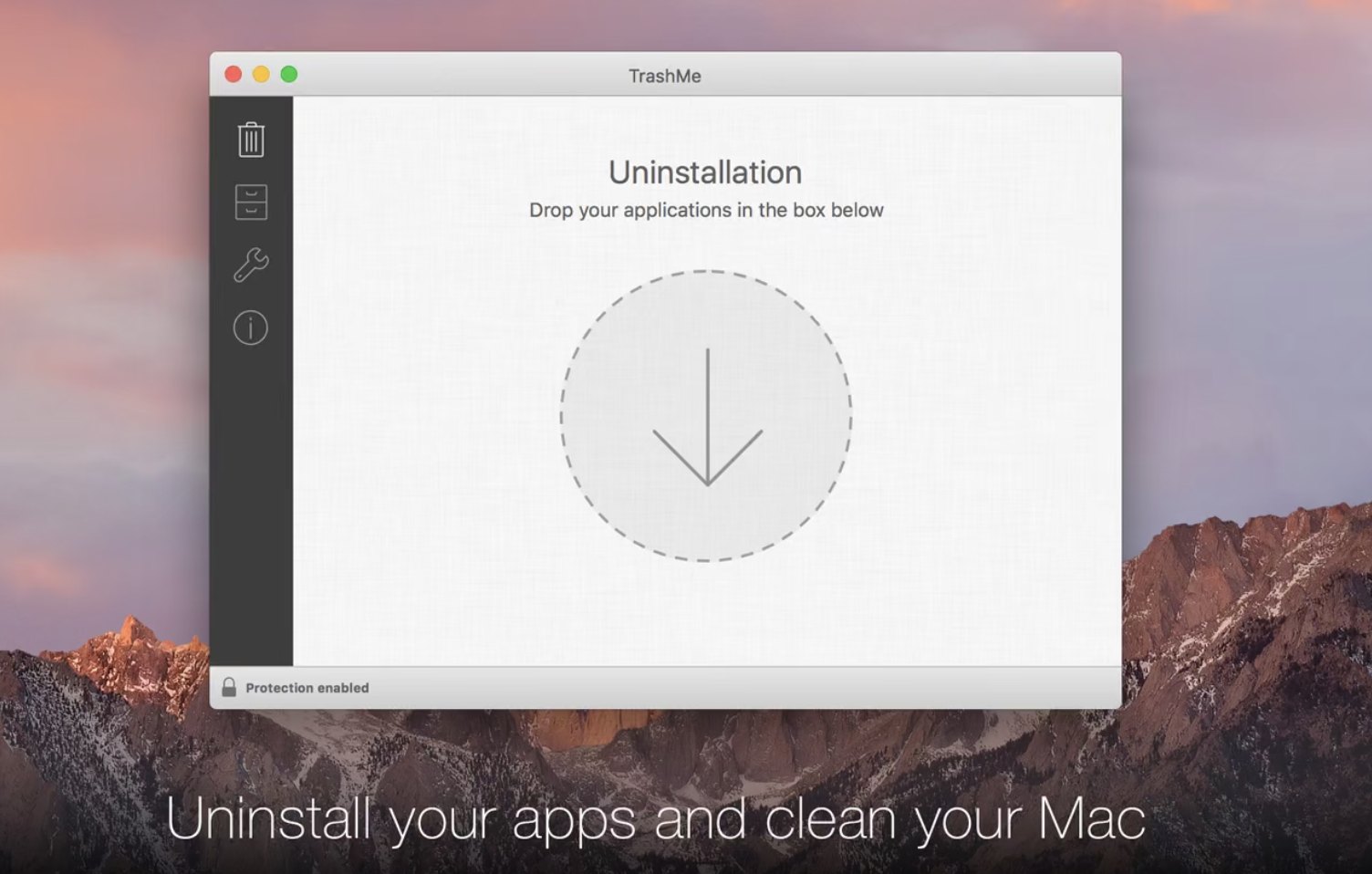
6. TrashMe
TrashMe, by Jibapps, removes apps and their leftovers while keeping an eye on your Trash so nothing piles up unnoticed. It also bundles cleanup extras like cache and log clearing, plus a duplicate finder.
It’s a friendly, tidy option available through the Mac App Store, with a trial so you can see how it feels first. Good for users who want a bit more than a single-purpose remover.
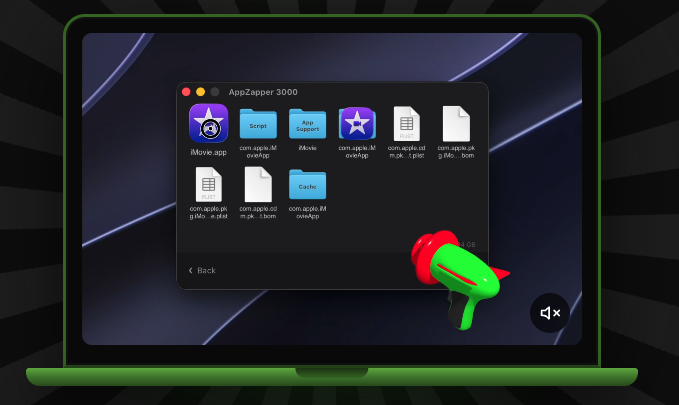
7. AppZapper
AppZapper is one of the originals. You drag an app onto it, and it “zaps” the app along with its basic leftover files—a familiar routine that’s easy to learn.
It’s paid after a limited free trial, and it keeps things deliberately simple. If you miss the classic Mac feel and just want quick, fuss-free removal, AppZapper still holds up.
Pick the Revo Uninstaller equivalent for Mac that fits you
Since Revo Uninstaller doesn’t run on macOS, you’ve got a friendly lineup to pick from instead. Free tools like AppCleaner and Pearcleaner handle quick jobs, while Nektony’s app and CleanMyMac add more control across your system. When leftover files pile up and clutter your Mac, an effective Revo Uninstaller equivalent can clear them out for you.
MacKeeper’s Smart Uninstaller does this in a few clicks—it quits heavy apps, strips out plugins and extensions, and removes the files they leave behind, so you’re never left digging through hidden Library folders. Download MacKeeper’s Smart Uninstaller and give your Mac a clean, fresh start.
We respect your privacy and
use cookies
for the best site experience.
Privacy Preferences Center
We use cookies along with other tools to give you the best possible experience while using the
MacKeeper website. Cookies are small text files that help the website load faster. The cookies we
use don’t contain any type of personal data meaning they never store information such as your
location, email address, or IP address.
Help us improve how you interact with our website by accepting the use of cookies. You can change
your privacy settings whenever you like.
Manage consent
All cookies
These cookies are strictly necessary for enabling basic website functionality (including page
navigation, form submission, language detection, post commenting), downloading and purchasing
software. The website might malfunction without these cookies.