If your Mac is running low on storage space because of cache files, junk, duplicates, and other unnecessary files, choosing a reliable cleanup tool can significantly improve your Mac’s everyday performance and system organization. Although AVG Cleaner is a good solution for freeing up storage space, MacKeeper’s Safe Cleanup offers a more advanced approach to deep cleanup, privacy protection, and overall Mac optimization.
Below, you’ll find our quick overview of AVG Cleaner’s advantages and disadvantages.
Pros
Cons
user-friendly interface
limited functionality for free versions
automatic maintenance in the background
focus on basic storage cleanup
no automatic file deletion
double price after the first year
What is AVG Cleaner?
If the question of how to clean junk files on Mac is one of your latest searching requests, go on reading, as here you’ll find out one more working solution called AVG Cleaner.
AVG Cleaner is a storage-cleaning and performance optimization tool designed to help devices run faster and more smoothly. This cleaner aims to remove unnecessary files, clear temporary data, and free up storage space without requiring manual searching through system settings.
Initially, AVG Cleaner was developed as an Android-focused app, but it used to have a Mac version. Now the app is still available for Android, while its macOS version has been rebranded as AVG TuneUp, providing broader opportunities for users. Keep reading AVG Cleaner for Mac review to learn more about its features.
Today AVG TuneUp is available on:
Windows PCs;
macOS devices;
Android smartphones and tablets.
However, the Windows version includes a lot of features, while the macOS and Android versions are focused on storage cleanup and battery management.
In general, AVG Cleaner really works on all devices by reducing unnecessary clutter and freeing up storage space. Over time, your devices collect junk files, like leftovers, browser cookies, and caches, which take up storage and slow down the system. AVG TuneUp automatically scans your laptop and removes unnecessary files quickly, improving speed and responsiveness.
What does AVG Cleaner do?
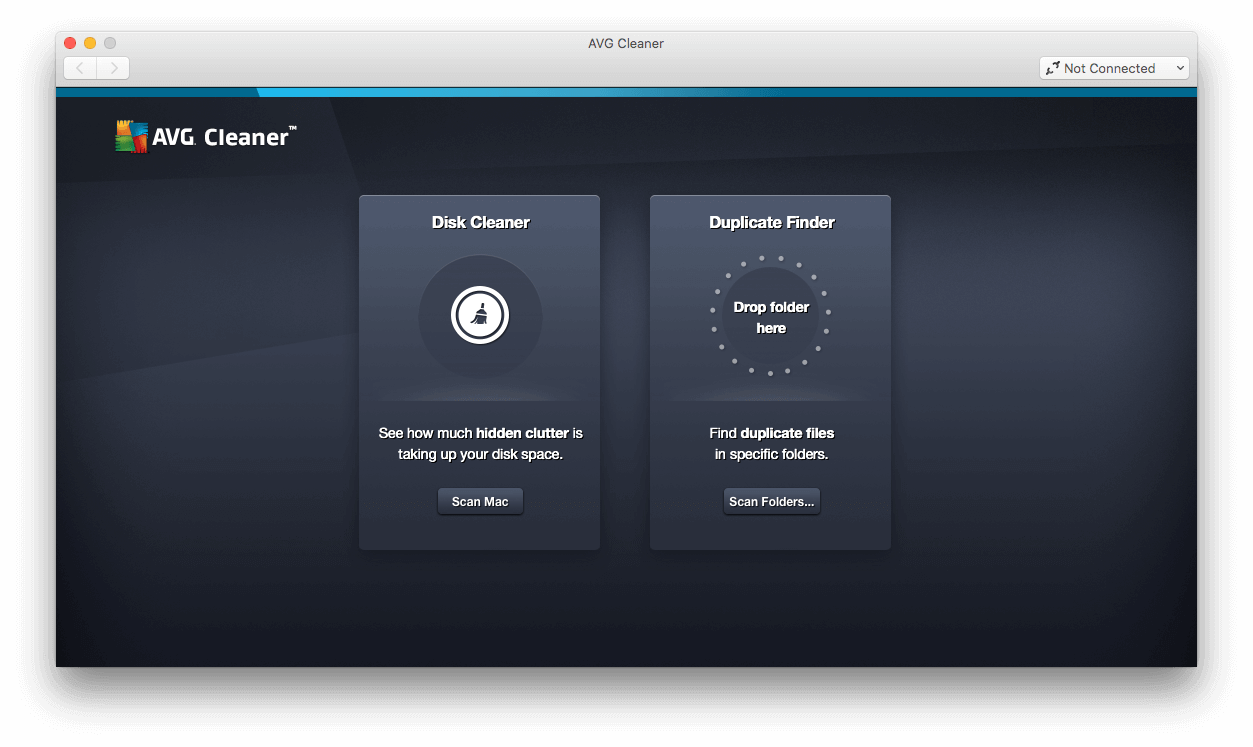
AVG Cleaner offers a thorough cleanup of your device. Technically, instead of searching manually through numerous folders, old downloads, and unused apps, AVG Cleaner checks the system and finds unnecessary data. This tool is useful for finding out how to clear storage on Mac as its main task is to help your Mac free up storage space.
When you launch the app, it starts searching for temporary files, caches, duplicates, leftovers, and old apps you don’t use for a long time. All these files pile up invisibly over time, taking up lots of storage space.
For me, one of the biggest storage problems is managing photos and videos. Not long ago, I spent a lot of time wondering how to delete duplicate photos on Mac. AVG Cleaner is a quite good solution for this issue. It detects duplicate pictures, large files, or poor-quality photos, but instead of deleting them automatically, it suggests you review the results and decide which ones you no longer need.
One more important and quite unique feature is app control. AVG Cleaner finds the apps that are rarely opened and programs that consume storage space in the background. Thus, you can review the results and identify apps you don’t need anymore.
A note from our experts:
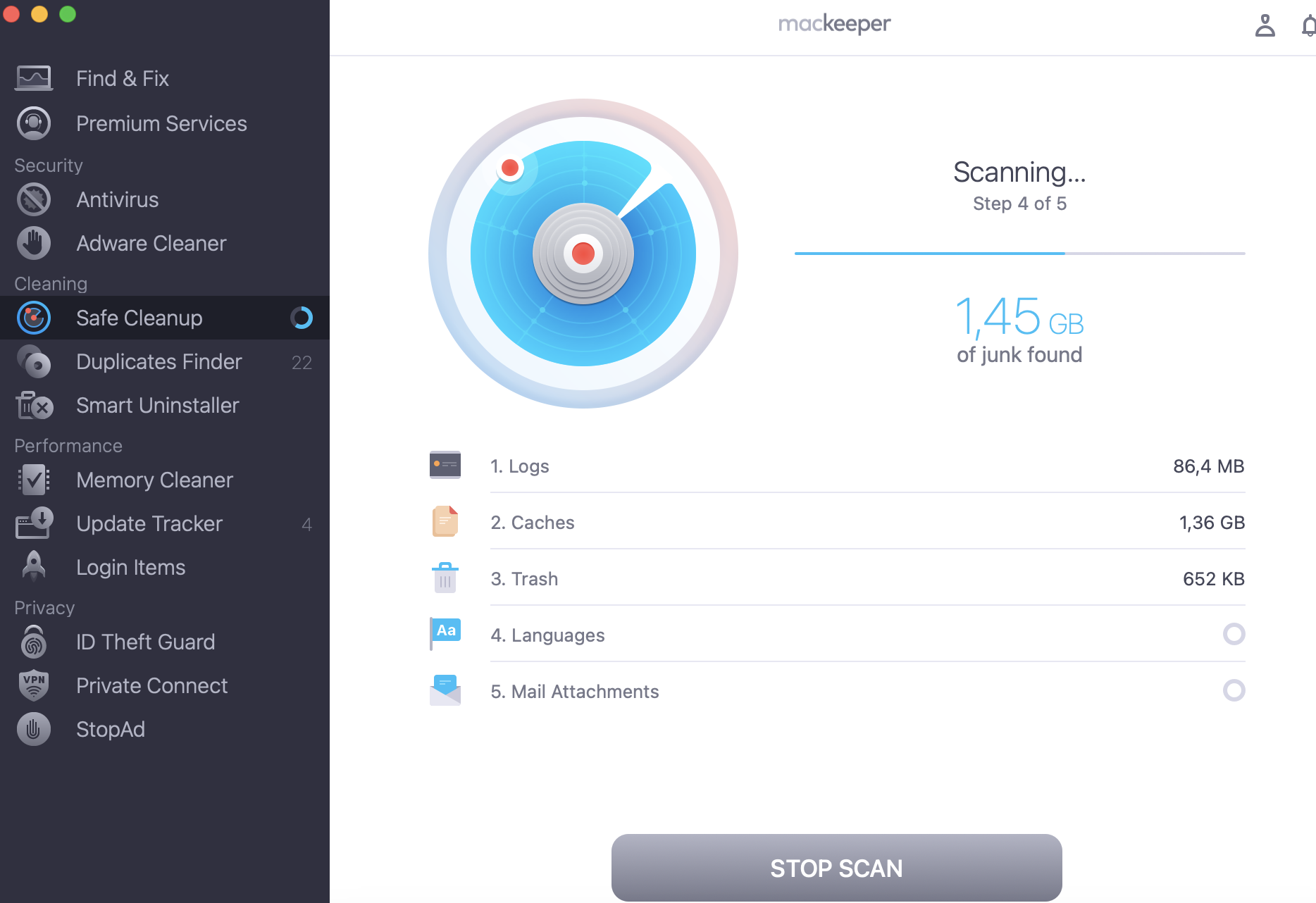
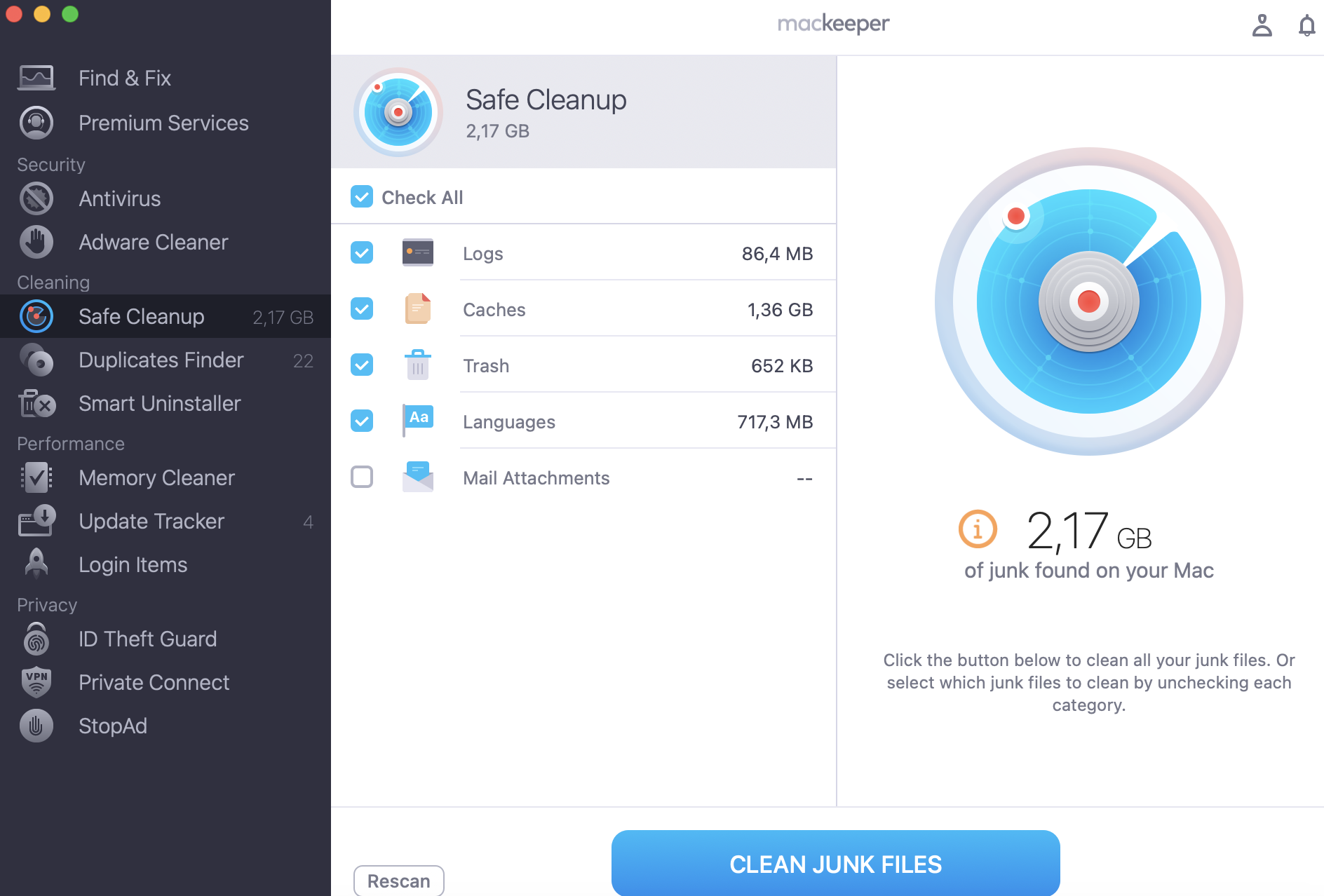
When talking about AVG Cleaner as a tool for cleaning your Mac’s storage, I also want to remind you about MacKeeper’s Safe Cleanup, which is designed specifically for Mac optimization, based on all macOS features. Both tools can be used to remove unnecessary files, but MacKeeper’s Safe Cleanup goes further, offering performance optimization, privacy protection, and system maintenance. Thus, MacKeeper’s Safe Cleanup combines several options in one tool, helping save both storage space and your time.
Follow the instructions to improve your Mac’s performance with MacKeeper’s Safe Cleanup:
As one of the best Mac cleaning software, AVG Cleaner was designed to free up storage space on your Mac, reduce digital clutter, helping your device run more efficiently. I have to admit that AVG Cleaner is focused on simple everyday tasks, not complicated technical optimization.
Let's distinguish the key features of AVG Cleaner for Mac:
Junk and cache cleaning.
Duplicate file finder.
Photo cleanup and similar image detection.
Browser cleaning.
Automatic maintenance.
Junk and cache cleaning
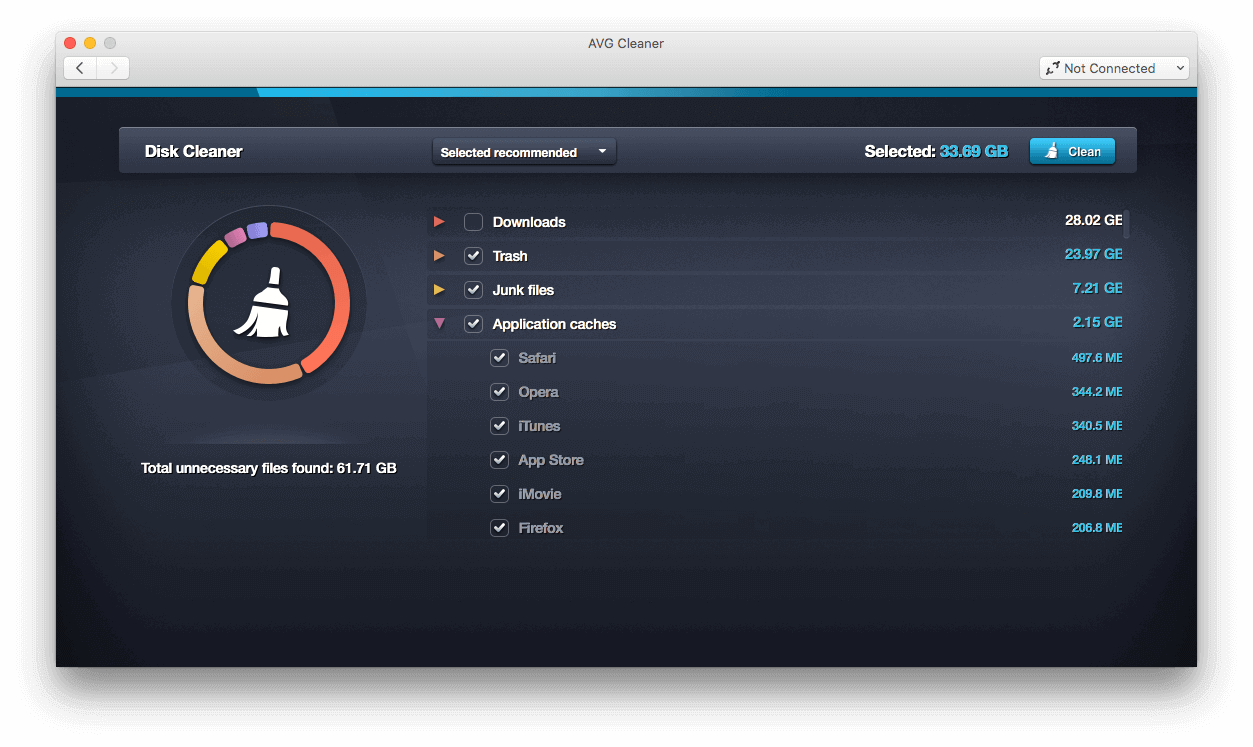
First, let’s stop at AVG Cleaner storage cleaner review, as one of the main features of AVG Cleaner is clearing cache on Mac, which implements its ability to detect and remove junk files that accumulate over time. These include temporary files, outdated cache, broken downloads, and leftovers. In other words, AVG Cleaner scans your Mac for unnecessary data you don’t pay attention to.
At first glance, these files may seem harmless, but as they pile up, they can consume a lot of storage space and clutter your system. AVG Cleaner identifies unnecessary data and safely removes it from your Mac, keeping your device more organized.
For my Mac, one of the main reasons for low storage space is duplicate files. I’m sure you share my pain. While AVG Cleaner isn’t the best duplicate file finder for Mac, it can still help to deal with useless copies that eventually take up storage space.
This tool scans your Mac for duplicates across different folders, including duplicate pictures, documents, videos, and music files. This feature is especially useful if you are used to transferring files between your devices or storing lots of media files.
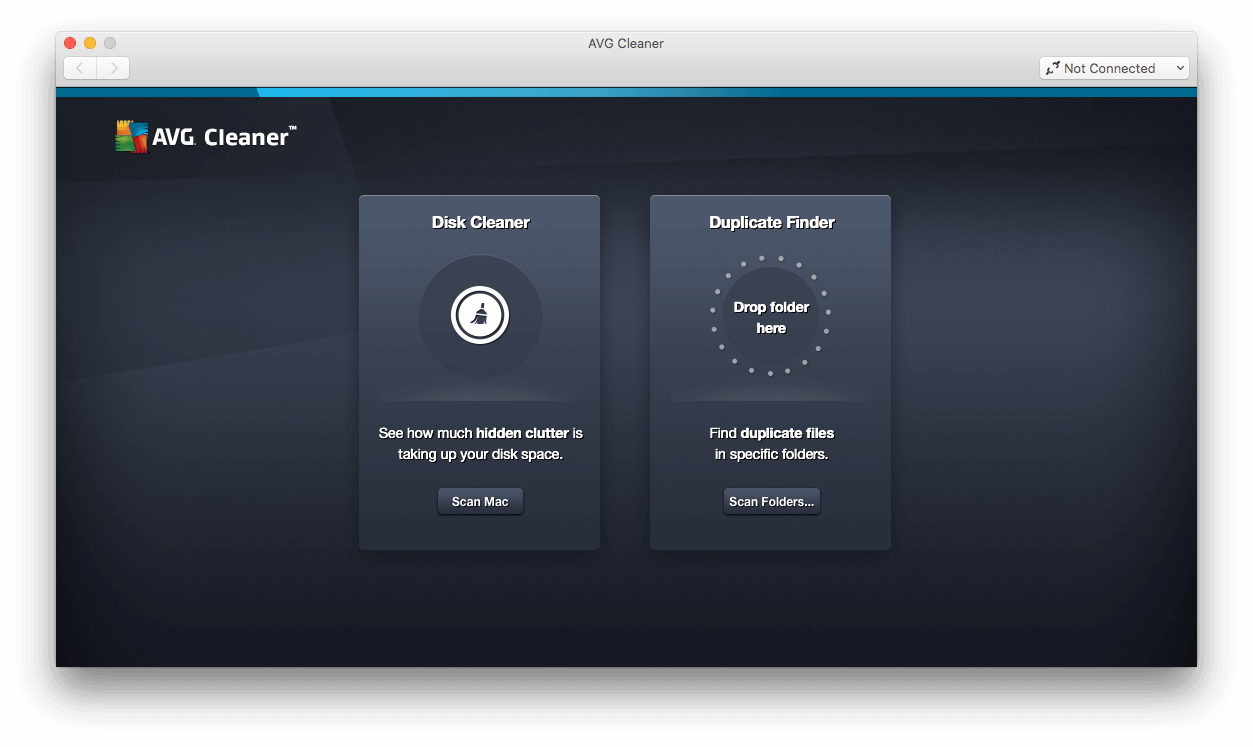
To find identical files on your Mac, launch AVG Cleaner and choose the Duplicate Finder tool.
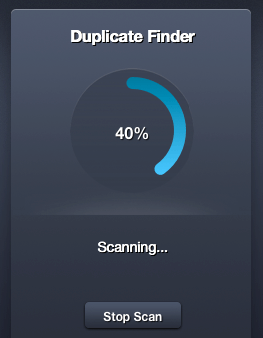
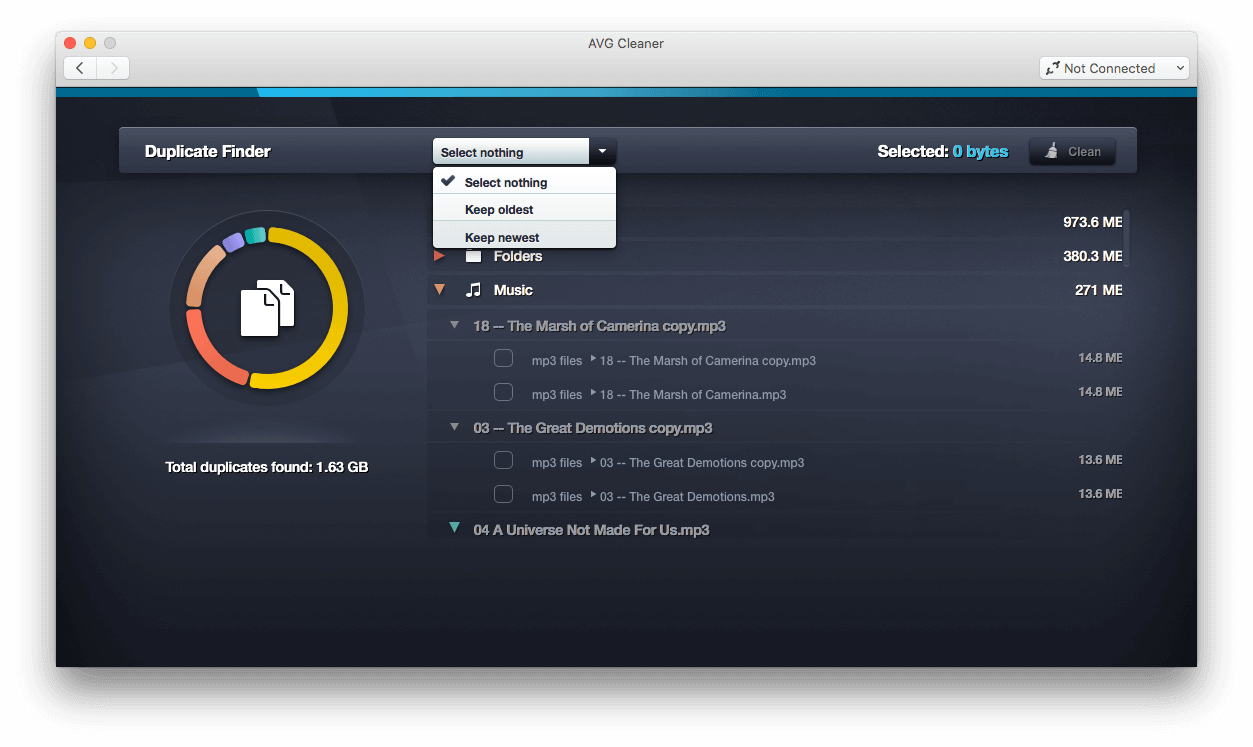
Step 1. AVG Cleaner > Duplicate Finder > Start ScanStep 2. Wait for the scan resultsStep 3. Select unnecessary duplicates
Photo cleanup and similar image detection
Usually, most duplicate files are found among images, so this type of data is worth special attention. AVG Cleaner helps to optimize your photo library by scanning for duplicate photos, screenshots, and low-quality images that aren’t useful anymore.
I want to remind you that instead of removing detected duplicates automatically, AVG Cleaner lets you review the results and decide which files need to be deleted.
Browser cleaning
AVG Cleaner also includes a browser-cleaning tool for removing browsing data such as caches, cookies, and browsing history, which occupy a lot of storage space over time. Besides freeing up space, this tool also helps to maintain a more private browsing experience by clearing the information about your online activity.
Automatic maintenance
One more useful feature of AVG Cleaner is Automatic maintenance. You don’t need to clean your Mac manually every time its storage is running low, as the app makes cleanup automatically in the background every 7 days.
This option periodically scans your system for unnecessary data, such as temporary files, cache, and leftovers, keeping your Mac clean without your constant input.
User experience and interface
One of the reasons why AVG Cleaner is popular among Mac users is its simplicity and user-friendly interface. The tool isn’t overloaded with technical settings and complicated menus. Instead, it focuses on making storage optimization easy and accessible for all users, including people with no technical experience. All features are logically separated into categories, so you can easily find the tool you need.
The scanning process takes just a few clicks, while the results are displayed in an easy-to-understand format. To get more details, check the AVG Ultimate review for Mac.
Performance impact
AVG Cleaner was designed to remove unnecessary files from your Mac without significantly affecting your system’s resources. In most cases, the app works quietly in the background, so you won’t notice any major slowdowns during scans. However, after the cleanup, you may experience improved responsiveness and smoother overall performance thanks to the freed-up storage space.
Pricing and subscription plans
AVG Cleaner offers a free version for Android, though it contains ads and some feature limitations. You can upgrade your subscription to AVG Cleaner Pro to remove ads and unlock unlimited access to all features, such as advanced tools and automatic maintenance. The app also offers a 30-day free trial of the Pro subscription. After the trial period, the subscription costs $ 59.88 for the first year ($ 4.99 per month).
As for the Mac version, AVG Cleaner provides free AntiVirus that helps protect your Mac from viruses, malware, and ransomware. However, most cleaning and optimization features are available in a paid subscription. To access all features, you need to buy the premium version, which costs $ 65.99 for the first year ($ 5.50 per month).
Pricing and subscription plans for Mac versions of AVG Cleaner
Pros of AVG Cleaner
Let's highlight the main peculiarities of AVG Cleaner:
Its simplicity and user-friendly interface make the tool accessible for all users, including people with no technical experience.
Automatic maintenance is available, making the cleanup and scanning process effortless for users.
Instead of automatically deleting files, it allows users to review the results first, reducing the risk of accidentally deleting important files.
Cons of AVG Cleaner
AVG Cleaner also has some drawbacks you need to be aware of:
The free version has limited functionality.
AVG Cleaner mainly focuses on basic storage cleanup, rather than a deep overall system optimization.
The subscription price increases significantly after the first year of use.
Final verdict
According to AVG Cleaner app review, you know that AVG Cleaner is a simple cleanup tool with a clear interface, and is an excellent choice for users who are looking for an easy way to free up storage space and reduce digital clutter. Although the app isn’t focused on a deep system optimization, it’s still a worthwhile solution for users with little technical experience.
However, if you want a more advanced Mac optimization experience, consider trying MacKeeper’s Safe Cleanup. It offers not only junk removal, but also privacy protection and overall performance optimization.
We respect your privacy and
use cookies
for the best site experience.
Privacy Preferences Center
We use cookies along with other tools to give you the best possible experience while using the
MacKeeper website. Cookies are small text files that help the website load faster. The cookies we
use don’t contain any type of personal data meaning they never store information such as your
location, email address, or IP address.
Help us improve how you interact with our website by accepting the use of cookies. You can change
your privacy settings whenever you like.
Manage consent
All cookies
These cookies are strictly necessary for enabling basic website functionality (including page
navigation, form submission, language detection, post commenting), downloading and purchasing
software. The website might malfunction without these cookies.