






The good thing is, you don't need any third-party software to uninstall MacKeeper. Here, you can learn how to easily remove MacKeeper from your system for good.
Before you delete MacKeeper
Remember that the instructions to follow depend on your MacKeeper version. Here’s your must-do checklist before you uninstall the app:
1. Check your MacKeeper version. To do this, open it and in the top menu go to MacKeeper > About MacKeeper

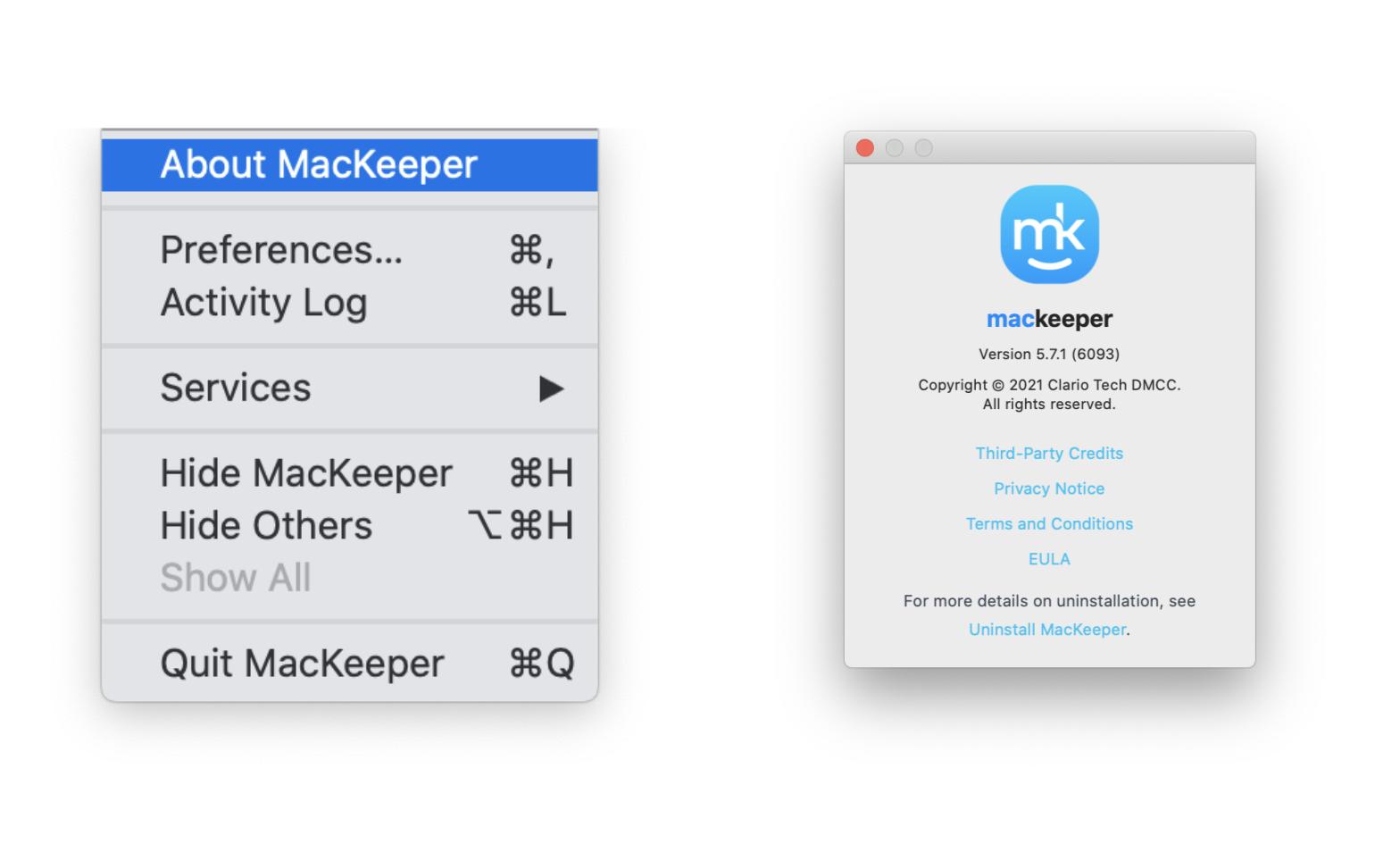
Important note:
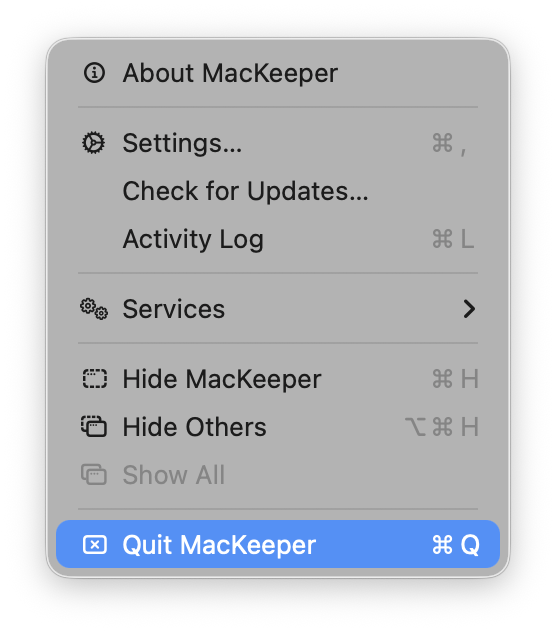
If you close the app through the MacKeeper's Dashboard instead of using the top-left menu, the uninstallation process won’t complete properly. You’ll need to relaunch MacKeeper and then quit it from the top-left menu to ensure the uninstallation proceeds as expected.
2. Make sure you have admin rights and know your Mac admin password
Once you know your MacKeeper version and Mac password, just head to the right simple guide for you:
- Uninstall MacKeeper 7
- Uninstall MacKeeper 6
- Uninstall MacKeeper 5
- Uninstall MacKeeper 4
- Uninstall MacKeeper 3
How to remove MacKeeper 7
- Quit MacKeeper. Press and hold Command (⌘) and Q or navigate to the top-left menu.
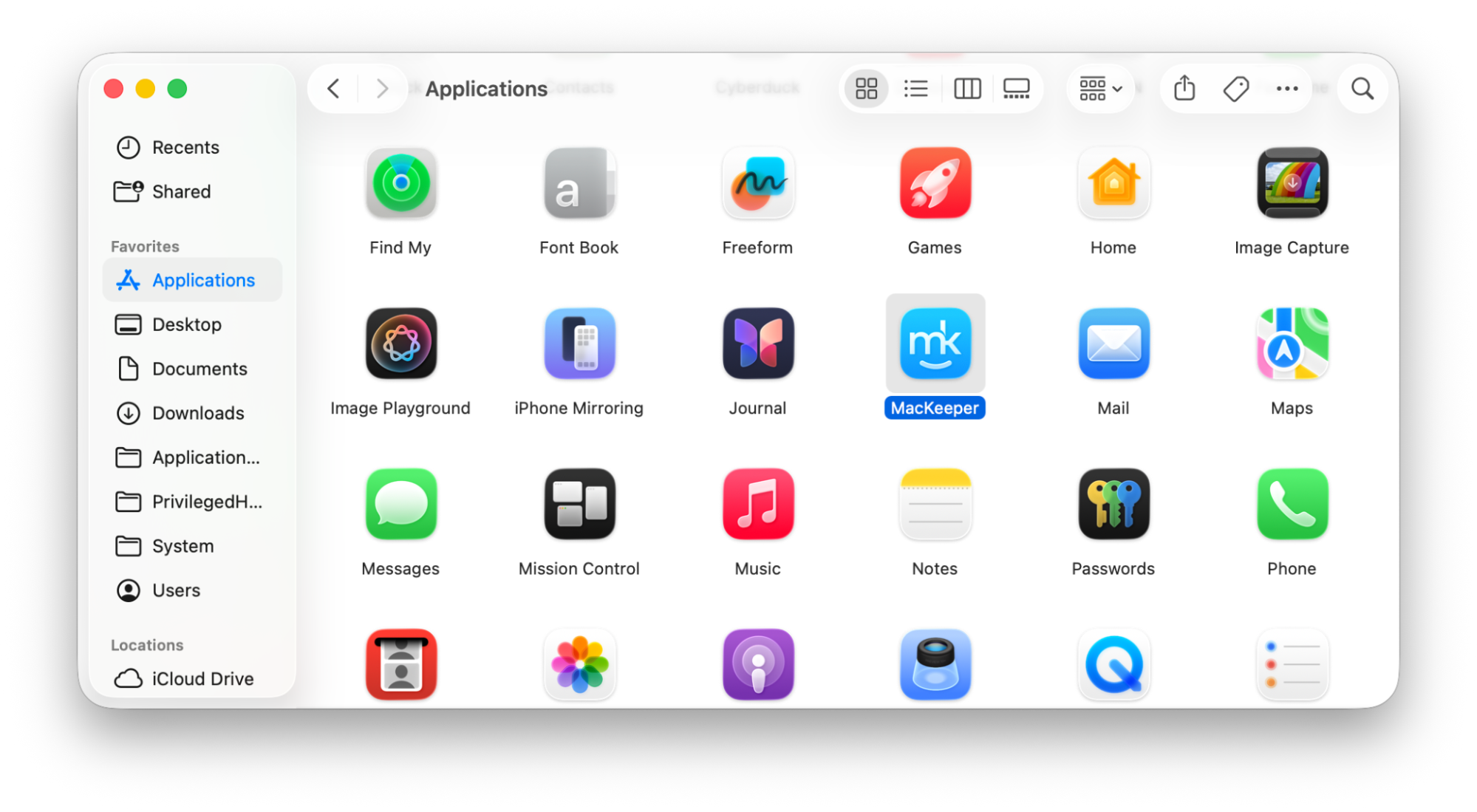
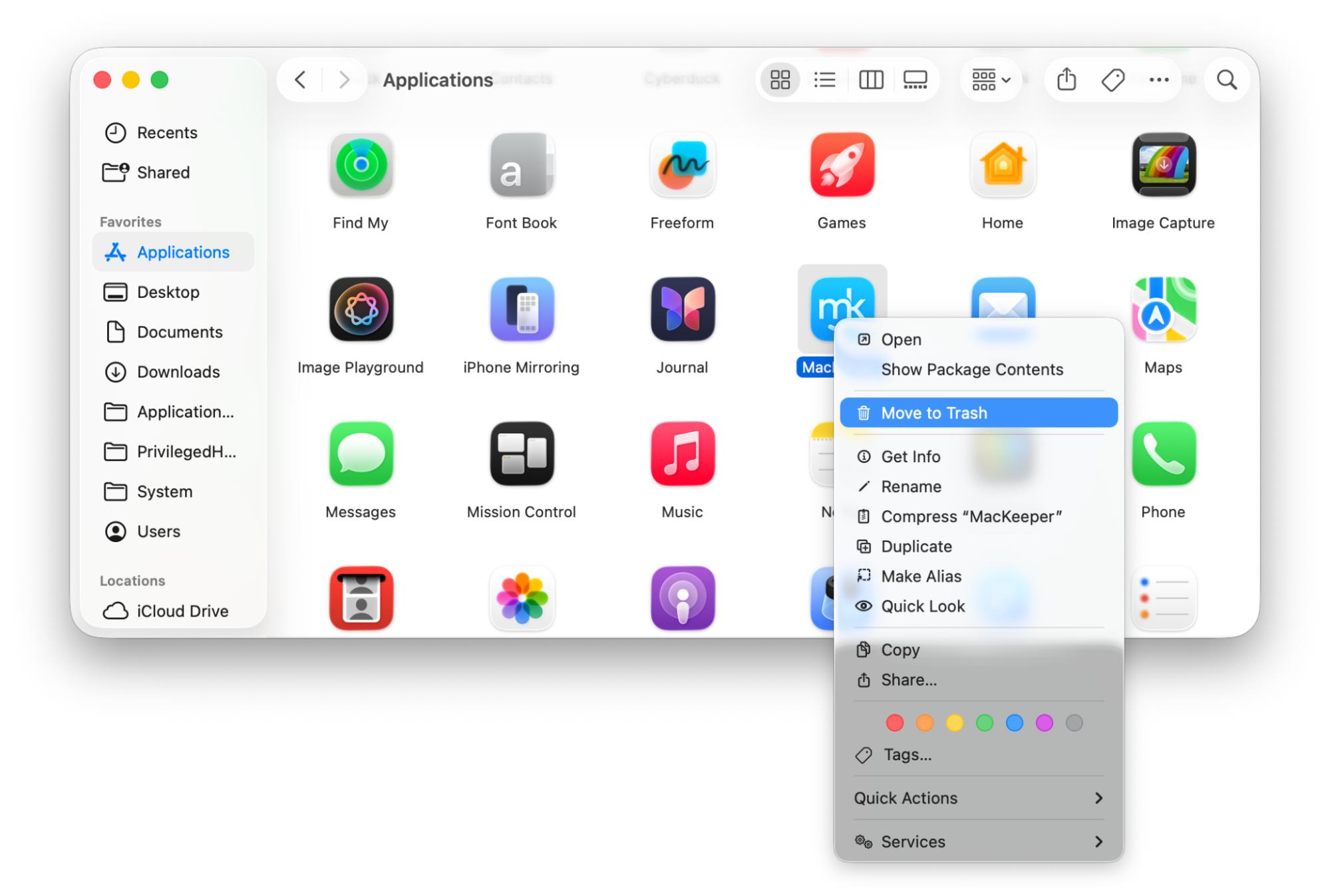
- Go to Finder > Applications and find MacKeeper.
- Drag the MacKeeper icon to Trash or double-click it and choose Move to Trash.
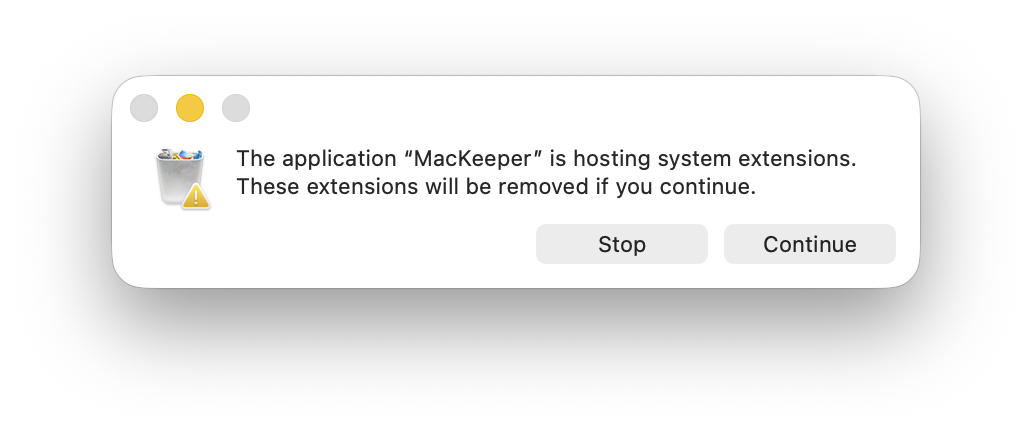
- When you see a confirmation pop-up window, click Continue.
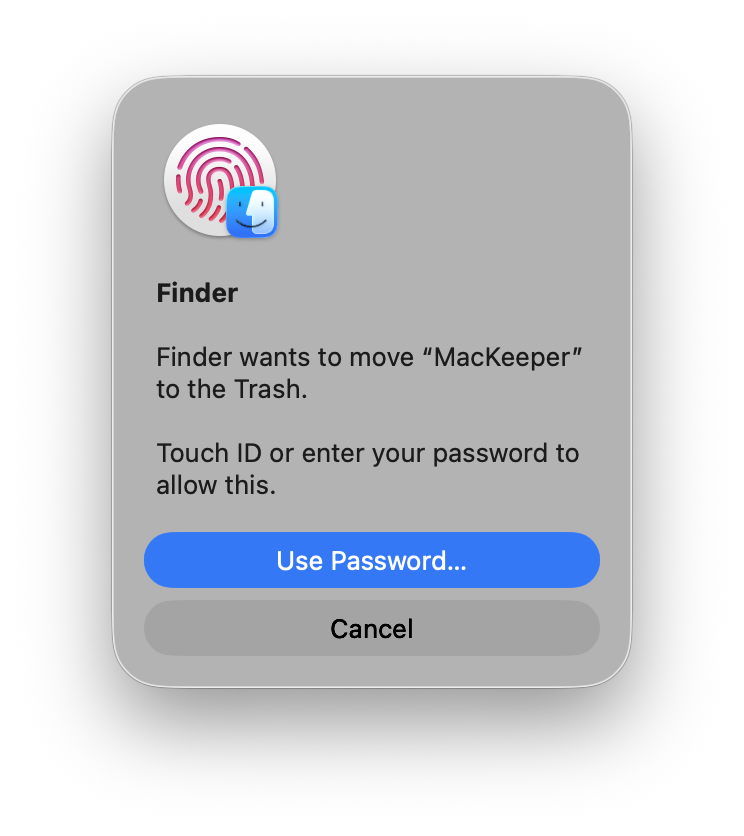
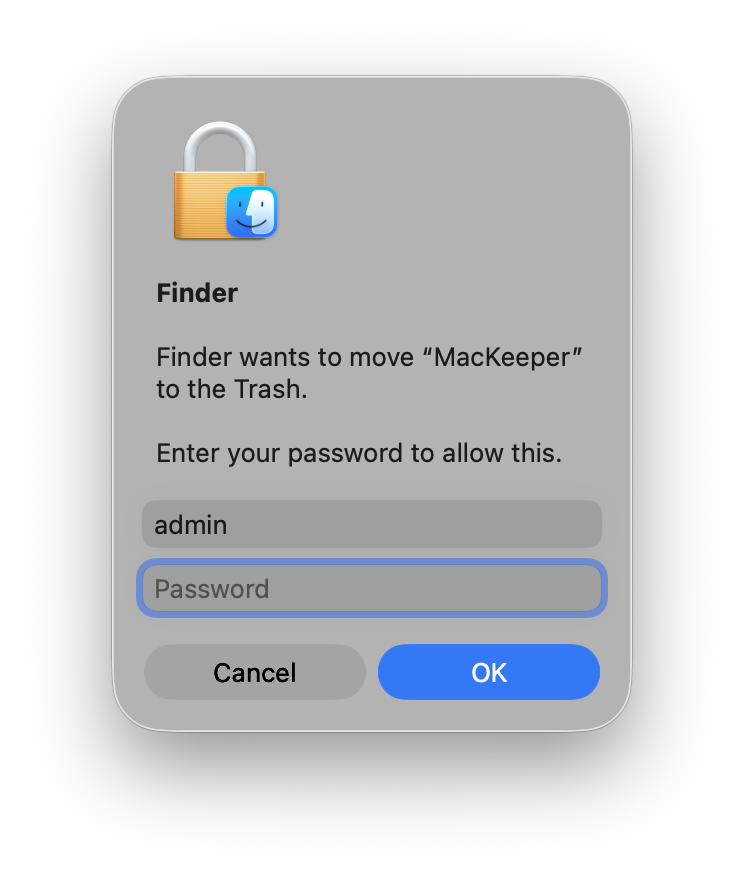
- Confirm deletion with Touch ID or the admin's password.
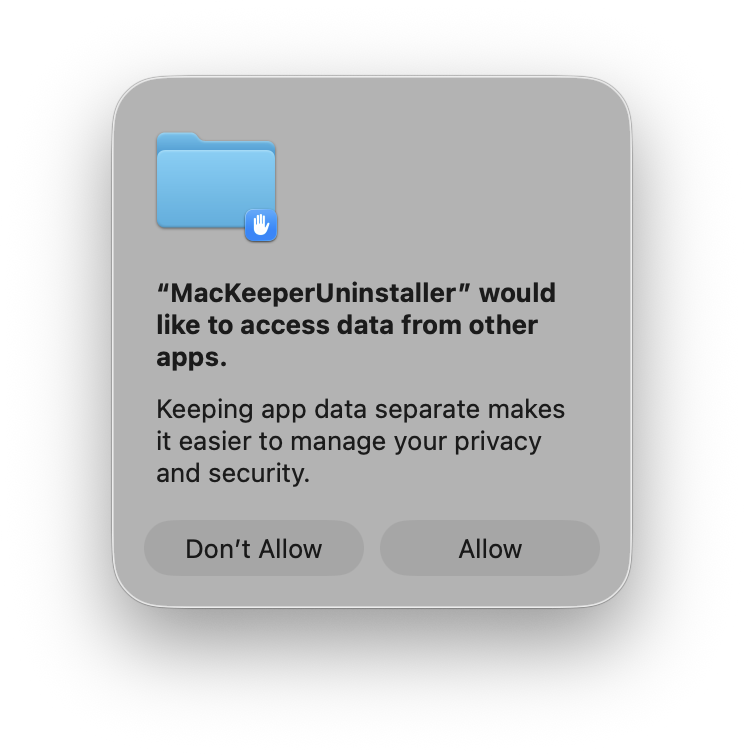
- Click Allow when MacKeeperUninstaller requires permission
Important note:
This window appears only on newer macOS versions if you have installed the MacKeeper StopAd Extension in Safari. MacKeeperUninstaller doesn't have full disk access, so the system requires permission to delete all MacKeeper-related files.
How to remove MacKeeper 6
1. Press and hold Command (⌘) and Q to quit MacKeeper
2. Go to Finder > Applications
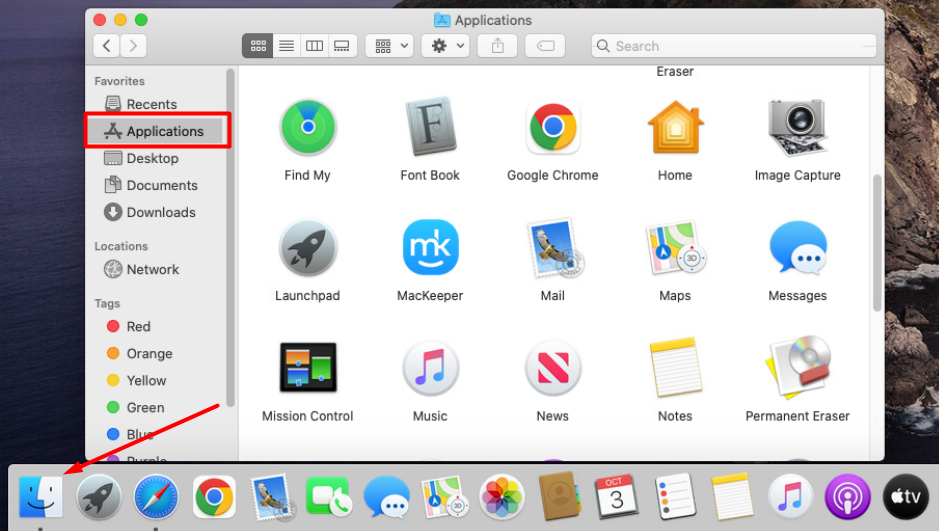
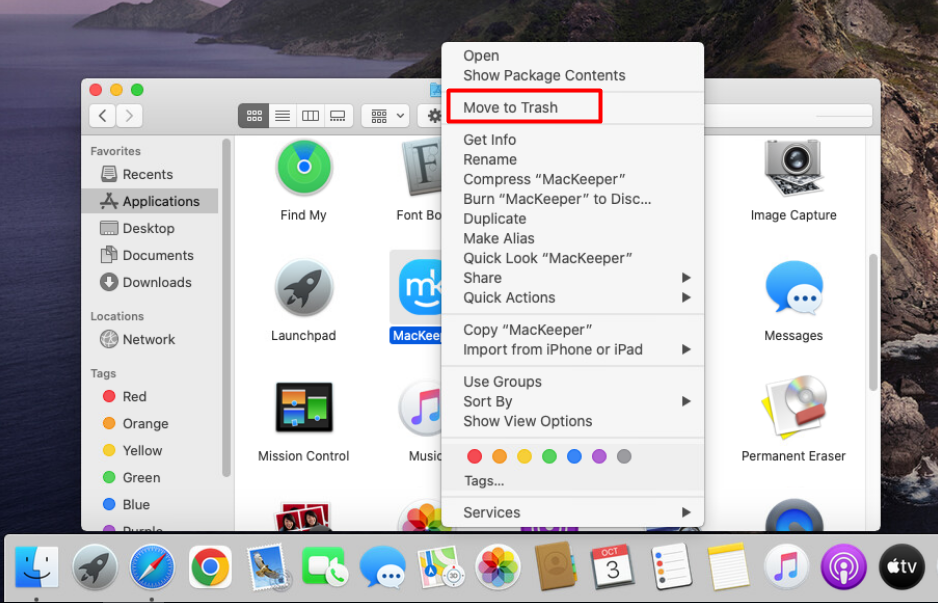
3. Drag the MacKeeper icon to Trash or double-click it and choose Move to Trash
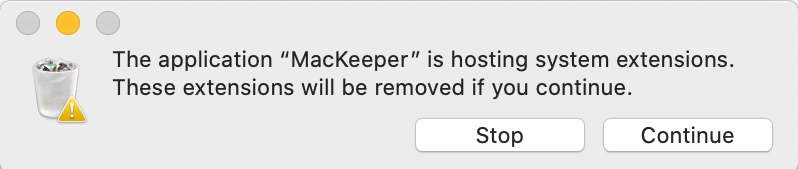
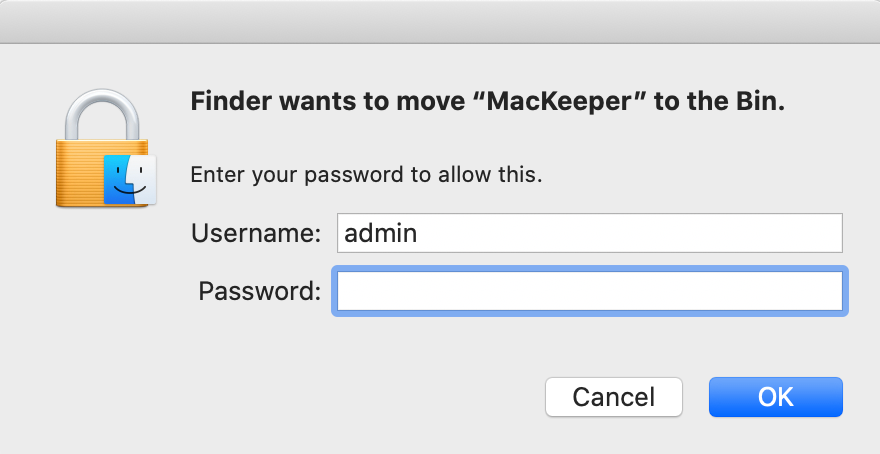
4. When you see a confirmation pop-up window, click Continue
5. Enter your admin password, then click OK
How to remove MacKeeper 5
1. Press Command (⌘) and Q to quit MacKeeper
2. Go to Finder > Applications
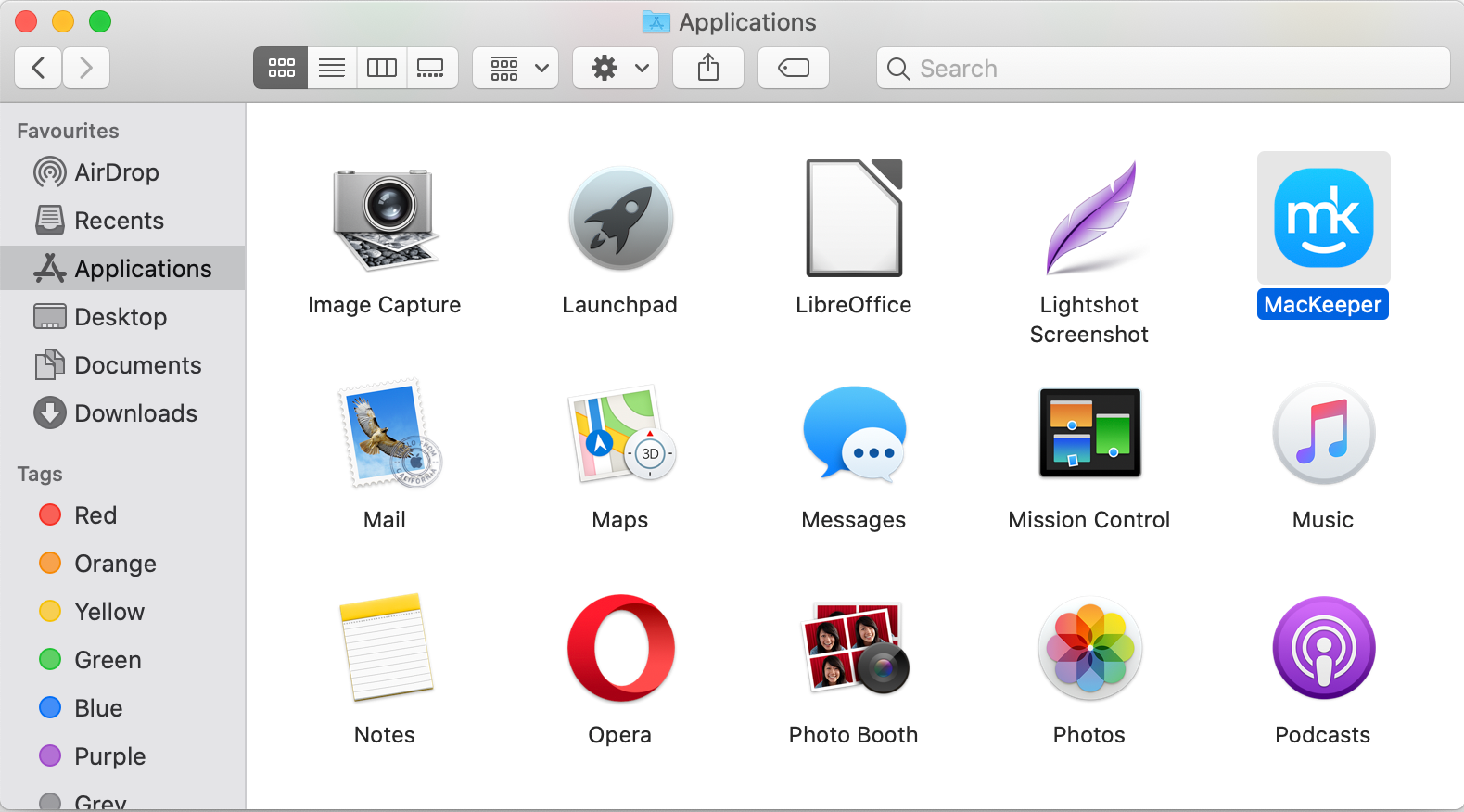
3. Drag the MacKeeper icon to Trash
4. If you see a system extension window, click Continue
5. Enter your Mac admin password, then click OK
To completely uninstall MacKeeper, you’ll need to delete any leftover files as well:
1. Open Finder > Go > Go to Folder
2. Copy and paste these paths one by one
- ~/Library/Application Support/MacKeeper
- ~/Library/Application Support/com.mackeeper.MacKeeper
- ~/Library/Application Support/com.mackeeper.MacKeeperAgent
- ~/Library/LaunchAgents/com.mackeeper.MacKeeperAgent.plist
- ~/Library/Caches/com.mackeeper.MacKeeper
- ~/Library/Caches/com.mackeeper.MacKeeperAgent
3. Drag all files in those folders to the Trash
4. Empty Trash, then restart your Mac
How to get rid of MacKeeper 4
1. Press Command (⌘) and Q to quit MacKeeper
2. Go to Finder > Applications
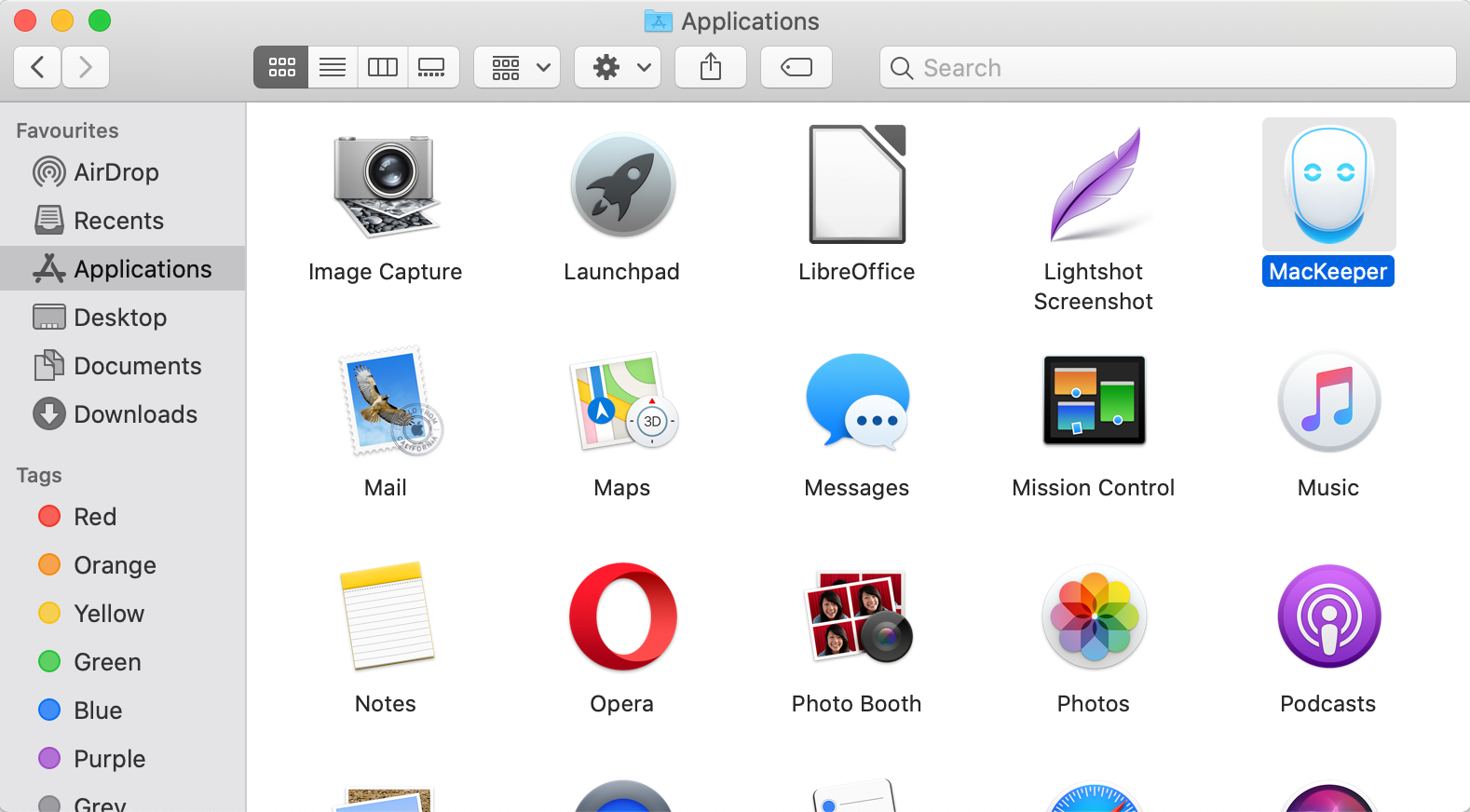
3. Drag the MacKeeper icon to Trash
4. Enter your Mac admin password, then click OK
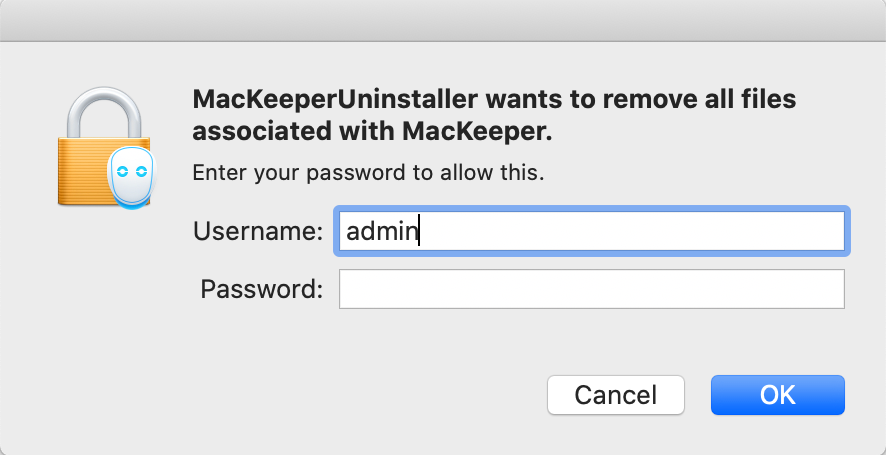
5. Complete the optional uninstall survey in your browser

6. Empty Trash and restart your Mac
How to uninstall MacKeeper 3
Note: Before removing any MacKeeper 3.X version, please keep in mind that:
- You need to decrypt any files you’ve hidden with the Data Encryptor feature. Otherwise, you won’t be able to access them without MacKeeper.
- Any backups made with the Backup feature remain on your Mac and are accessible even after the MacKeeper uninstallation
To delete MacKeeper 3 from your Mac:
1. Quit the MacKeeper app
2. Go to Finder > Applications and drag the MacKeeper icon to Trash
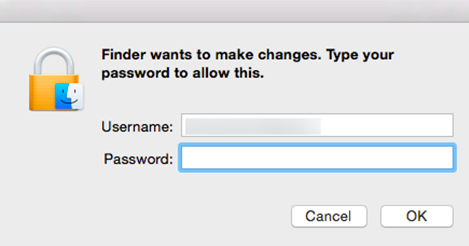
3. Enter your Mac admin password in the notification box to confirm
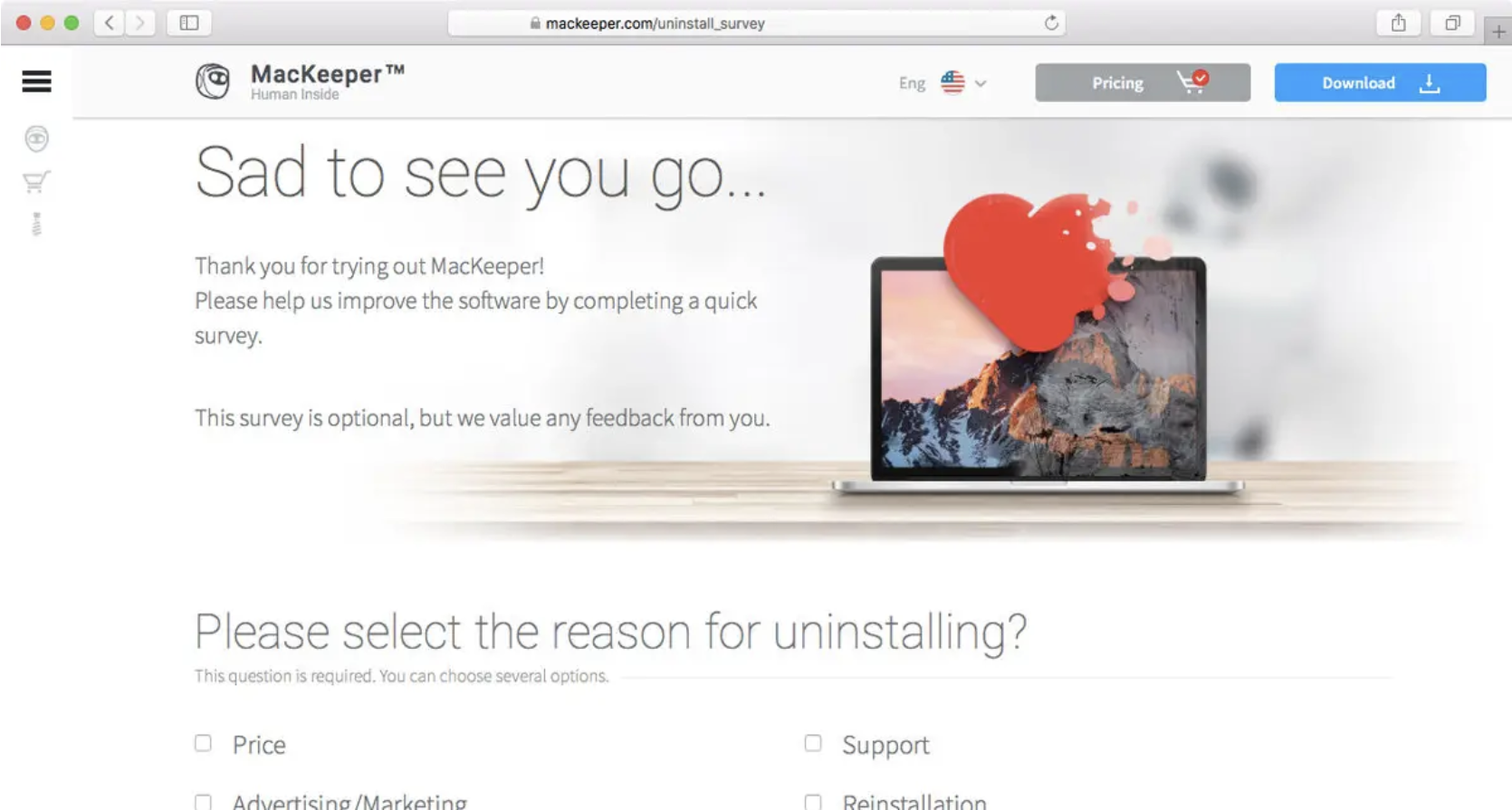
4. Complete the optional uninstall survey that automatically opens in your browser
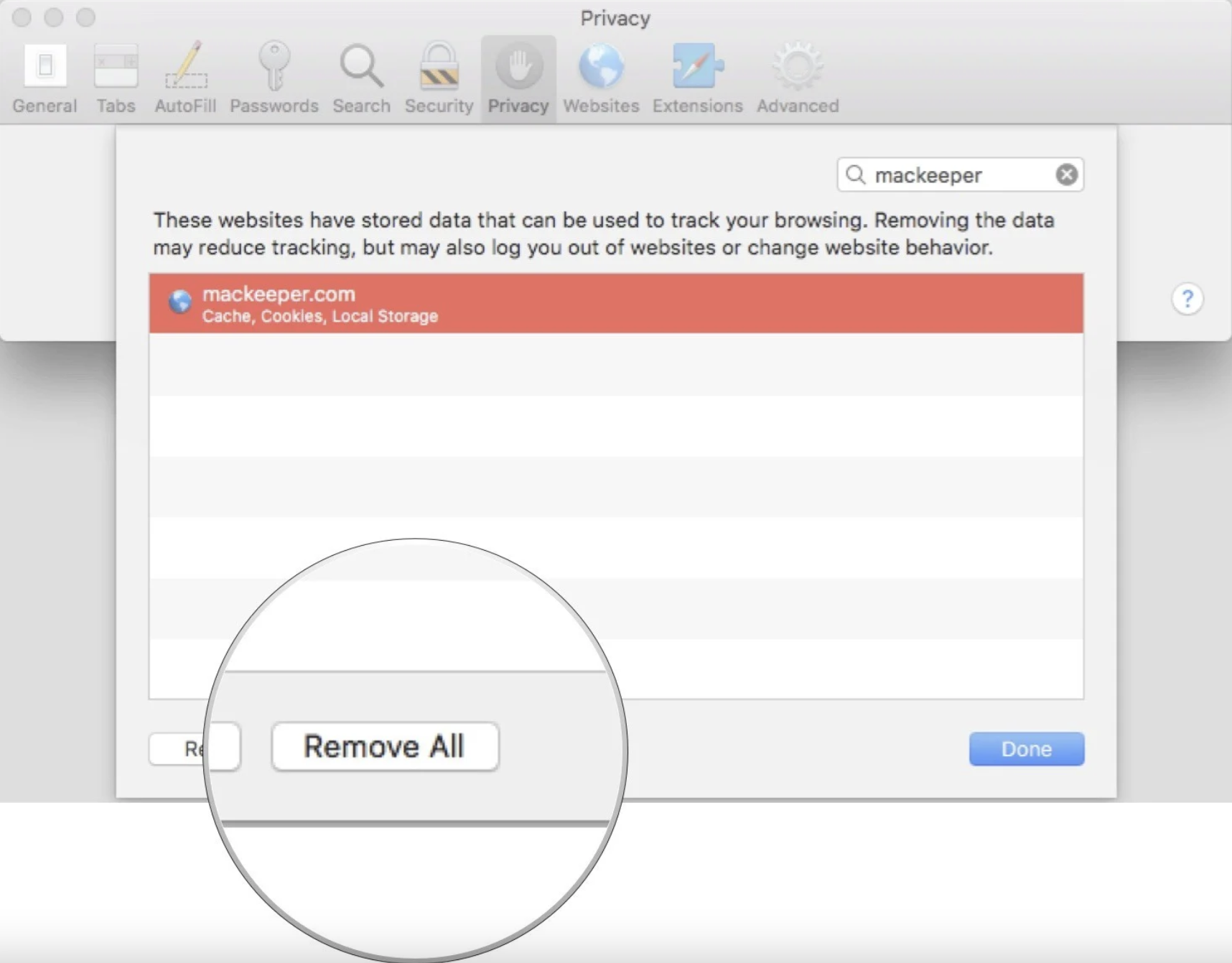
5. Open Safari and go to Preferences > Privacy, then type MacKeeper in the search box and click Remove All
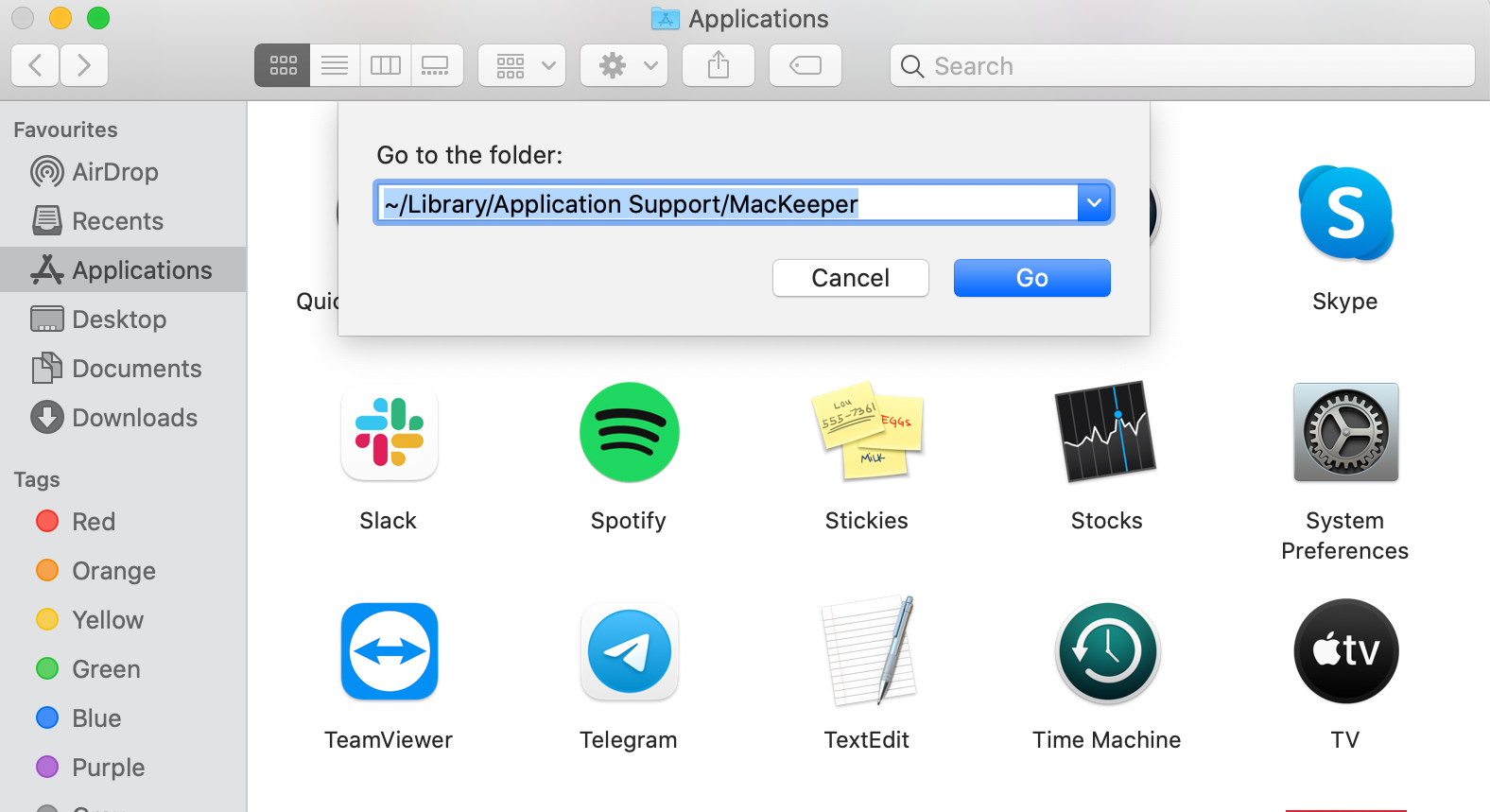
To completely uninstall MacKeeper 3, you’ll need to delete any leftover files as well:
1. Open Finder > Go > Go to Folder
2. Copy and paste these paths one by one
- ~/Library/Application Support/MacKeeper
- ~/Library/Application Support/com.mackeeper.MacKeeper
- ~/Library/Application Support/com.mackeeper.MacKeeperAgent
- ~/Library/LaunchAgents/com.mackeeper.MacKeeperAgent.plist
- ~/Library/Caches/com.mackeeper.MacKeeper
- ~/Library/Caches/com.mackeeper.MacKeeperAgent
3. Drag all files in those folders to the Trash
4. Empty Trash and restart your Mac
How to remove MacKeeper ad preferences
MacKeeper is deleted after you follow the above steps. You shouldn’t see any ads, but to make sure you don’t, we also recommend clearing your Safari Preferences:
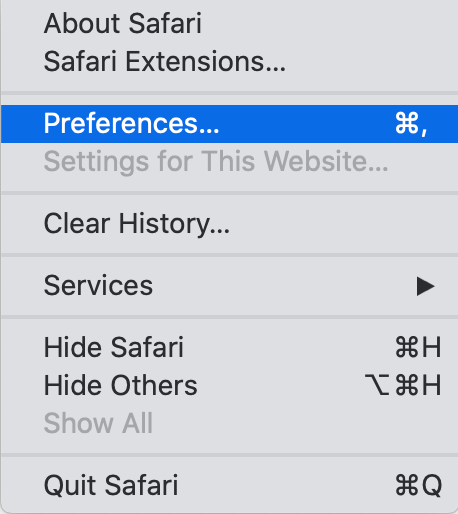
1. Open Safari
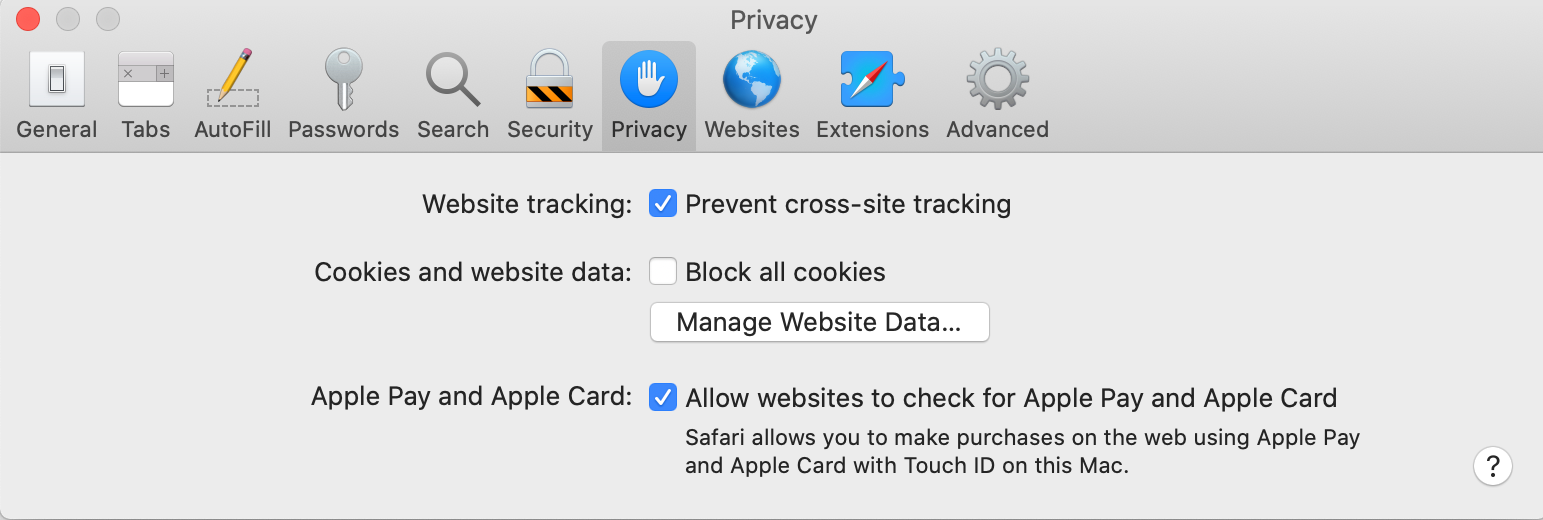
2. Go to Preferences > Privacy
3. Type MacKeeper in the search box
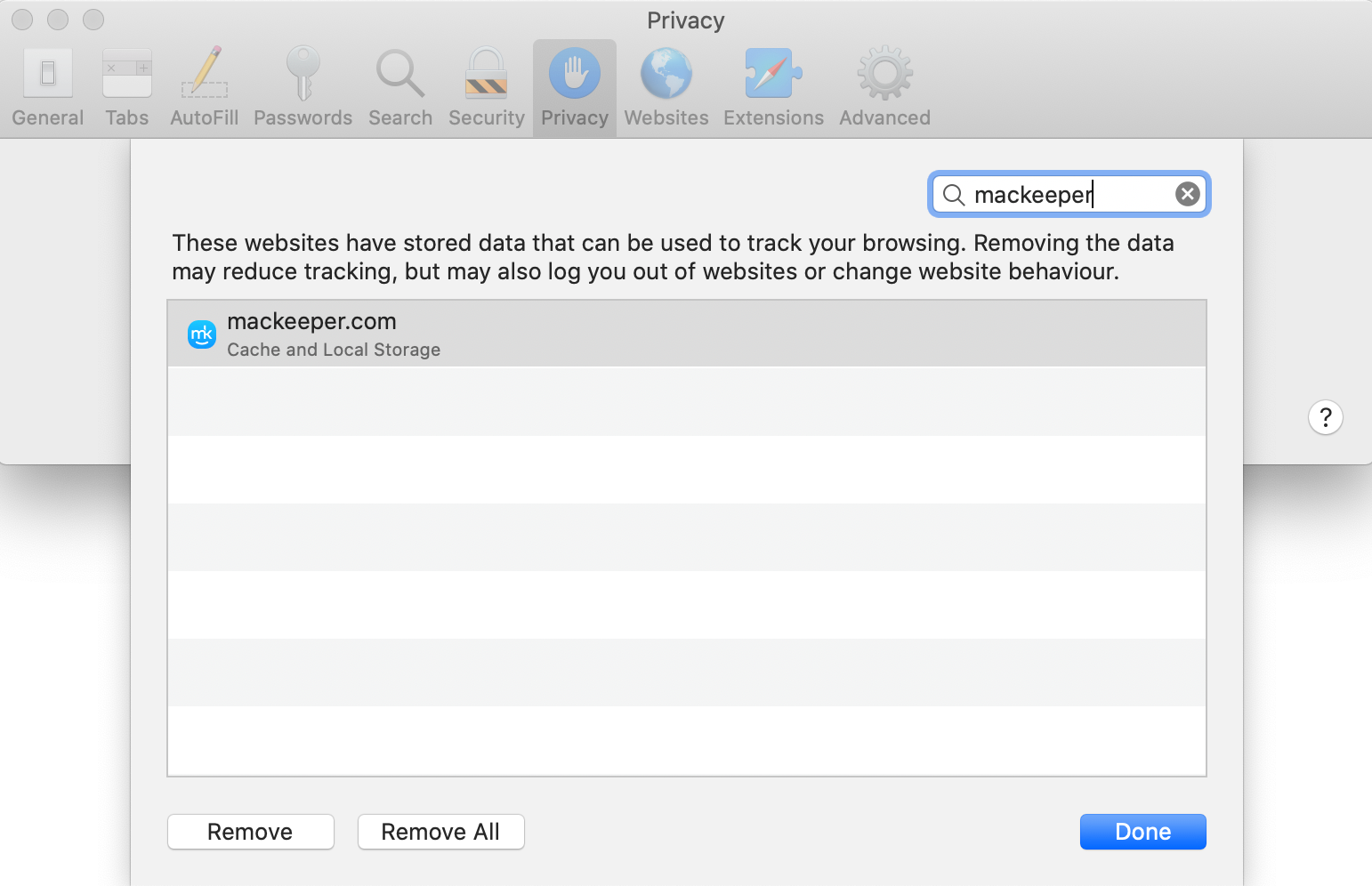
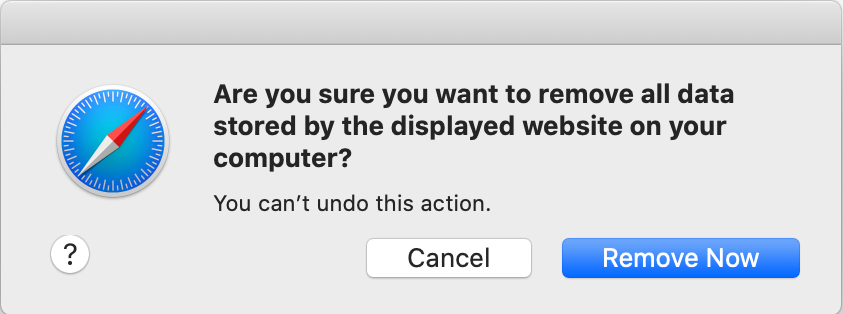
4. Click Remove All and hit Remove Now to confirm